Canva Banner Fonts: 19 Bunting, Ribbon, Bold Block and Retro Styles for Party Banners, Shop Signs and Social Media Headers
A banner has one job: to be read from across a room, a street or a scrolling feed in under a second. That rules out…
Get free and premium fonts for tattoos, cards, weddings and branding — 260,000+ on Creative Fabrica. Get free fonts →
278,000+ fonts on Creative Fabrica. Explore fonts
Fonts from Creative Fabrica that you can upload to Canva, sorted by style: aesthetic, cursive, cute, Y2K, Christmas and font pairs for social posts, planners, printables and shop graphics.
Read the full guide ↓
A banner has one job: to be read from across a room, a street or a scrolling feed in under a second. That rules out…
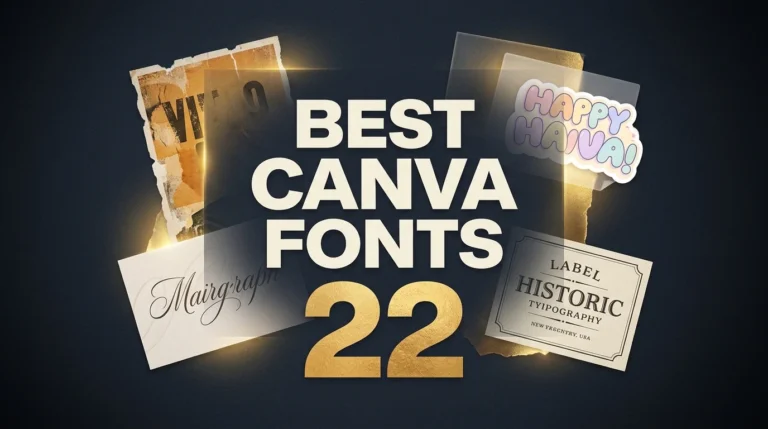
Canva’s built-in font menu is huge, but after a while every flyer, story and planner page starts to look like everyone else’s. The quickest fix…
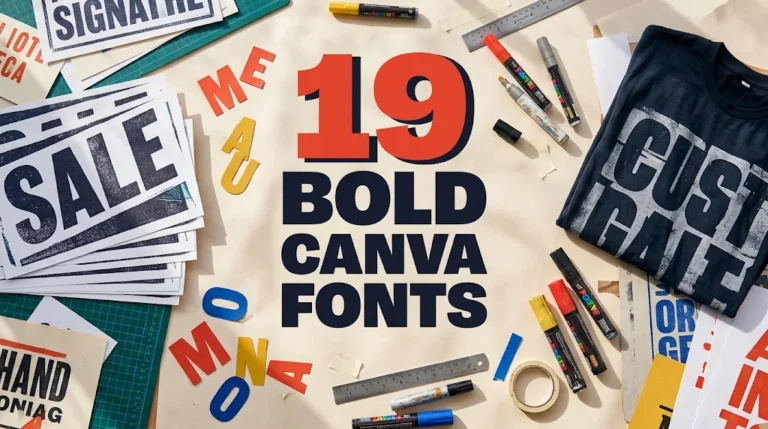
A bold font does most of the work in a Canva design. One heavy word on a banner, a shirt or a Story stops the…
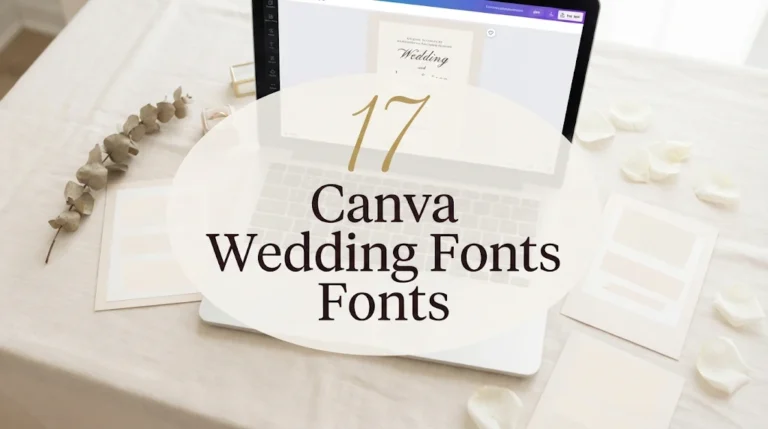
Wedding stationery is mostly done in Canva now: invitations, save the dates, welcome signs, menus and the little Instagram stories that announce all of it….
A logo is usually the first thing people see of a small business, and in Canva most people build it from the same built-in fonts….
Handwriting fonts are the quickest way to make a Canva design feel made by a person rather than by a template. The catch is that…
Canva’s built-in playful fonts show up on every second birthday invite and bake sale flyer, so the same few shapes keep repeating. Uploading your own…
If you searched for free Canva fonts, you probably want something that looks more personal than the fonts every other template already uses, without paying…
Elegant fonts are the fastest way to make a Canva design look like it came from a studio. A thin serif on a skincare label,…
Cool fonts are the quickest way to give a Canva design some attitude. A graffiti tag turns a plain shirt into streetwear, a groovy retro…
Canva’s built-in library is the reason so many templates look alike. The same scripts and the same clean sans show up on every quote post, planner cover and sale banner. Uploading your own fonts is the quickest way to make a design look like yours and not like the template it started from.
Every collection in this category is built around that idea: fonts from Creative Fabrica, sorted by style and by the job they do in Canva. Some articles cover one look, like cute, Y2K or aesthetic. Others cover one season or one task, like Christmas cards or headline and body pairs.
Quick check: before you upload a font, type your real text in the preview on the font page: the actual headline, name or sale line. If it reads well at the size you need on a phone screen, it will work in your Canva design.
| Style | Best For | What To Check |
|---|---|---|
| Aesthetic (soft serif, beauty sans) | Instagram stories, beauty brands, mood boards | Thin strokes stay visible on light beige backgrounds |
| Cursive and signature script | Names, quotes, logos for small brands | Capital letters stay readable in short words |
| Cute and kawaii | Planners, teacher printables, kids’ party banners | Rounded letters keep their gaps at small sizes |
| Y2K (bubble, chrome, pixel) | Shirts, party flyers, retro social posts | The style works without heavy effects added in Canva |
| Christmas and holiday | Cards, invitations, December shop promos | Decorative extras don’t crowd short words |
| Font pairs | Whole templates: headline plus body text | Body font is plain enough for longer lines |
For a full upload starter set, start with the main collection: aesthetic, cursive, Y2K and gothic styles in one place.
33 Canva Fonts to Upload: Aesthetic, Cursive, Y2K & Gothic
For soft, beige, “clean girl” feeds, look at serif and sans fonts with gentle contrast and signature scripts for accents.
Canva Fonts Aesthetic: 28 Soft Serif, Sans and Script Styles
For names, quotes and handwritten notes, pick a cursive that stays readable when the word is short.
Canva Cursive Fonts: 26 Script Styles to Upload to Canva
For whole templates, pair one statement font for headlines with a calm font for everything else.
Canva Font Combinations: 23 Pairs for Logos, Weddings and Posters
Planners and classroom printables need friendly, rounded letters that hold up when printed small.
Cute Canva Fonts: 29 Styles, 5 Free, for Banners & Planners
Shirts and party flyers with a 2000s look need bubble, chrome or pixel letters that stand out from a distance.
Y2K Canva Fonts: 25 Bubble, Chrome and Pixel Styles to Upload
Holiday cards and December promos need fonts that feel festive in one or two words.
27 Canva Christmas Fonts to Upload: Script, Serif & Cute
| Term | What It Means | Where It Shows Up |
|---|---|---|
| Built-in font | A font that already comes with Canva | Body text, simple layouts |
| Uploaded font | A font file you add to Canva yourself | Headlines, logos, signature looks |
| Font pair | Two fonts used together: one for headlines, one for text | Templates, posts, printables |
| Script vs cursive | Script is the wider family; cursive has letters joined like handwriting | Names, quotes, invitations |
| Display font | A font made for big text, not long paragraphs | Banners, covers, shirt designs |
Using a decorative font for body text. Bubble, Y2K and fancy scripts are built for a few words. In a paragraph they slow reading down.
Mixing too many uploaded fonts. Three statement fonts on one slide fight each other. One expressive font plus one calm font is usually enough.
Typing script names in all caps. Many cursive fonts are drawn for lowercase. Capitals in a row can look tangled.
Judging the font by the alphabet sheet. A font can look great as A–Z and still break on your actual word.
Tip: keep the uploaded font for the part people should notice first: the name, the sale line, the title. Let a plain built-in font carry the rest.
Built-in fonts appear on countless templates, so designs made with them tend to look familiar. An uploaded font gives your posts, planners and shop graphics a look people don’t see everywhere.
For headlines and short text, almost any style works: script, bubble, serif or display. For longer text, choose a simple, even font and keep the decorative one for titles.
Pick one font with character for the headline and one quiet font for everything else. They should differ clearly, for example a script with a sans, rather than two similar fonts side by side.
That depends on the license of each font. Read the license on the font page before using it in printables, shirts or client work you sell.
Rounded, cute and handwritten fonts with open letter shapes work well because they stay readable when printed small. Check them at the actual print size before you finish the design.
.