Ibis Paint Fonts: 29 Cute, Anime, Y2K and Aesthetic Handwritten Styles for Digital Artists, Fan Art Makers and Comic Creators
ibisPaint is where a lot of fan art, chibi stickers and webtoon panels get made, and the right font is what turns a drawing into a cover, a meme or a finished comic page. This list gathers 29 fonts that suit what people actually make in ibisPaint: cute bubble letters, anime and manga titles, Y2K banners and soft aesthetic handwriting.
This post contains affiliate links. If you buy through them, I may earn a small commission at no extra cost to you.
All fonts in this list are on Creative Fabrica, and a single All Access subscription unlocks every one of them, so you can try several styles before committing to one.
How to Add a Font to ibisPaint
Good news first: ibisPaint lets you add your own fonts. Download the font as a TTF or OTF file (unzip it if it comes in a ZIP), then open the Text tool and follow the app’s built-in “How to Add Fonts” guide, which shows the exact steps for your phone or tablet. On the desktop version you can simply drag the font file into the app, and it appears in the Font List of the Text tool.
One more thing: check the font’s license before you sell art or post commission work made with it. ibisPaint’s own FAQ points users to the terms set by each font’s author.
More cute and playful font collections:
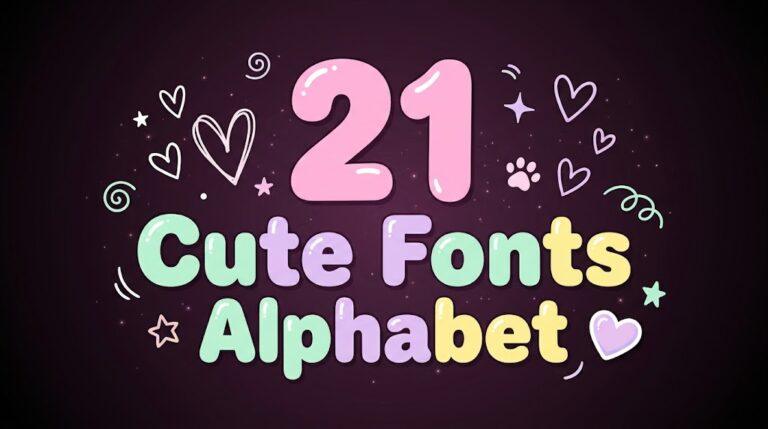
Cute Fonts Alphabet: 21 Bubble, Doodle and Heart Script Styles
Cool Canva Fonts: 24 Graffiti, Groovy, Comic and Grunge Styles
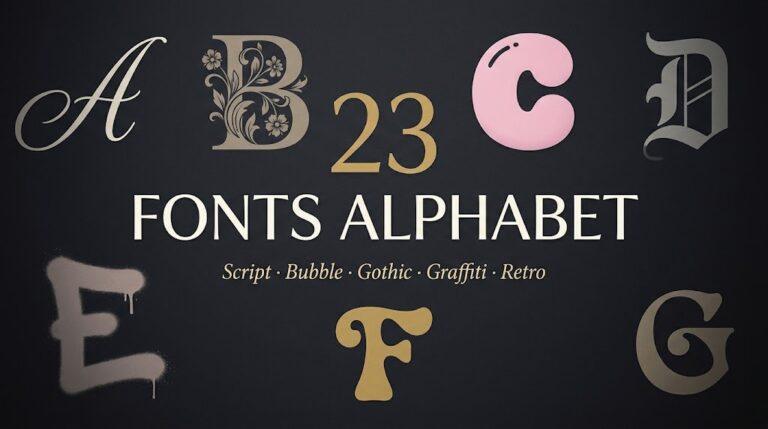
Fonts Alphabet: 23 Script, Calligraphy, Bubble, Gothic and Retro Styles
Cute Fonts
Soft, round and sticker-friendly letters for chibi art, cute captions and fan merch.
1. Stay Bold Font
by airotype
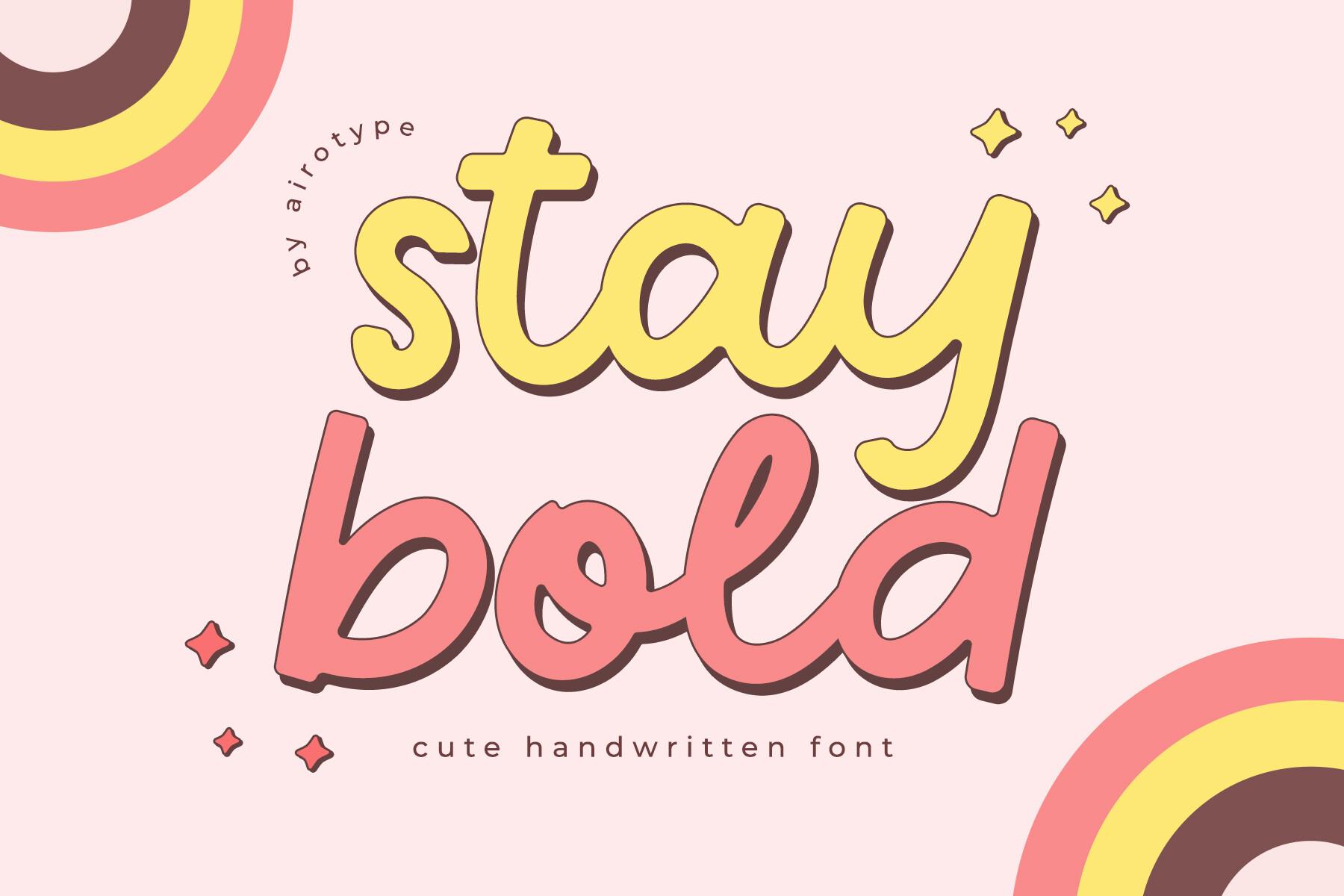
Best For: Sticker text, chibi captions, birthday art
A bold monoline handwriting style with rounded ends and a slight bounce, so every word looks like it was drawn with a thick gel pen. The preview stacks it with a soft drop shadow, which is exactly the trick that makes it pop on a pastel canvas.
Type one or two words, add a white Stroke in the Text tool and a colored offset copy behind it, and you get a ready sticker title. Long sentences get heavy fast, so keep it for short phrases.
2. Groovy Cute Font
by keng graphic
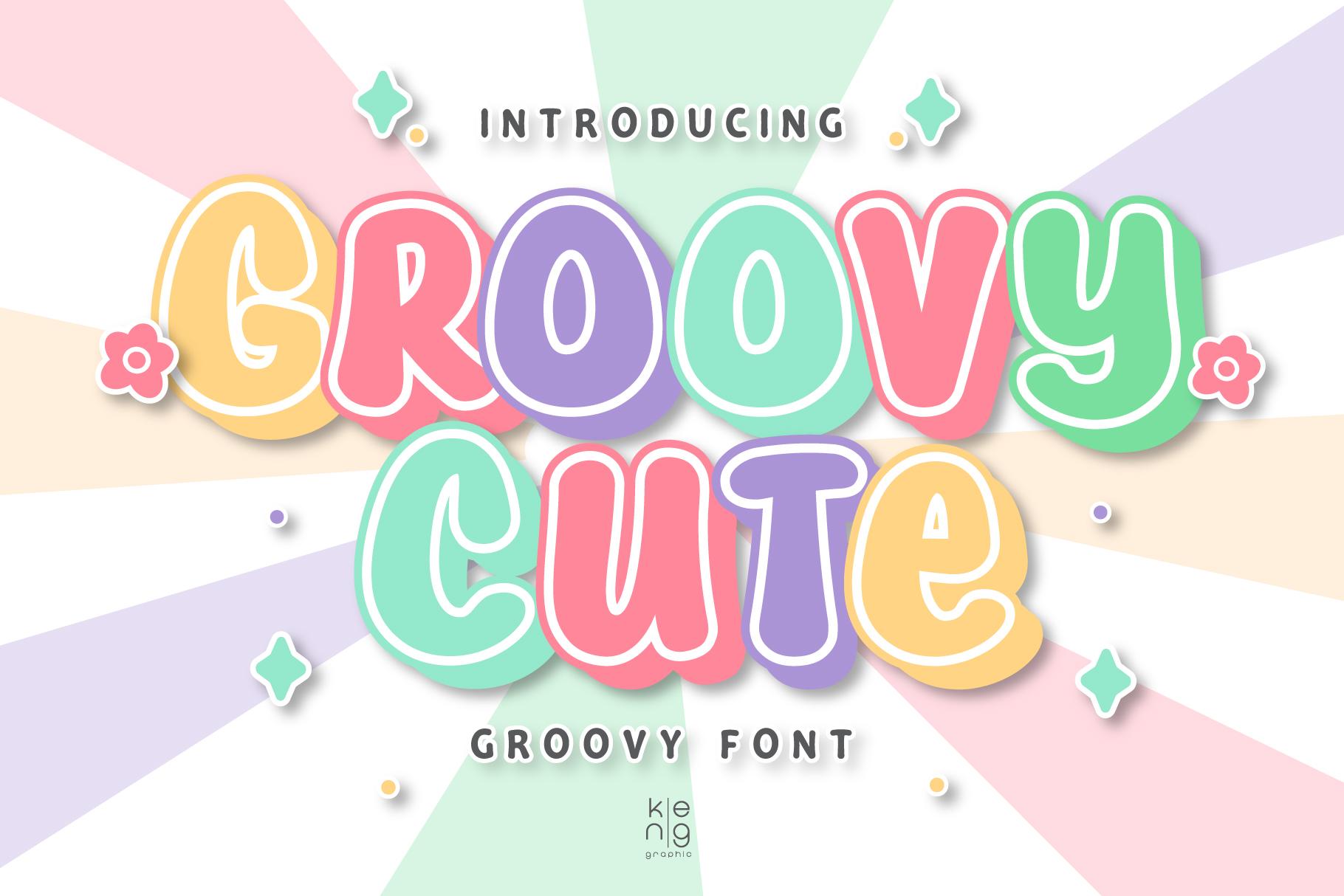
Best For: Bubbly titles, comic-style covers, colorful fan art
Puffy, tightly packed letters with soft corners and a groovy wobble. The designer pitches it for comic book style, game titles and posters, and the preview shows why: each letter reads as its own little balloon.
Give each letter its own color for a candy look, or keep one color and add a thick outline for a cleaner cover title. It needs space around it, so let it sit on a flat color block rather than over busy line art.
3. Preppy Cute Font
by Bassoonartwork
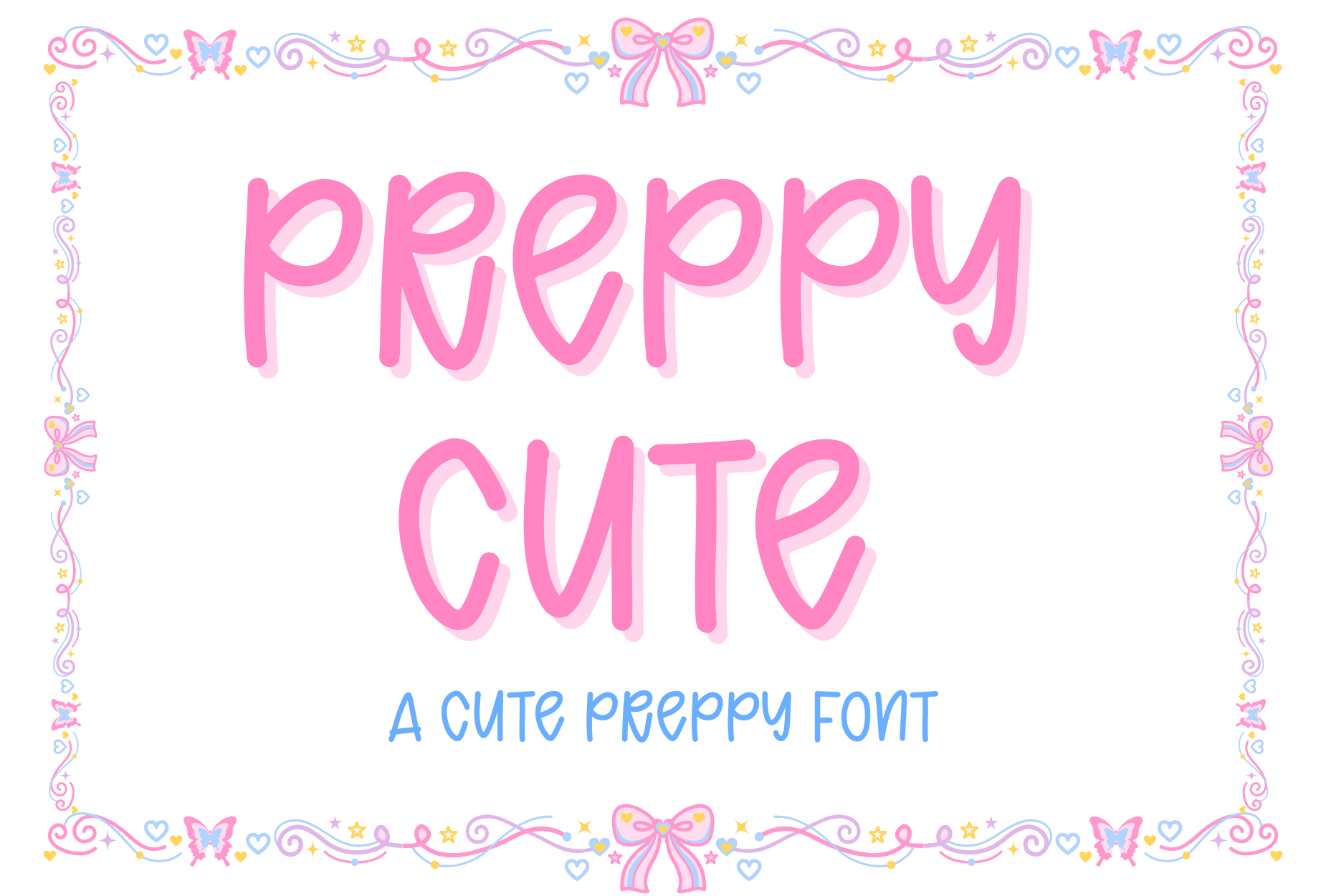
Best For: Preppy aesthetic edits, pink headers, bow-and-heart art
A smooth monoline font with rounded edges and the clean, sugary look of the preppy trend. The preview frames it in pink with bows, but the letters themselves are simple enough to work on any soft color.
Pair it with hot pink and baby blue, add small heart or bow brush stamps around the word, and you have a preppy header in under a minute. Thin strokes can disappear on a busy background, so bump the size up.
4. Hello Cutie Font
by sensatype
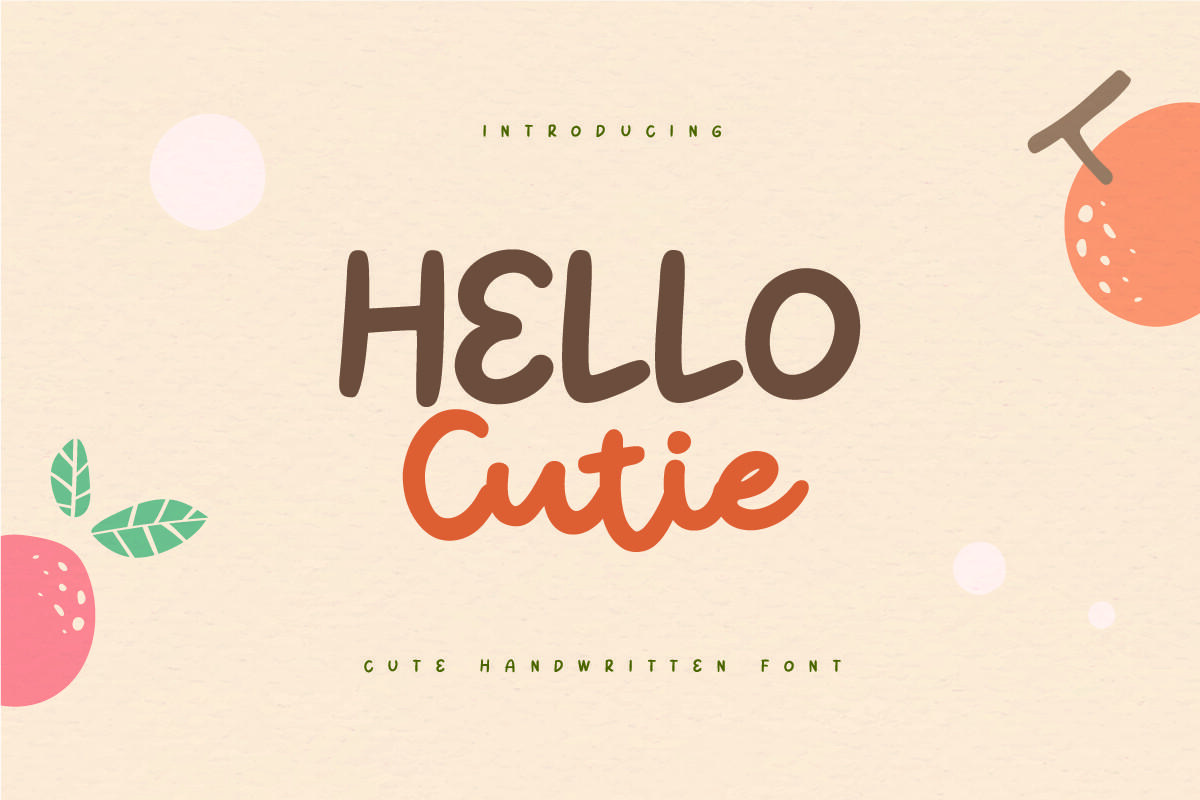
Best For: Quotes on art, cute logos, OC name tags
A cheerful hand-drawn font with uneven baselines and a friendly bounce. The author made it for quote designs and cute logos, and it has that relaxed doodle feel that suits character name tags.
Write your OC’s name in it next to their portrait, or add a short quote under a drawing. The letters look best in warm, slightly muted colors, like the orange and brown on the preview.
5. Thick Jungle Font
by airotype
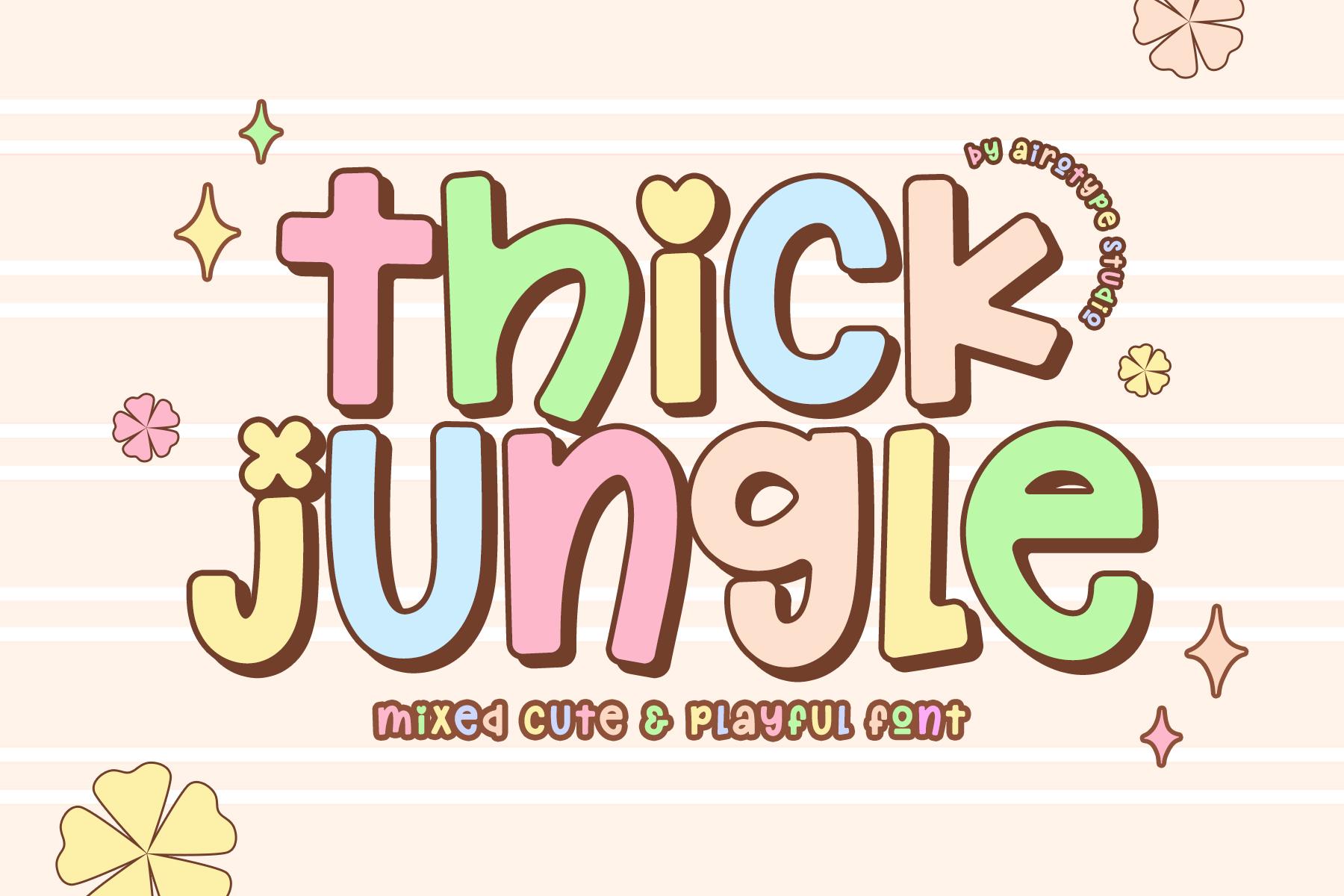
Best For: Playful headers, sticker sheets, kids-style art
Chunky, whimsical letters with heart-shaped details tucked into the shapes. The author notes that uppercase and lowercase can be mixed for extra cuteness, so a word never has to look perfectly even.
Mix capitals and small letters in one word for a hand-cut look, then fill each letter with a different pastel. It is very wide, so it fits titles and single words better than full lines of text.
6. Chunky Summer Font
by airotype
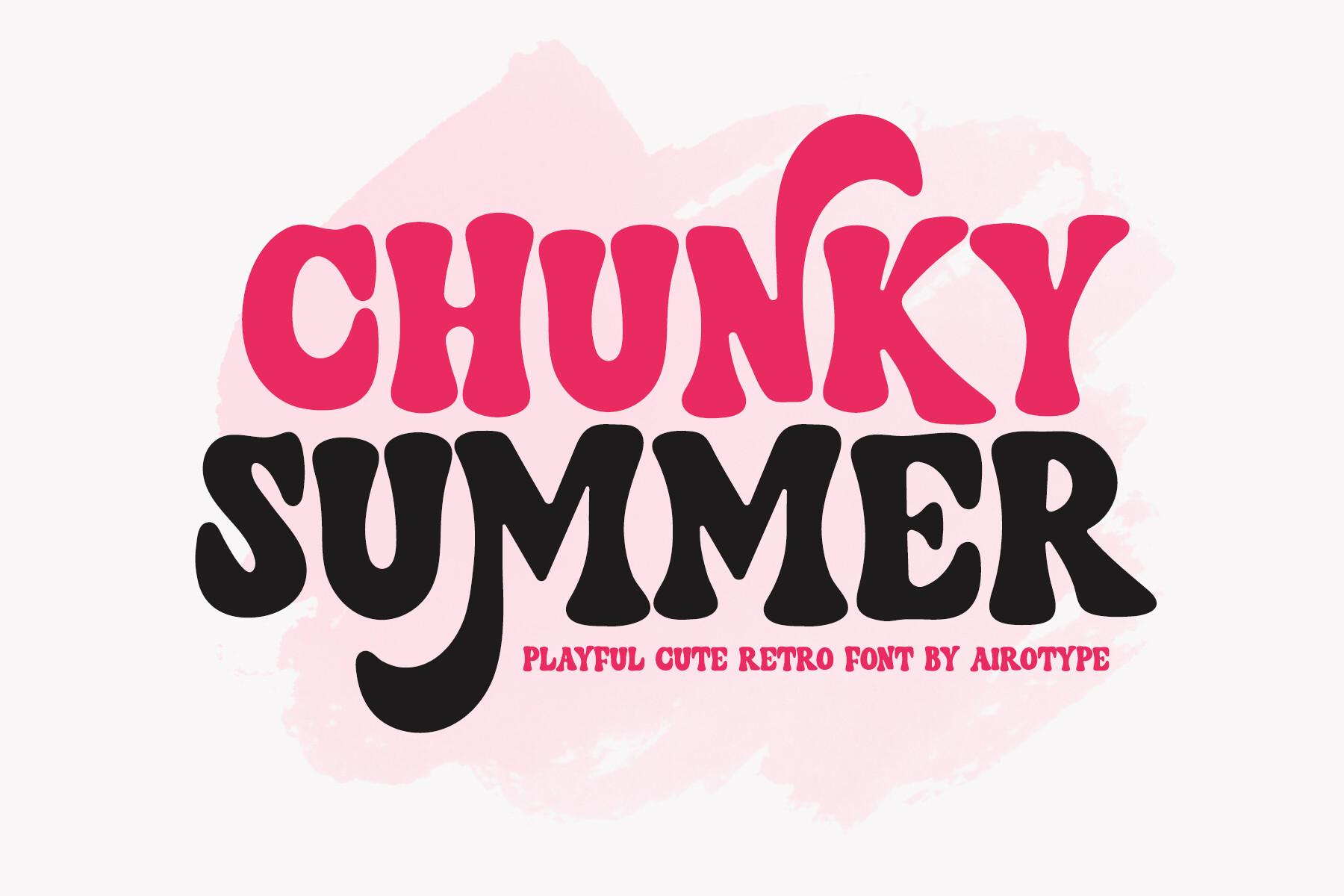
Best For: Retro cute titles, summer edits, bold captions
A cute retro font with heavy, bouncy letters that lean on each other. The author describes it as vintage, fancy and happy, and on the preview it reads like a 70s candy wrapper.
Use it for one punchy word on top of your art, with a cream or pink outline to keep it from merging with the drawing. Two lines of it is plenty; more turns into a block.
7. Cheerful Happyare Font
by Anto (7NTypes)
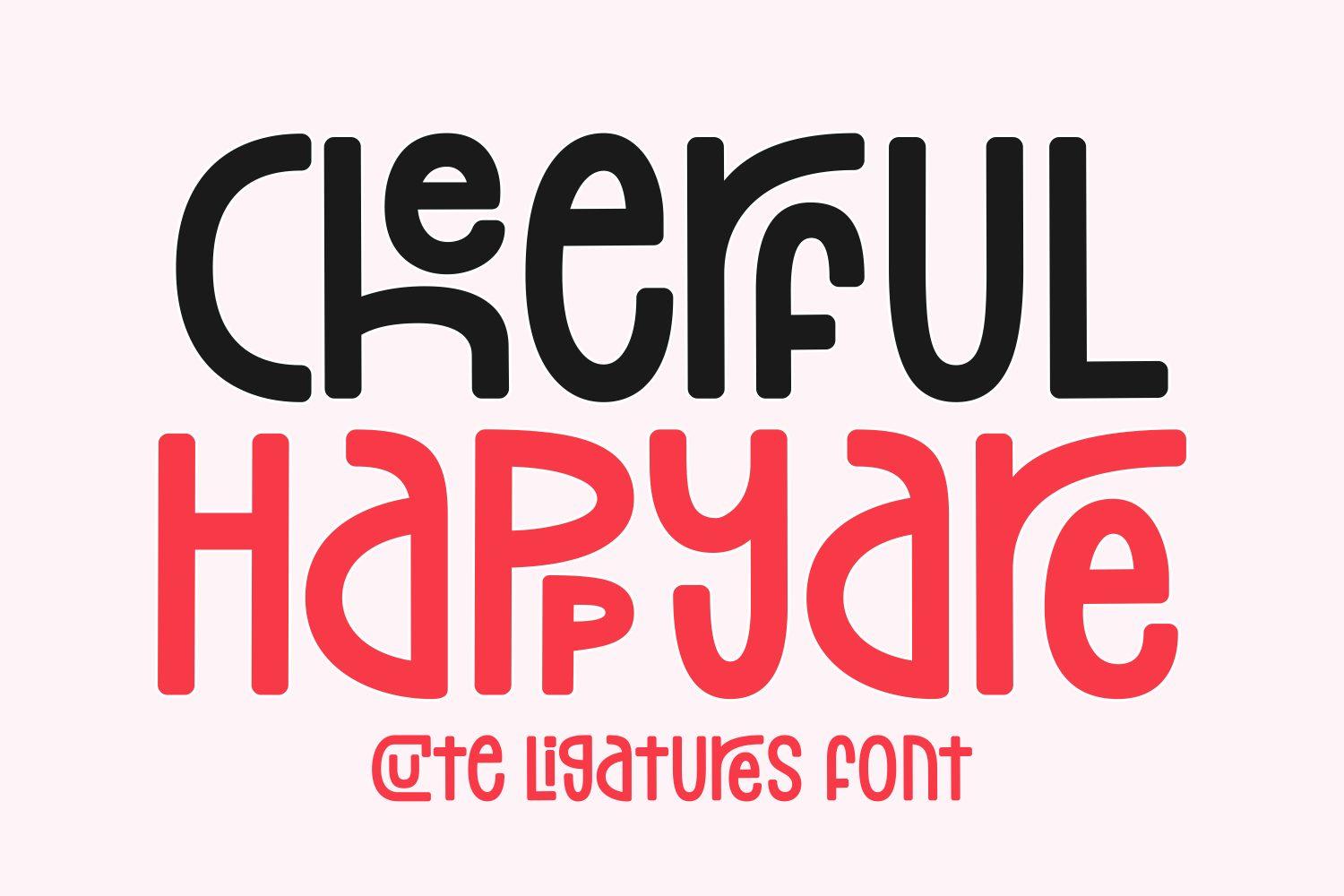
Best For: Tall cute titles, comic headers, party art
Tall, narrow letters with a playful hand-drawn edge and built-in ligatures, according to the author. That narrow shape lets you fit a longer word across a phone-sized canvas without shrinking it.
Set a title in two colors, like the black and red on the preview, and let the ligatures do the decorating. The author also lists multilingual support, which helps if you caption in more than one language.
Anime and Manga Fonts
Lettering for comic panels, anime-style covers, sound effects and speech bubbles.
8. Manga Brush Font
by squeebcreative
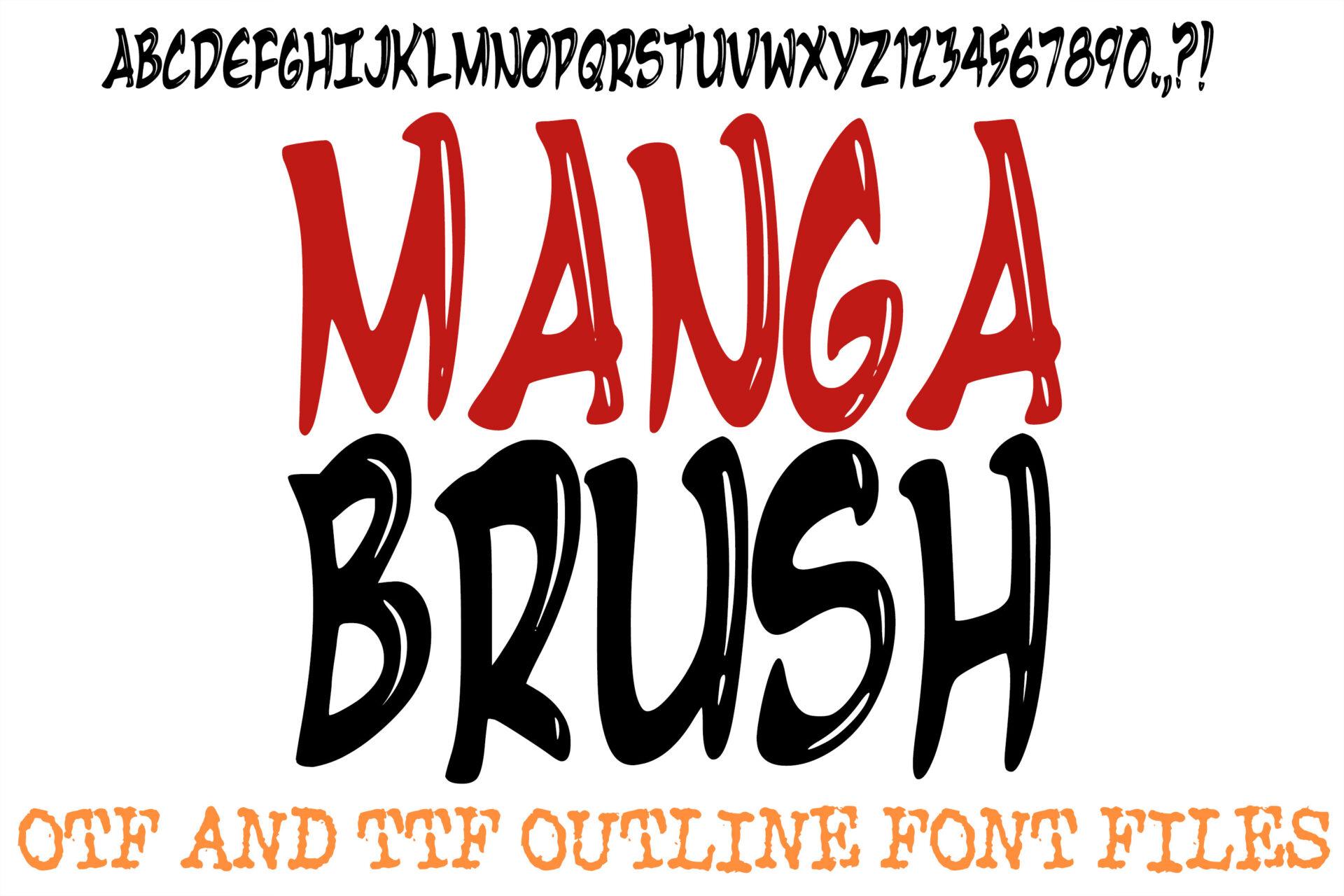
Best For: Sound effects, action titles, manga covers
A rough, high-energy brush display font with torn edges, made to capture the bold action of Japanese comic art. The letters look like they were slashed onto the page with ink.
Use it for sound effects like BAM or WHOOSH: rotate the text a little, add a white Stroke and lay it over speed lines. Keep dialogue in a cleaner font so the page stays readable.
9. Anime Title Font
by Pamlico Creations
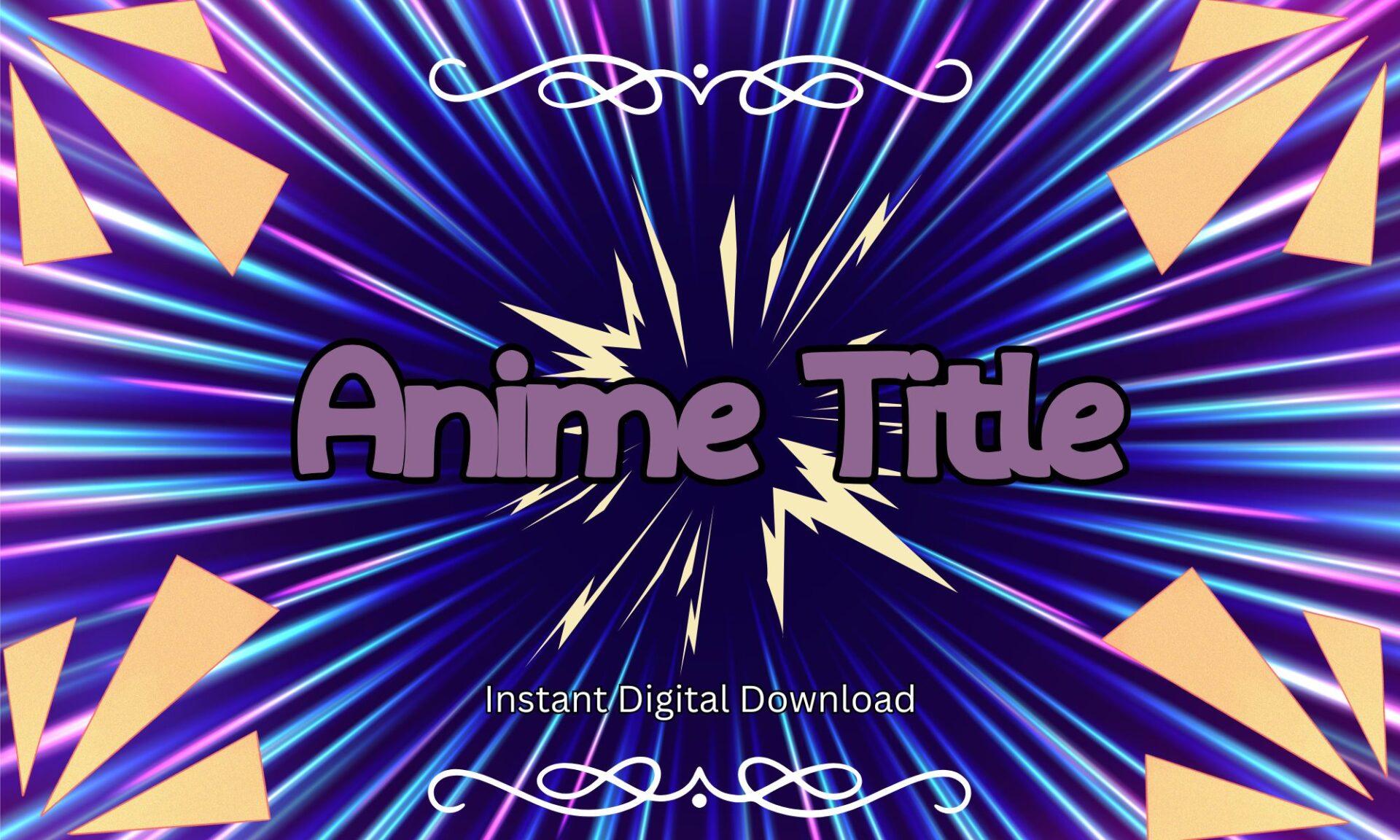
Best For: Anime-style cover titles, thumbnails, fan edits
Bold, rounded anime-style lettering. The author lists uppercase, lowercase, numbers, punctuation and symbols, plus TTF and OTF files, which are the formats ibisPaint expects.
Set your title on a burst of radial speed lines (ibisPaint has a Radial Line filter for that) and add a dark outline. It works for episode numbers too, since the digits are included.
10. Vintage Manga Font
by MVMET
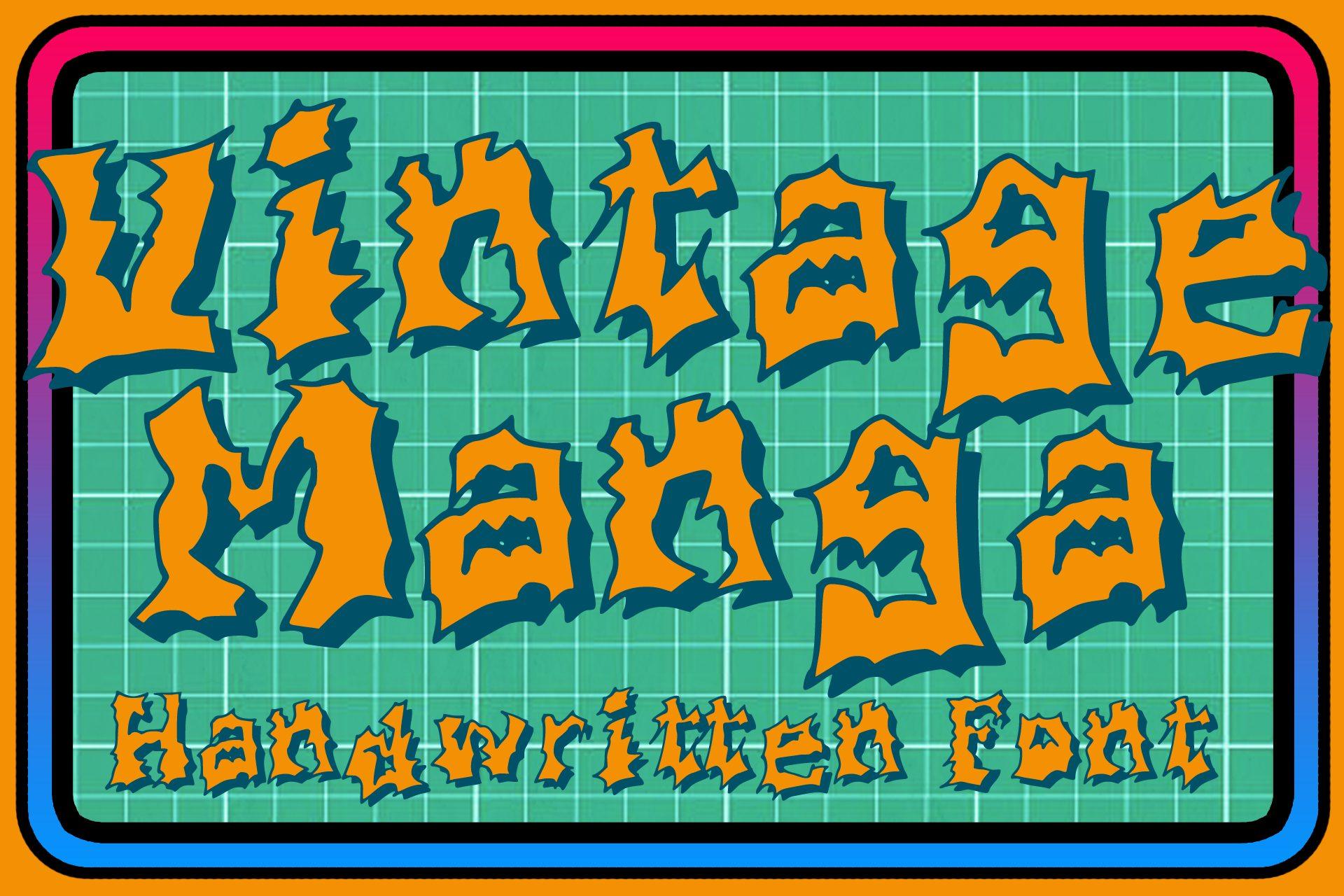
Best For: Retro anime posters, 90s-style covers, title cards
A retro manga and anime display font with uneven, hand-drawn letters that feel like an old VHS cover. The preview gives it an orange fill and a thick dark outline, and it looks right at home that way.
Recreate the preview: warm fill, thick stroke, bright frame. It is a natural match for 90s anime redraws and retro character posters.
11. Osaka Font
by Creative Fabrica Freebies
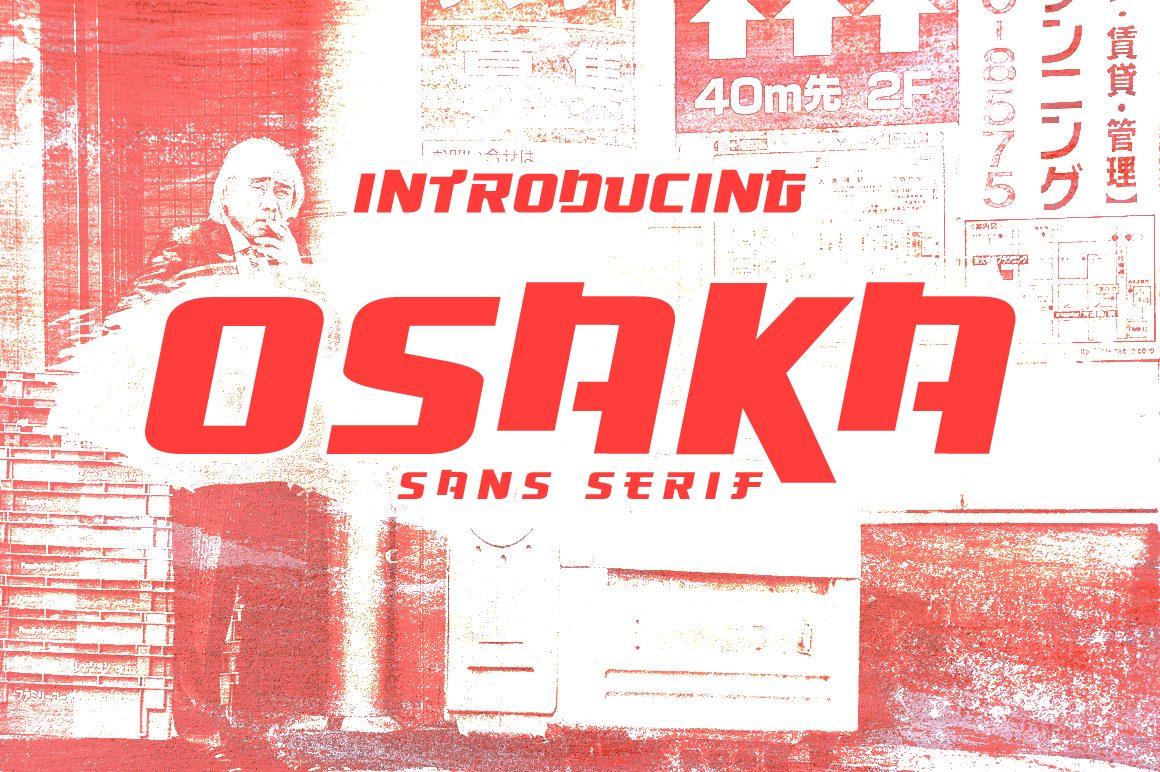
Best For: Street-style anime posters, clean manga titles
A manga-inspired sans serif display font from the Creative Fabrica Freebies account, described as free on its page. The letters are sharp and blocky with a Tokyo street sign feel.
Use it in red or white over a dark city background for a poster look. Because it is clean, it also works for smaller text like chapter numbers or a character’s name label.
12. Tzuyuha Font
by Vadova Std
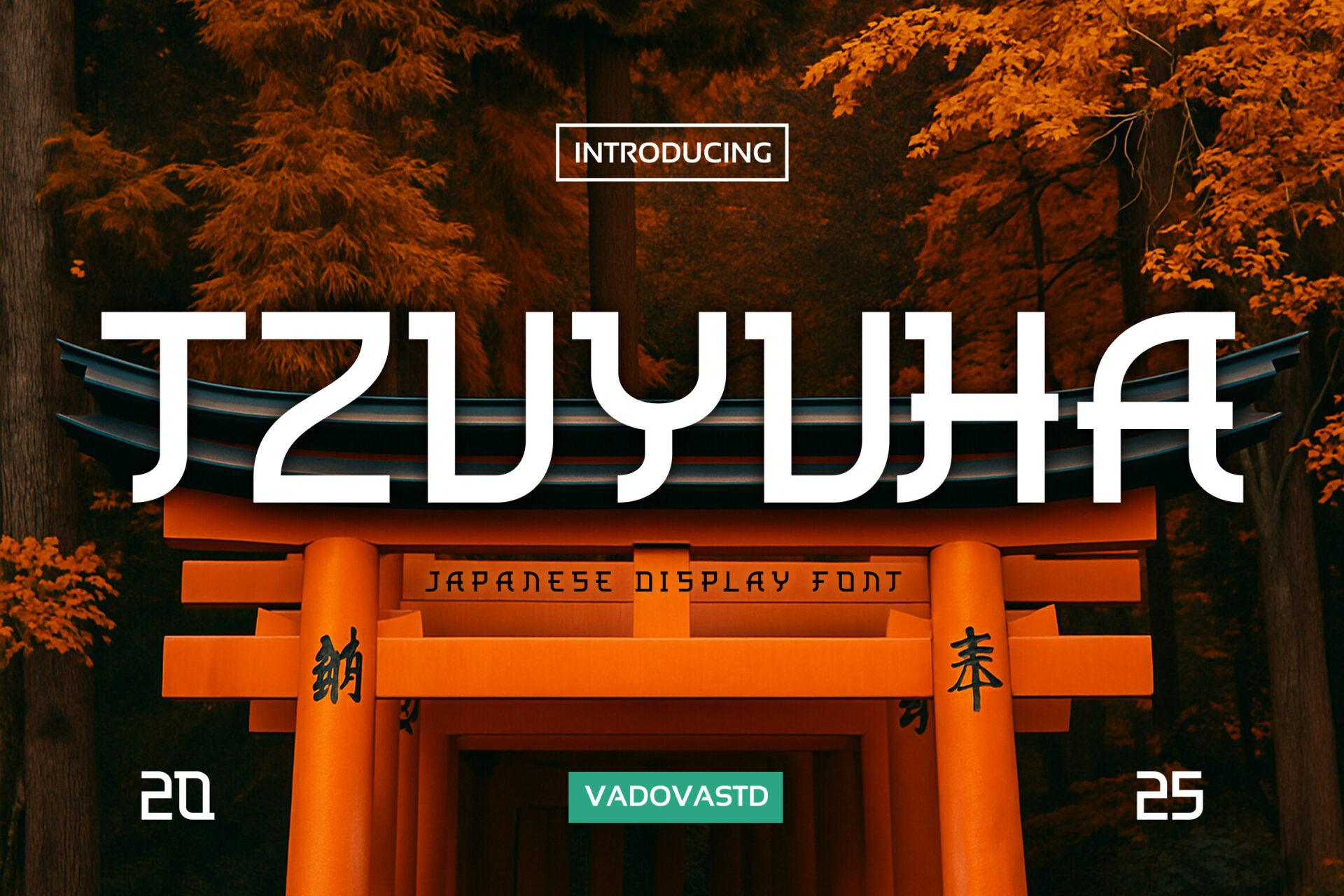
Best For: Japanese-style titles, fantasy anime art, posters
A bold Japanese-style display font inspired by anime, traditional brush strokes and Tokyo pop culture. The Latin letters are built from angular strokes that echo Japanese characters.
Try it in white over a sunset or shrine scene, like the preview. It is a title font only; anything longer than a few words loses readability.
13. Bingo Manga Font
by pinkmeca
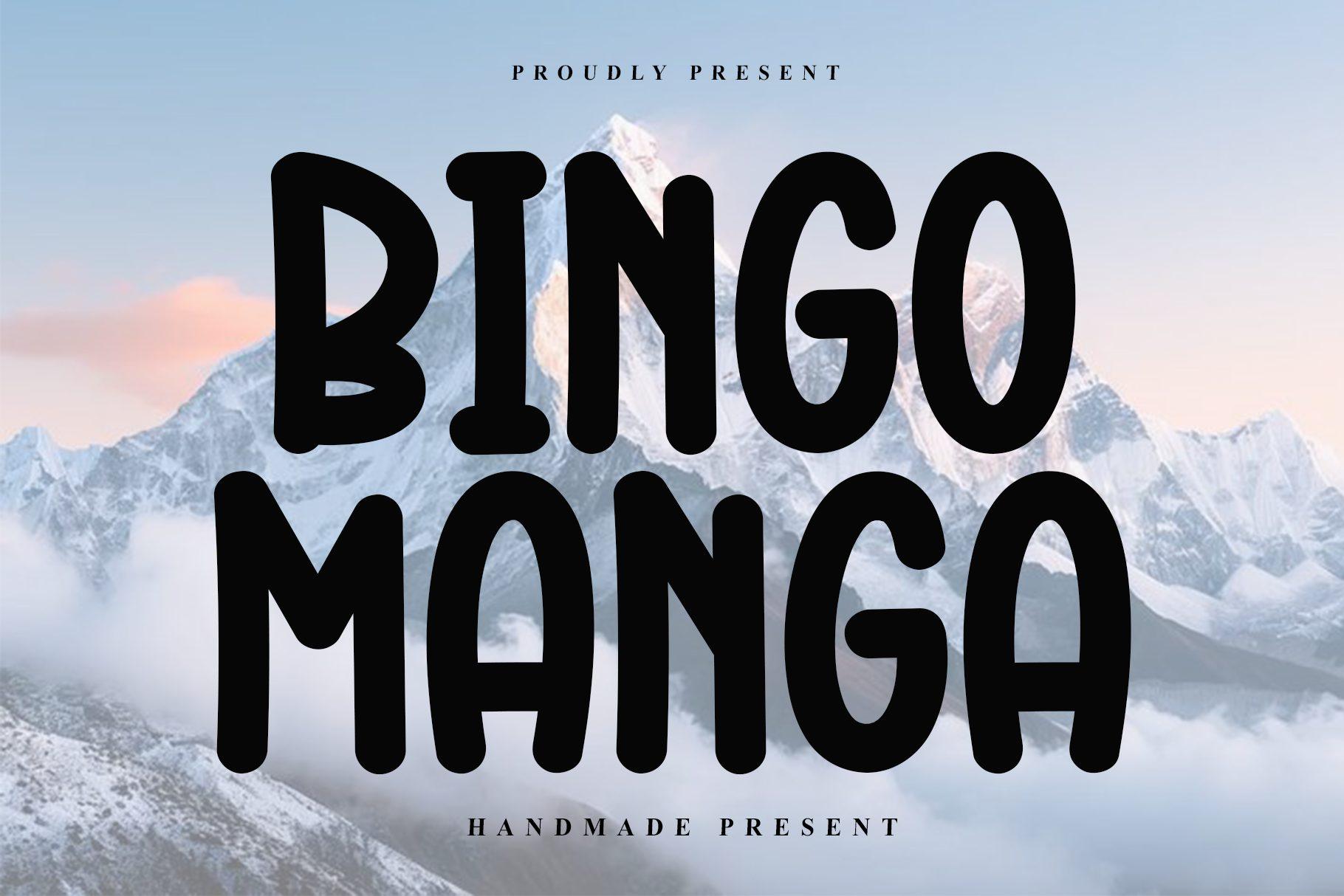
Best For: Speech bubbles, comic dialogue, casual captions
A casual handwritten font with smooth strokes and natural curves. It is bold and clear, which is exactly what you want inside a small speech bubble.
Use ibisPaint’s Speech Bubble shape, drop the text inside and keep the size consistent across panels. Uppercase dialogue in this font reads like classic comic lettering.
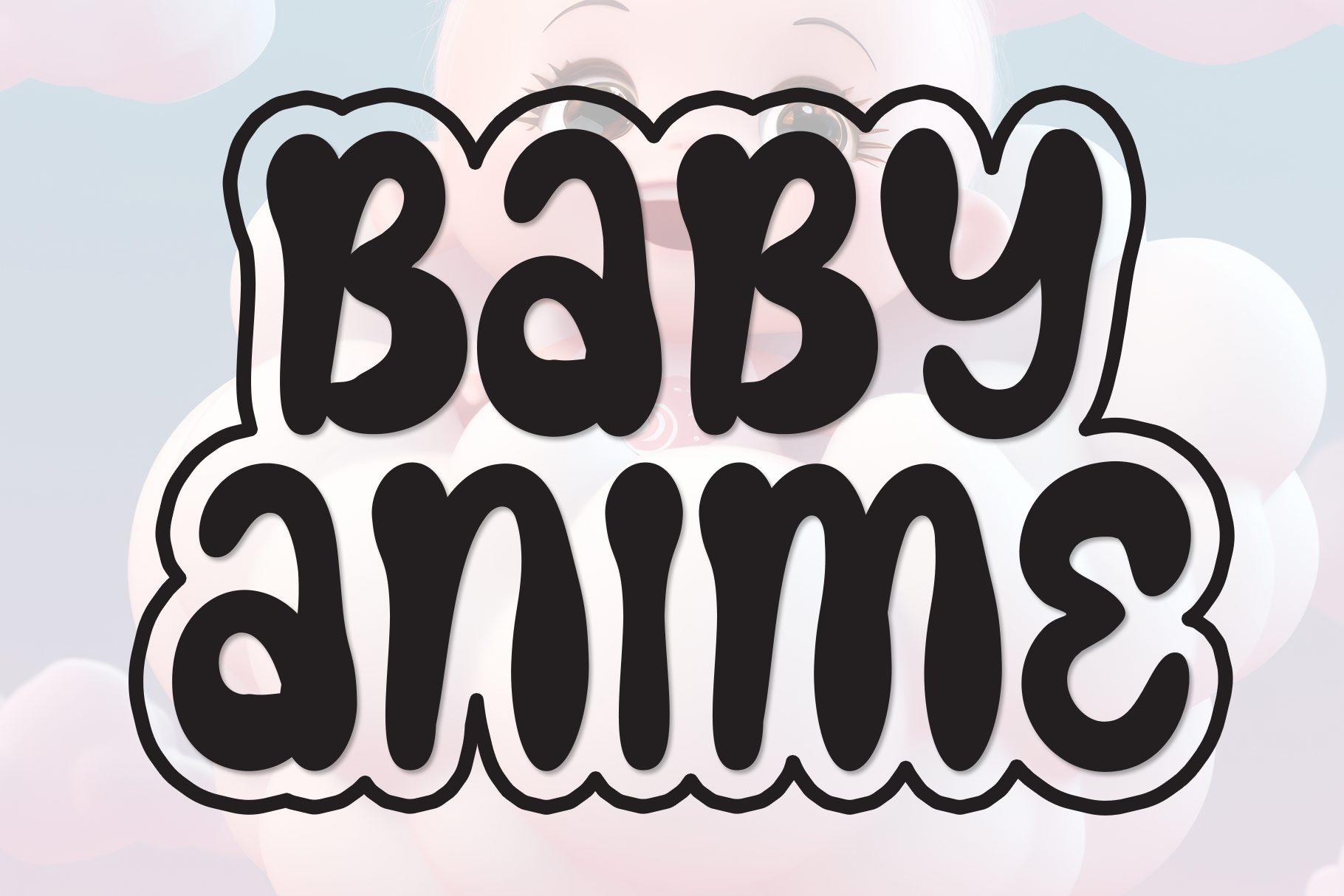
14. Baby Anime Font
by Misterletter.co
Best For: Chibi titles, cute anime edits, sticker text
A casual display font with clean shapes and soft edges, described by the author as playful and approachable. On the preview it sits inside a thick white outline, which gives it a chibi sticker feel.
Add a wide white Stroke and a soft shadow, then place it near a chibi drawing. It pairs well with pastel backgrounds and simple line art.
Y2K Fonts
Bubble, chrome-inspired and cyber letters for Y2K edits, profile banners and fan art.
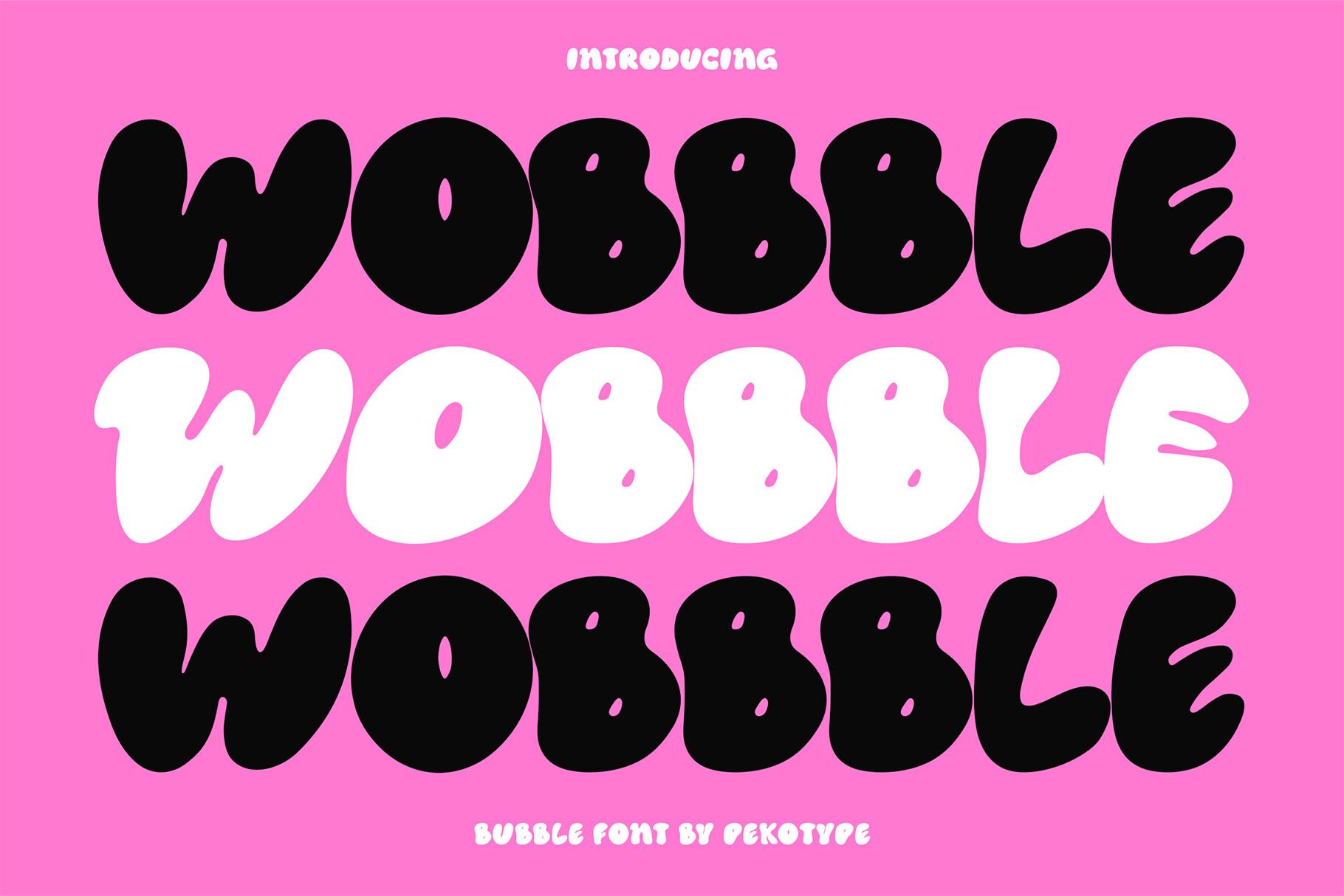
15. Wobbble Font
by pekotype
Best For: Y2K bubble titles, profile banners, stickers
A bold bubble font with wobbly curves and chunky forms inspired by the early 2000s. The author lists uppercase with variant letters, numbers, symbols, multilingual support, and OTF, TTF, WOFF and WOFF2 files.
Stack the word three times in black, pink and white, like the preview, for an instant Y2K banner. A glossy highlight brush stroke on top makes it look inflated.
16. Digital Moneter Font
by Marvadesign
Best For: Techno Y2K titles, game-style art, retro tech edits
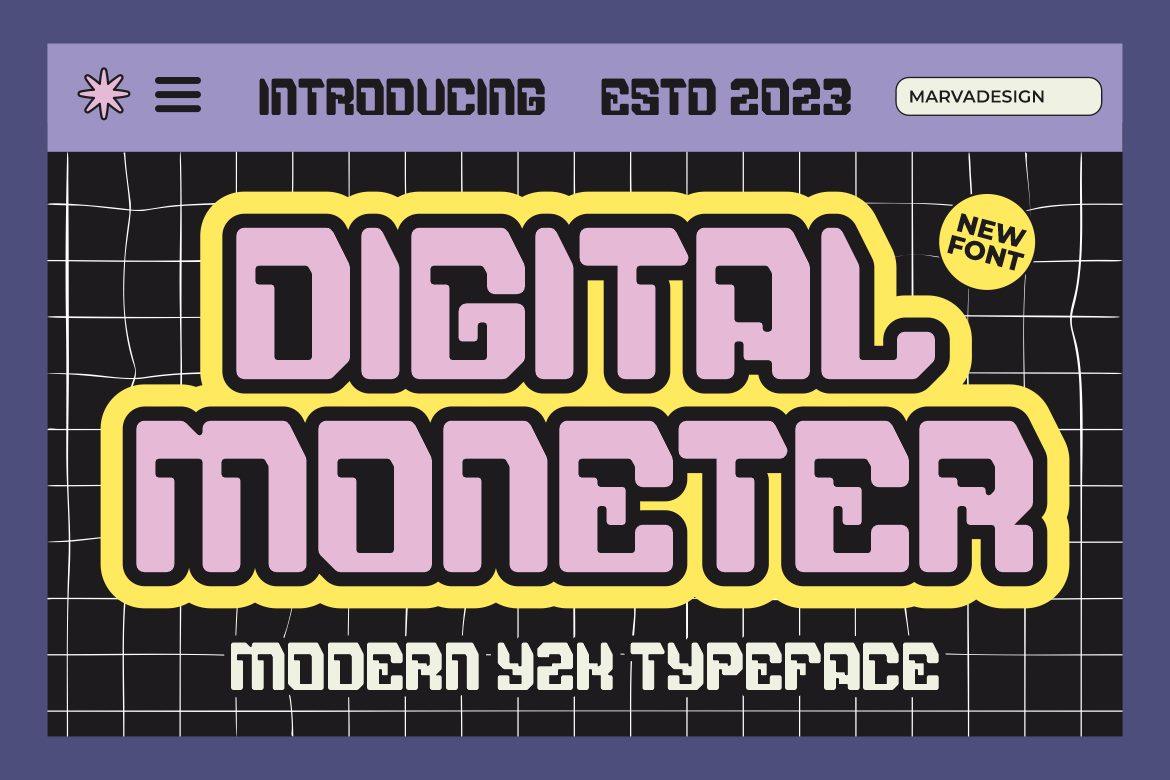
A modern techno Y2K display font with blocky, screen-like letters. The preview gives it a double outline on a grid, which sums up the retro-tech mood.
Put it over a grid background, add two outlines in contrasting colors and you get a game menu look. Works well for usernames and level-style titles.
17. Brick Bond Font
by letterhend
Best For: Acid Y2K posters, bold banners, streetwear edits
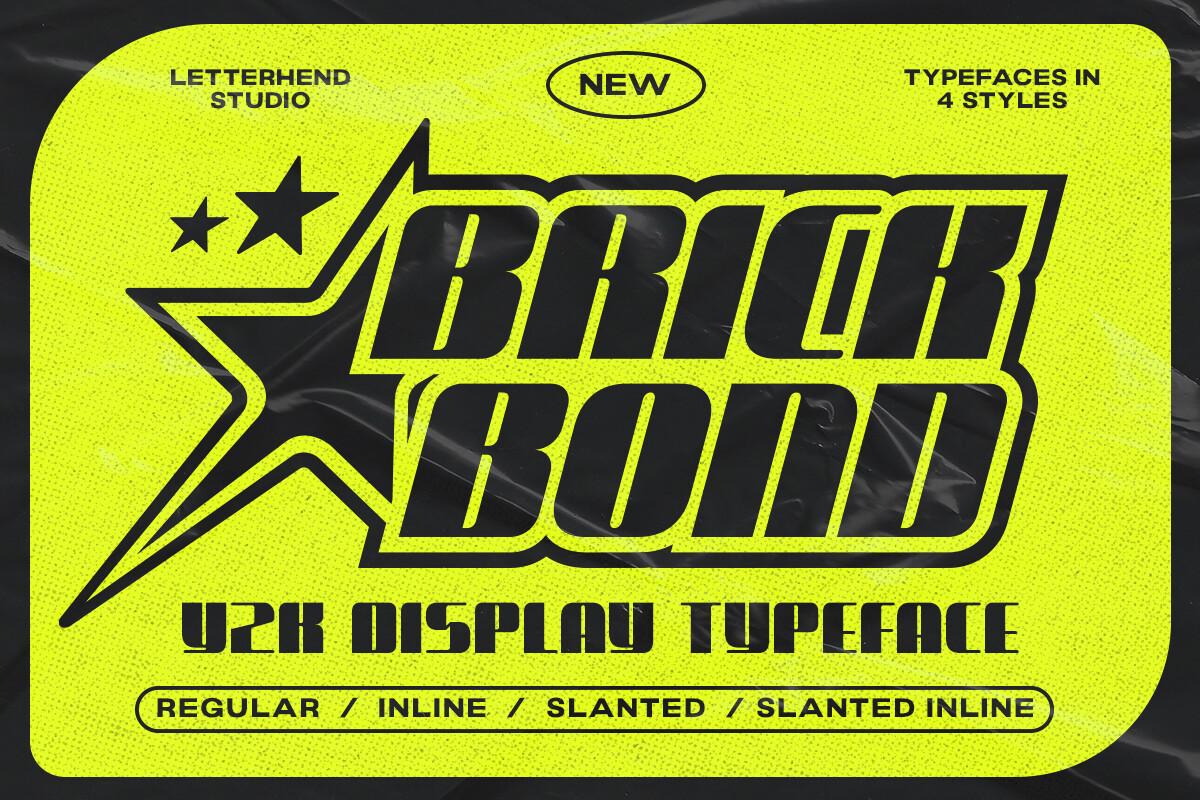
A heavy Y2K font with a futuristic edge. According to the author it comes with outline and slant versions, so you can build layered titles from one family.
Layer the outline version over the regular one in a different color, then tilt it with the slant style. Lime, black and electric blue suit it best.
18. Y2K Nostalgia Font
by Bambin
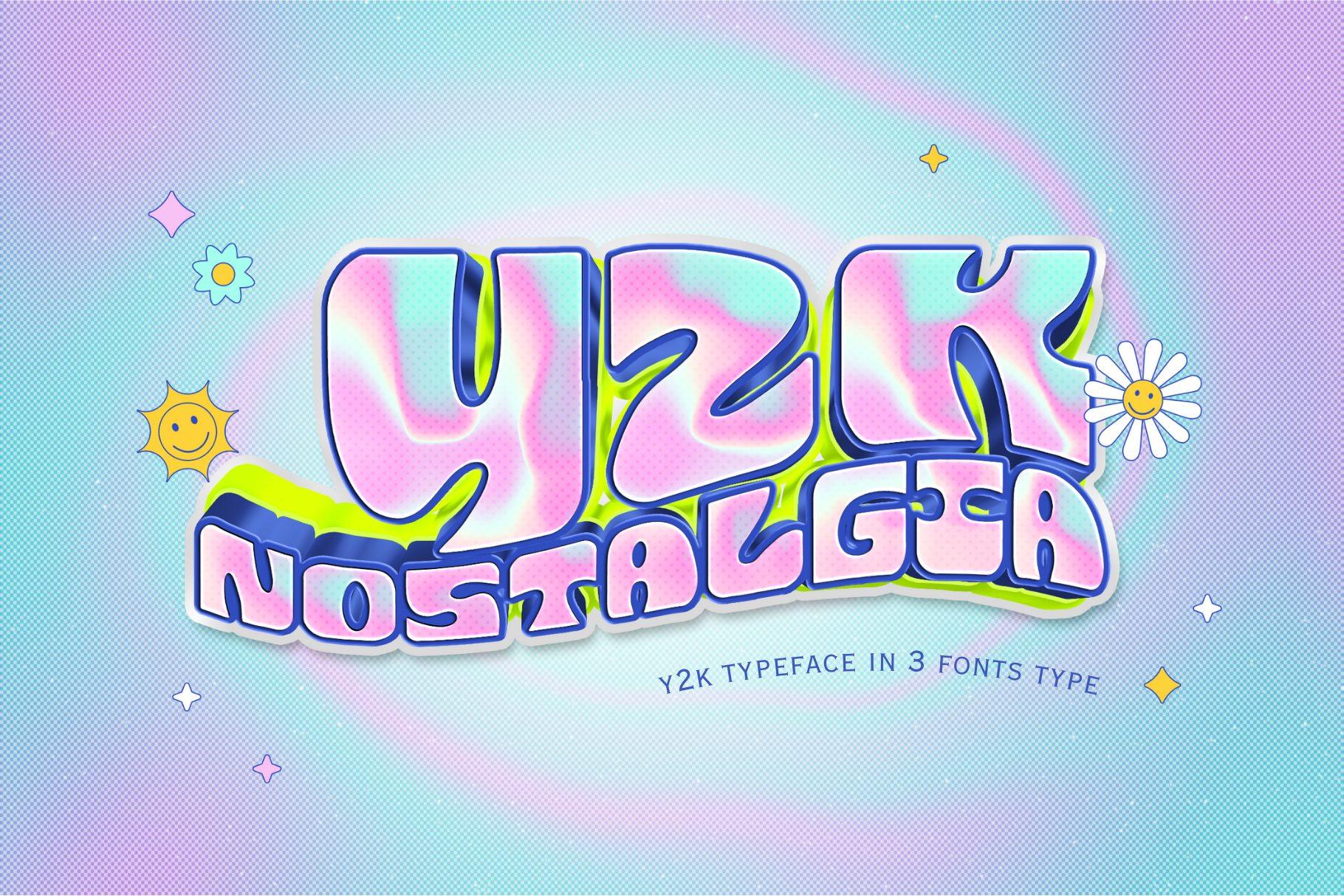
Best For: Holographic edits, dreamy Y2K art, pastel banners
A trendy retro Y2K font with puffy, rounded letters. The preview shows it with a holographic gradient, and the soft shapes take that kind of shiny fill well.
Fill it with a pastel gradient, then add a thin white Stroke and a few star brush stamps. It suits dreamy, pastel-heavy art more than dark edgy pieces.
19. Taizo Font
by maikofarazhatta
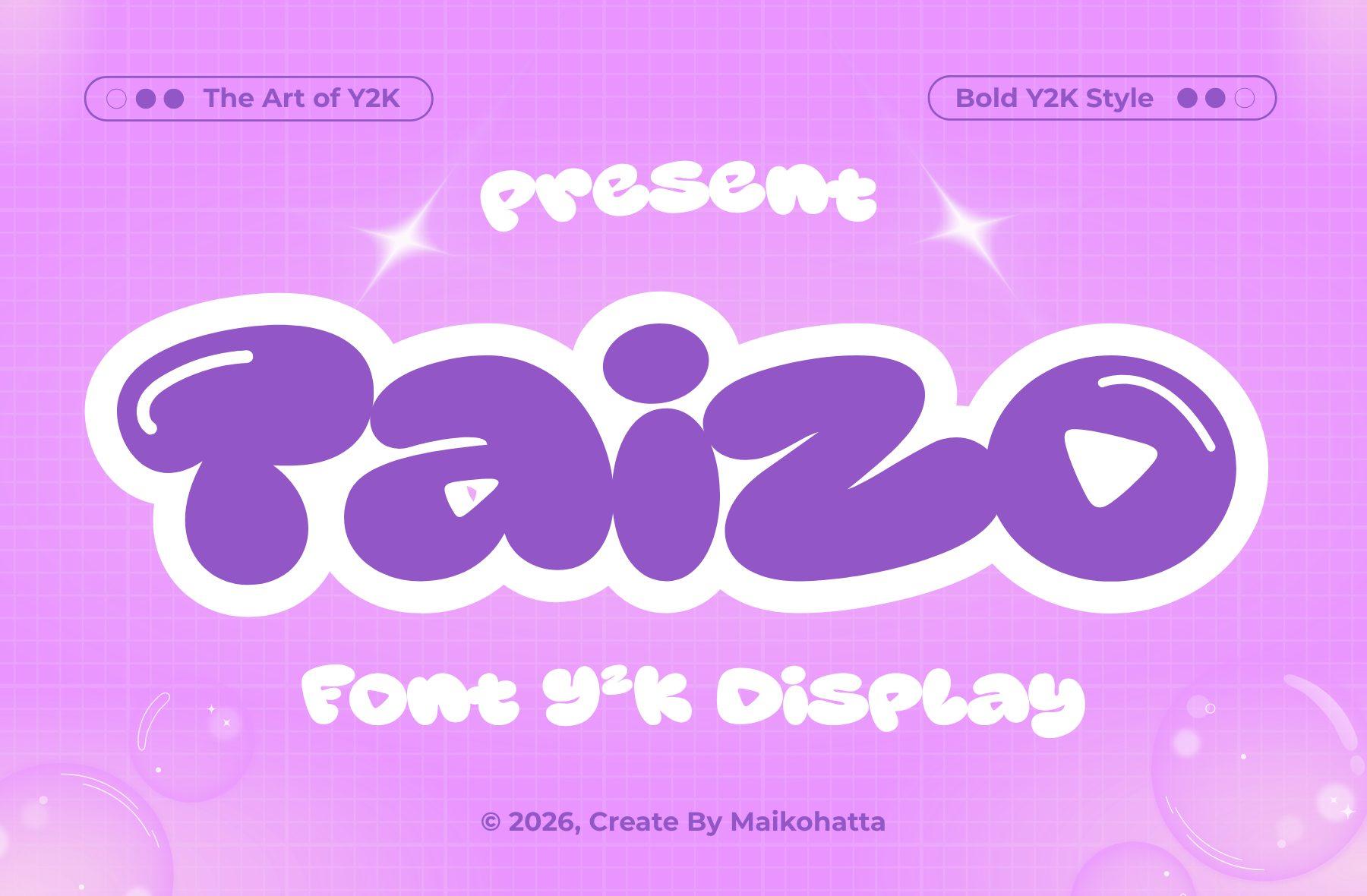
Best For: Soft Y2K titles, pink-purple edits, sticker art
A bold, playful Y2K display font with chunky letters inspired by early 2000s graphics. The preview pairs it with pink and purple, and the fat round shapes look like soft plastic.
Use it for one-word titles in pink with a deeper purple outline. Add a small sparkle brush stamp in a corner for the classic Y2K finish.
20. Vibe Tribe Font
by putracetol
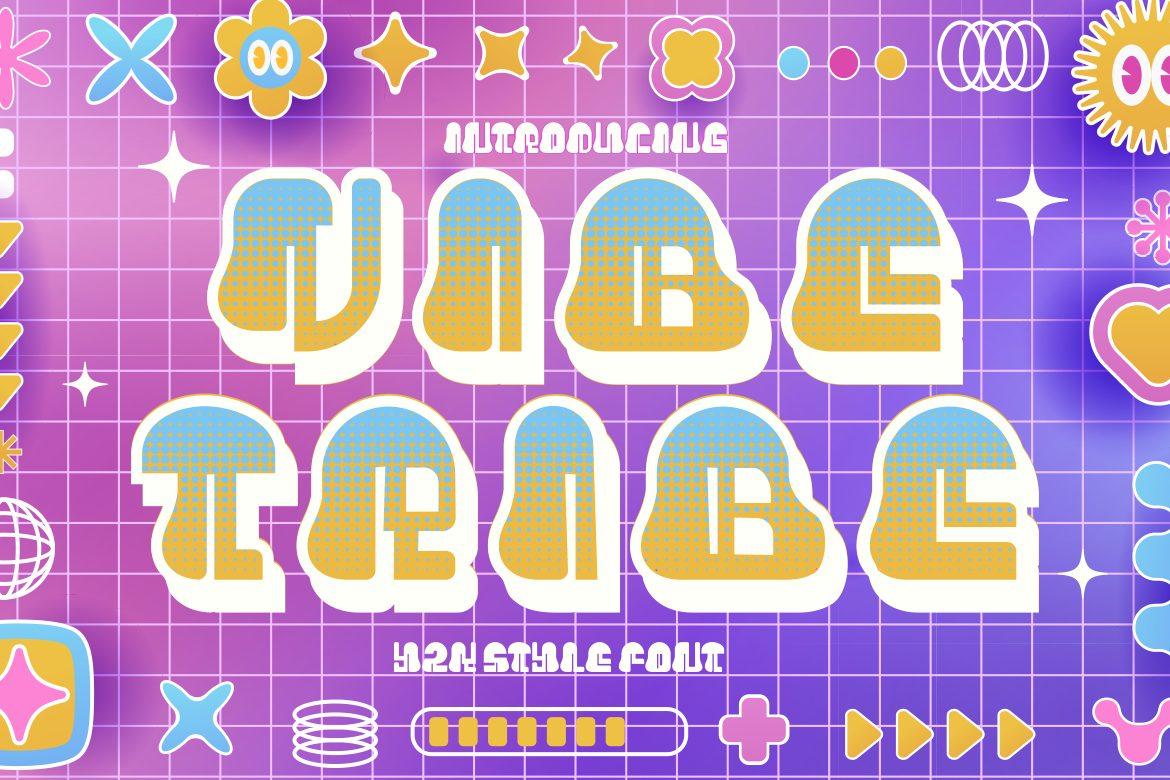
Best For: Retro game titles, colorful Y2K posters
A vibrant Y2K-style font with a playful, futuristic and colorful spirit, as the author puts it. The preview fills the letters with a gradient and a white outline, close to an old arcade logo.
Apply a two-color gradient and a thick white stroke, then place it over a checker or grid background. Best for titles; it is too decorative for body text.
21. Rex Kurode Font
by Denustudios
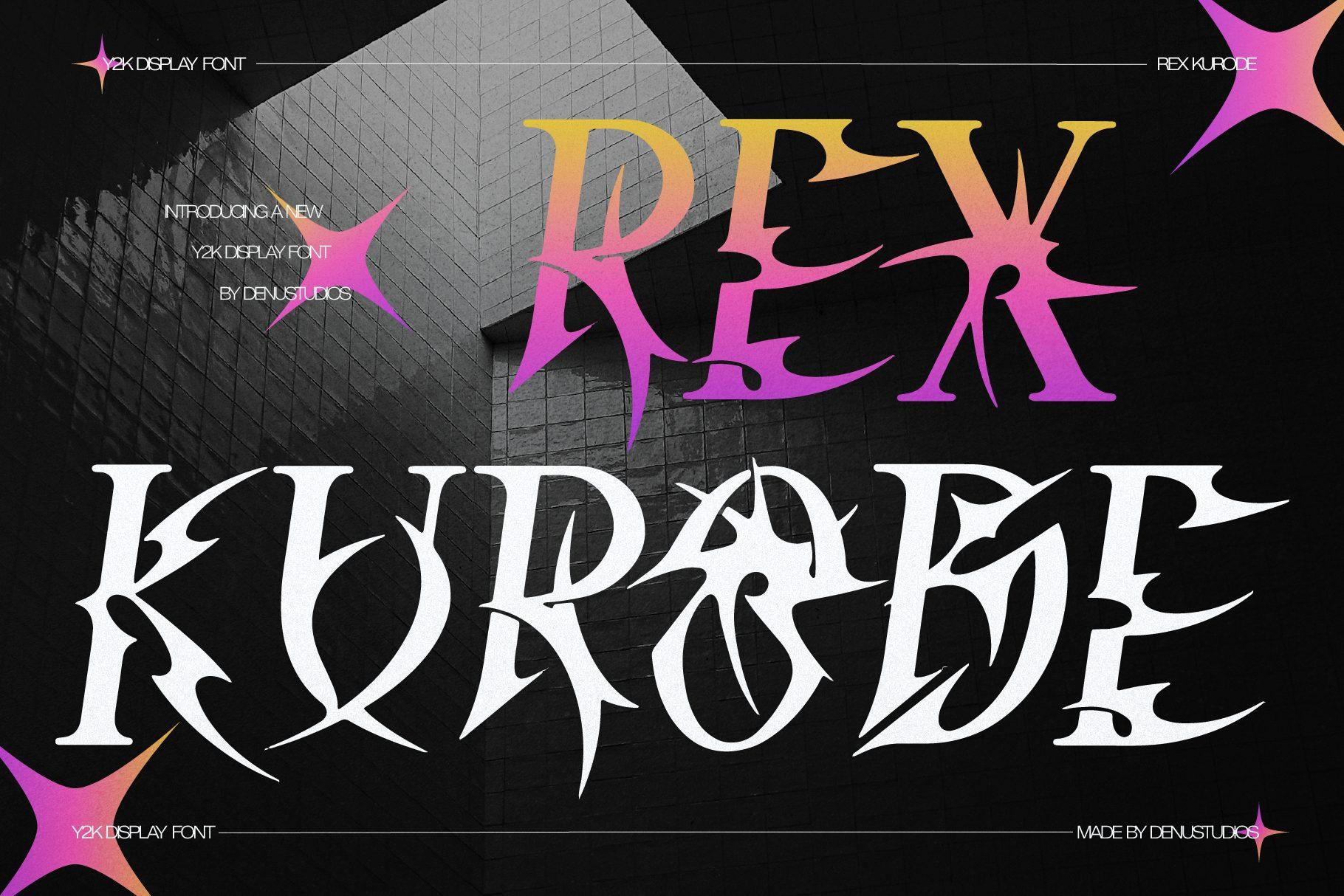
Best For: Cyber-goth fan art, edgy covers, dark Y2K edits
A spiky Y2K cyberpunk display font with dark, tribal-metal energy, according to the author. The letters have sharp thorny extensions, so a single word already looks like a band logo.
Use it in white or silver over dark art for edgy characters and villain covers. Give it room on all sides, because the spikes reach far beyond the letter shapes.
22. Noser Font
by Marvadesign
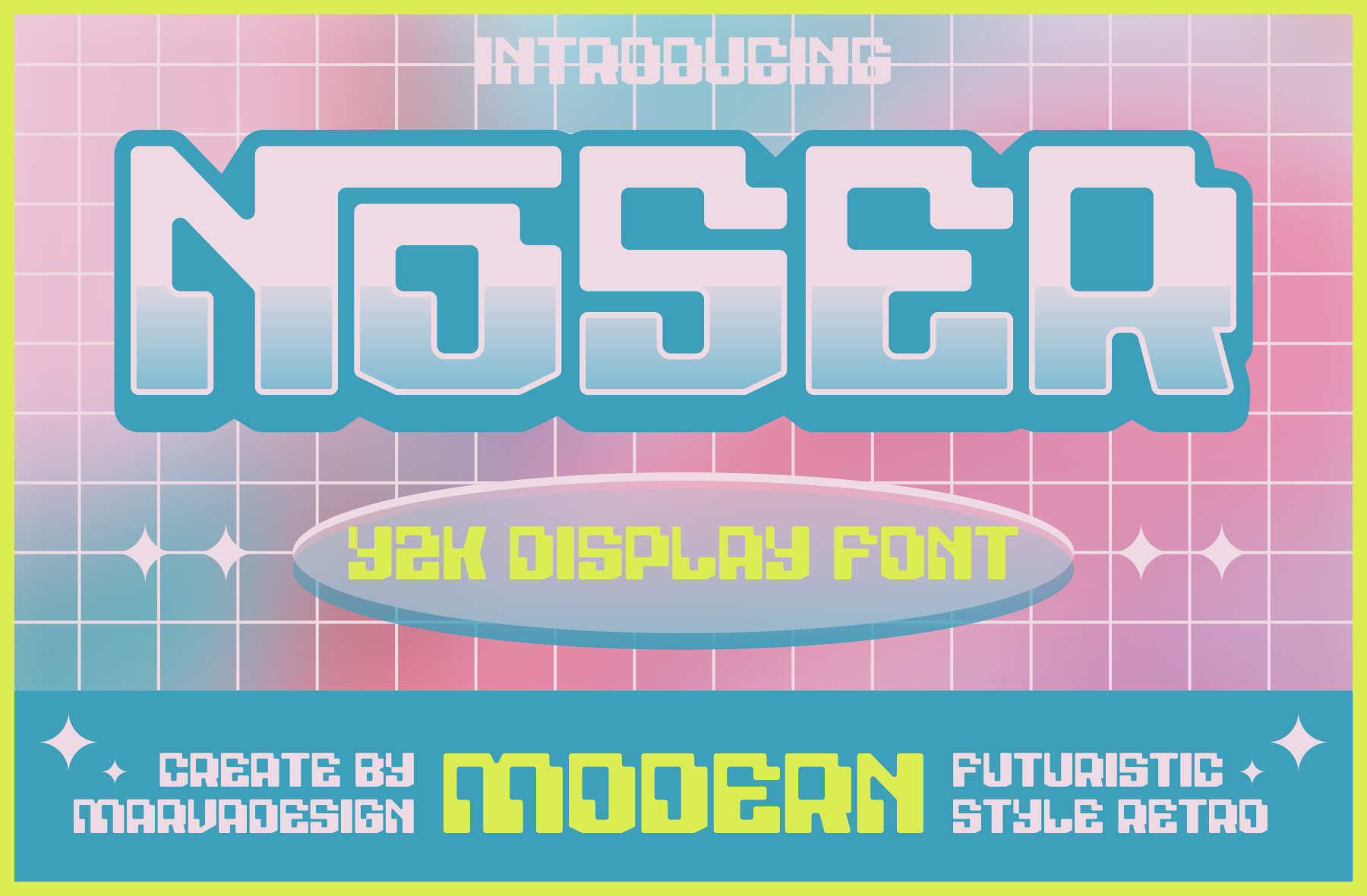
Best For: Modern Y2K titles, chrome-style edits, banners
A modern Y2K display font with sleek lines and a bold style. On the preview it carries a chrome-like outline over a grid, which is the easiest way to show it off.
Add a light-to-dark gradient and a thin bright outline for a chrome effect. It reads well at smaller sizes too, so it works for subtitles under a bigger bubble title.
Aesthetic Handwritten Fonts
Neat, soft handwriting for captions, journal-style art and quiet aesthetic edits.
23. Lovely Wives Font
by Single Line Studio
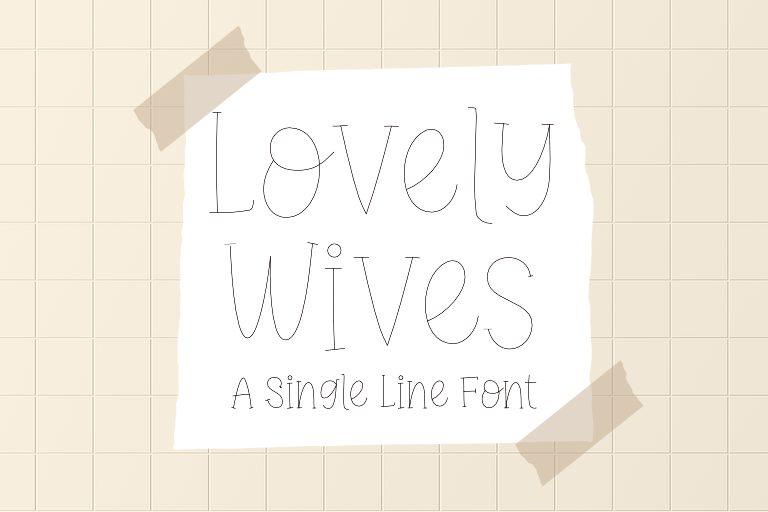
Best For: Minimal captions, soft aesthetic art, thin text
A quirky single-line font, light and airy, with letters drawn in one thin stroke. It feels like a quick note written with a fine pen.
Use it for small captions under a drawing or for a date and signature. On a busy illustration, give it a soft background box with the Text tool so the thin strokes stay visible.
24. Good Vibes Font
by narinari32
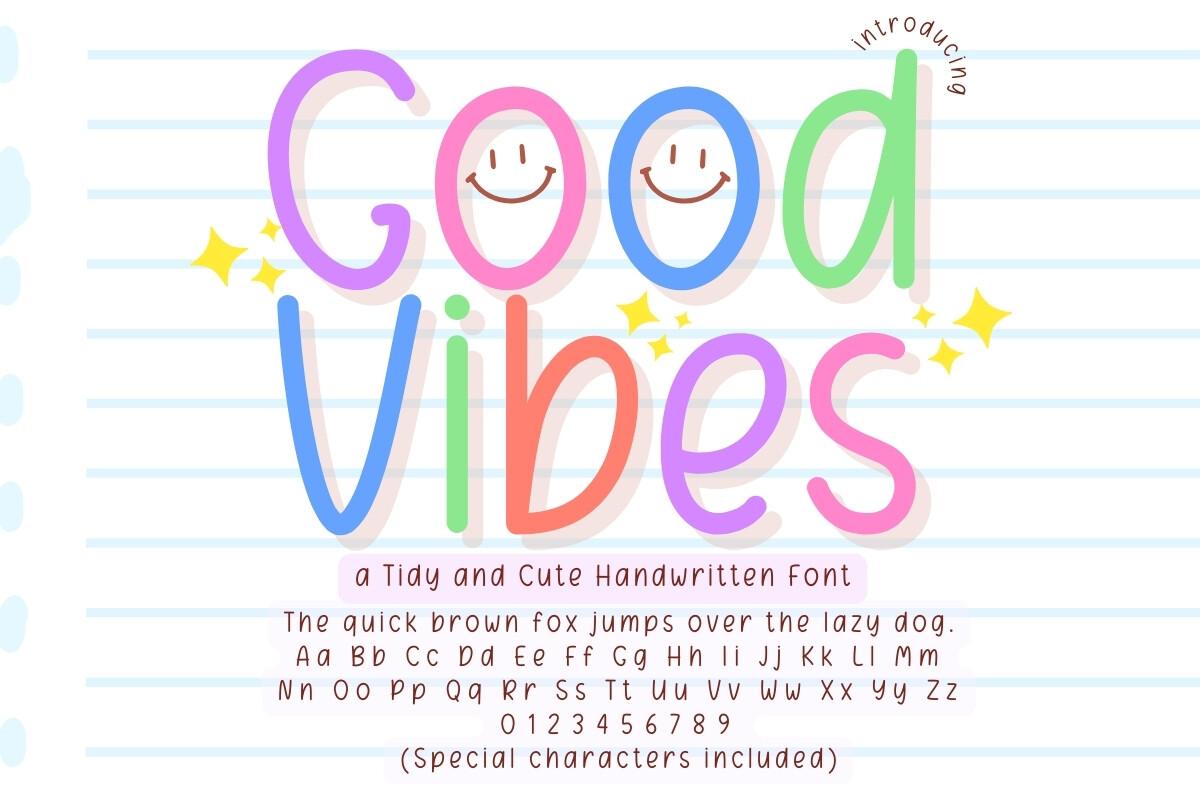
Best For: Journal-style art, notes, cute planner pages
A neat and cute handwritten style that the author made for note-taking, journaling and planners. The preview colors each letter and adds little smiley faces, but the letters themselves are clean and easy to read.
Write short notes or a mood line in it beside your art, or use it on study-art pages. Because it is tidy, it holds up even at smaller sizes.
25. Simple Writing Font
by ABBAsalam
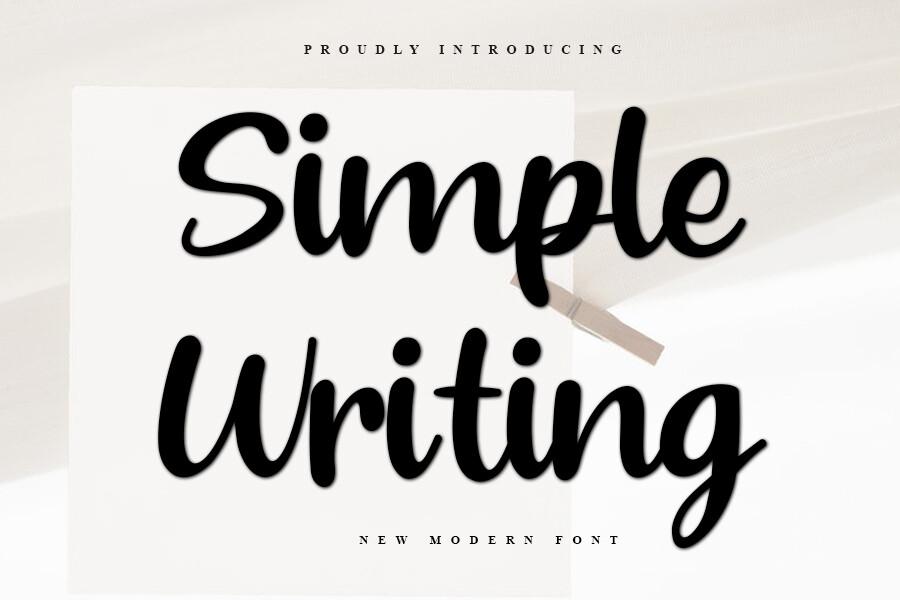
Best For: Aesthetic quotes, signatures on art, captions
A flowing marker-style script with a simple, elegant feel. The connected letters look natural, like a quick handwritten caption.
Sign your artwork with it or add a one-line quote over a soft-focus background. Black or white works best; colorful fills make it look busy.
26. Soft Touch Font
by StillViiStudio
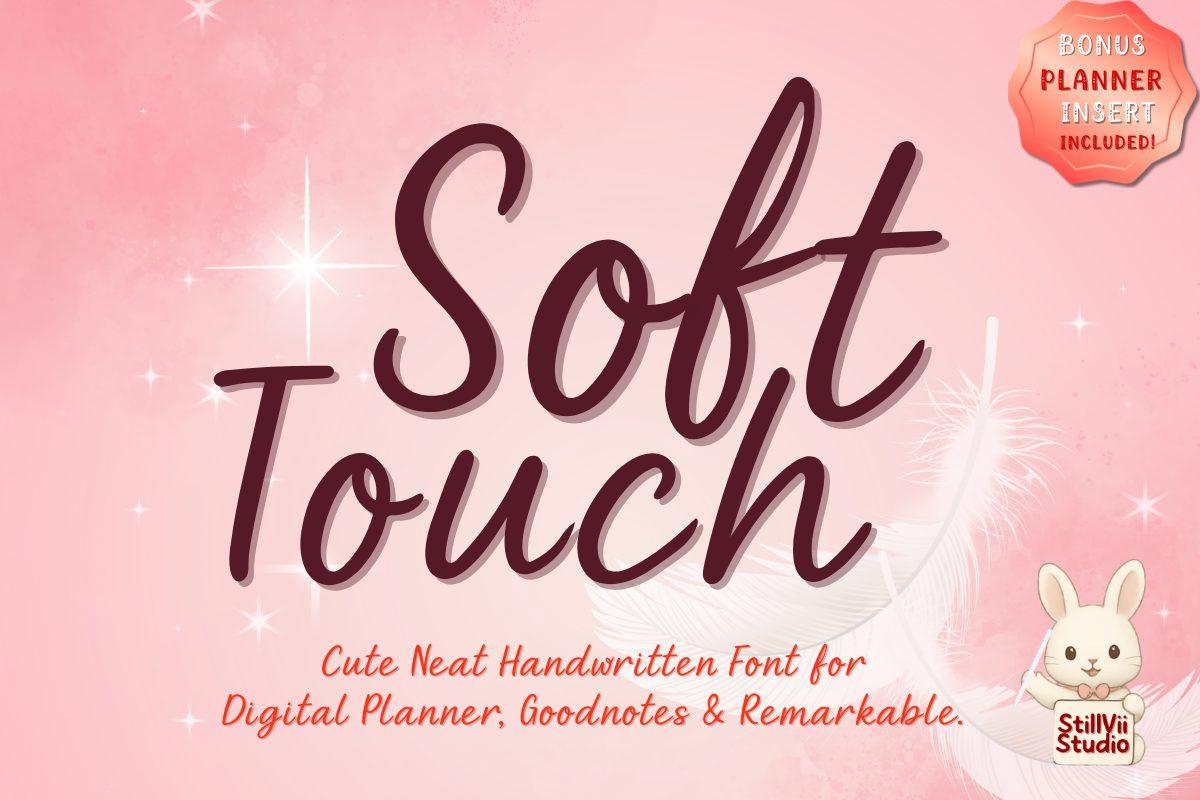
Best For: Cozy captions, digital journal art, soft edits
A cute and cozy handwritten typeface designed for digital planners, students and journalers. The letters are neat, slightly rounded and easy on the eye.
Use it for longer captions where a bubble font would be too much, like a short story line under a comic panel. Deep rose or brown on cream gives the cozy look from the preview.
27. Beautinote Font
by Damai (7NTypes)
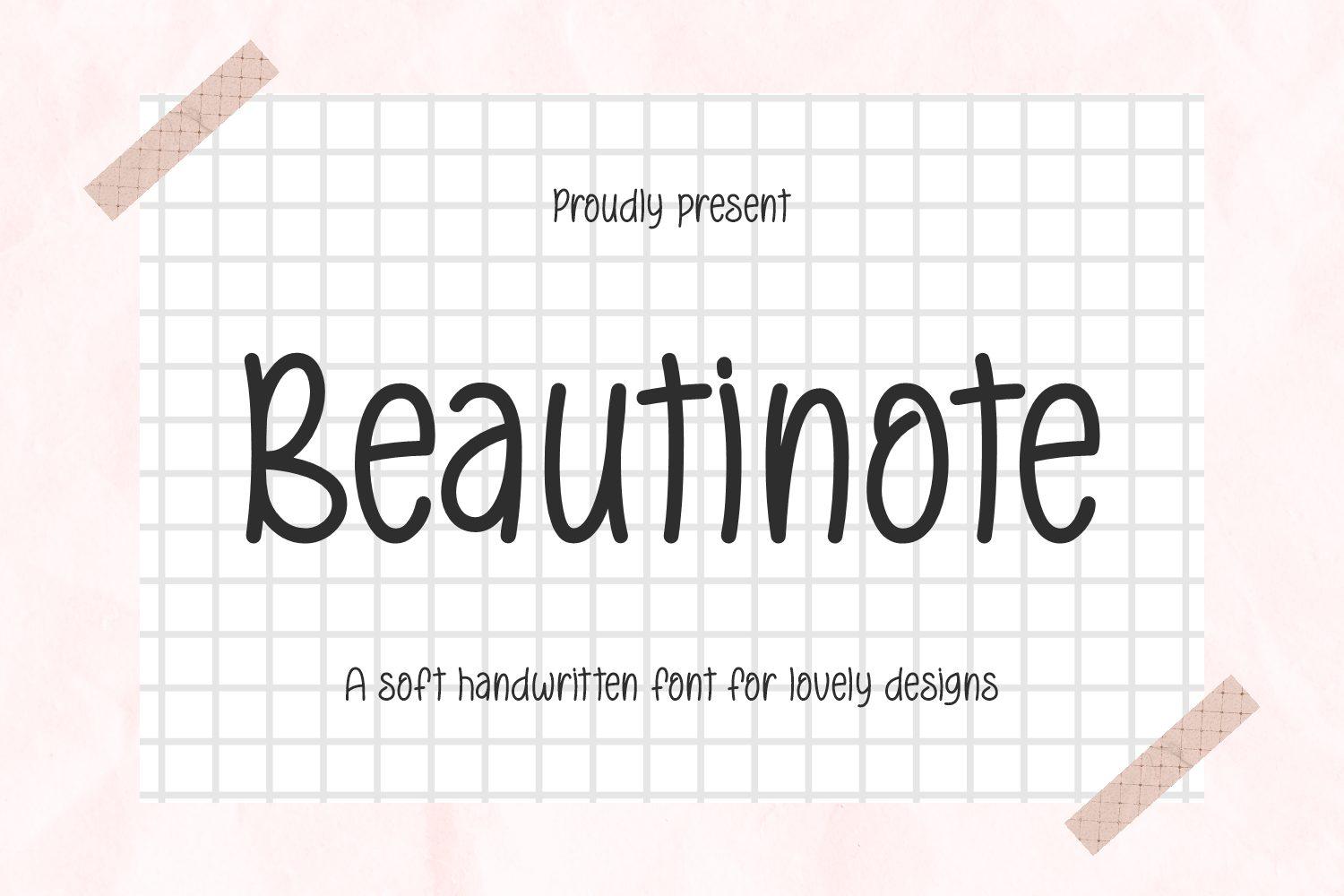
Best For: Clean aesthetic notes, minimal posters, labels
A handwritten font that combines elegance with simplicity, with a clean, minimal shape. It looks like neat print handwriting on a sticky note.
Use it for labels, short notes and minimal posters on grid or paper textures. It also pairs nicely as a body font next to a bold bubble title from the Y2K section.
28. Leffario Font
by Joni type
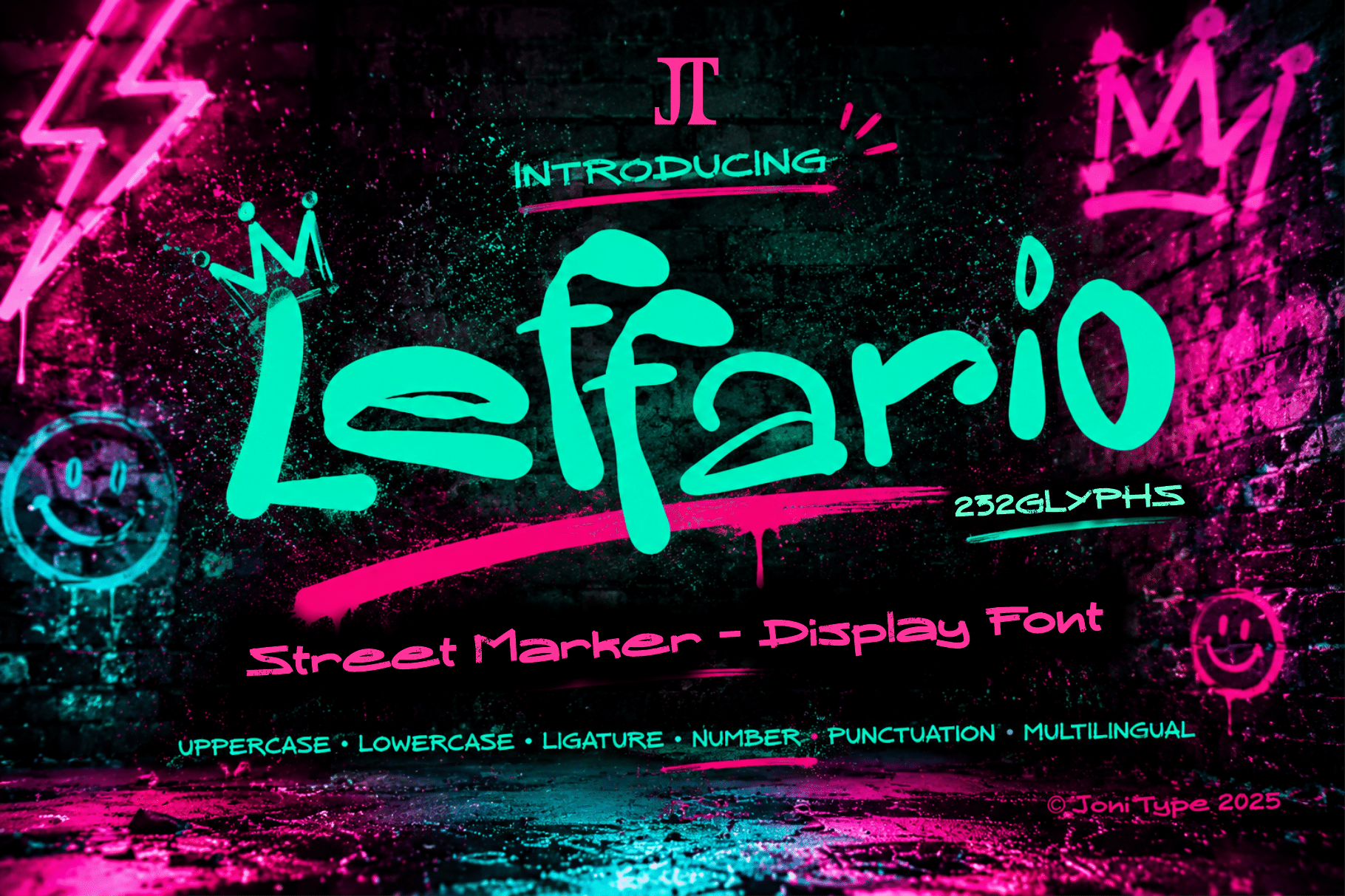
Best For: Neon marker edits, street-style captions, bold quotes
A street marker display font with an intentionally rough, handcrafted style. The author lists uppercase, lowercase, multilingual support, ligatures, numbers and punctuation.
Try it in neon green or pink on a dark background with a Glow (Outer) filter for a sign look. It is lively enough for one bold quote across the canvas.
29. Smoothen Font
by Uzairr
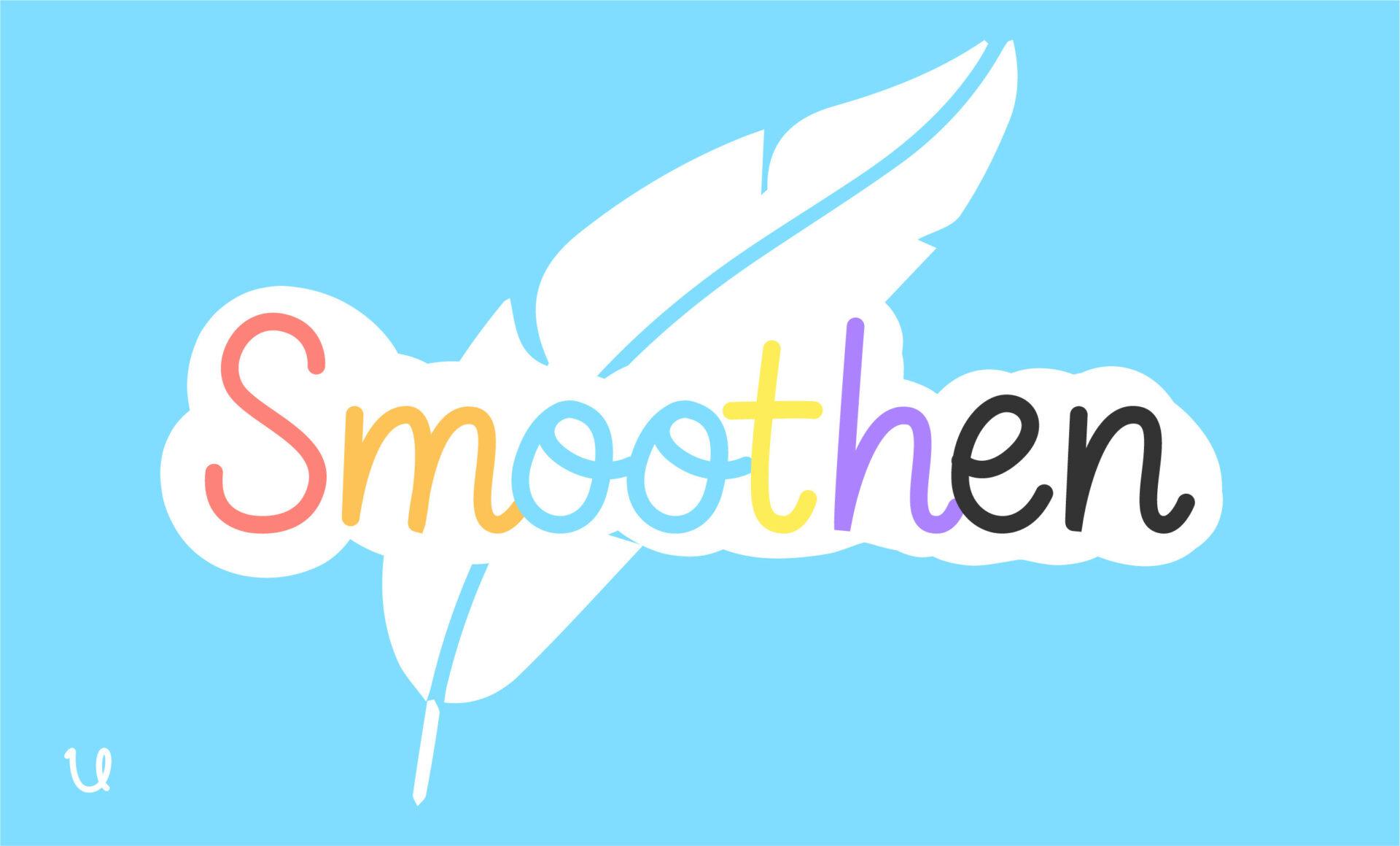
Best For: Clean rounded titles, minimal edits, stickers
A clean, rounded font where letters share the same width, made for minimal layouts. The soft curves give it a friendly, modern feel.
Put it inside a white outline for a sticker look, or use it plain for a calm, minimal caption. It is one of the easiest fonts here to read at small sizes.
How to Choose an ibisPaint Font
Start with the job, not the vibe. A speech bubble needs a clear, even font like Bingo Manga Font. A cover title can take something loud like Manga Brush Font or Wobbble Font. Sticker text wants a chunky shape that survives a thick outline, such as Stay Bold Font or Baby Anime Font.
Test it on a phone-sized canvas. Most ibisPaint art is viewed on a phone. Type your word at the size it will actually appear; thin fonts like Lovely Wives Font need a bigger size or a background box, while bubble fonts stay readable small.
Use one display font and one simple font. Pair a bold title font with a calm handwritten one from the last section, for example Taizo Font for the title and Beautinote Font for the caption. Two loud fonts on one canvas fight each other.
Let the Text tool do the styling. A white Stroke, a colored offset copy and a soft shadow turn almost any font here into a sticker. Build the look once, then reuse it across your art.
FAQ
Can I add my own fonts to ibisPaint?
Yes. Download a TTF or OTF file and follow the “How to Add Fonts” guide inside the Text tool, which shows the steps for your device. On desktop you can drag the font file into the app.
Which font format should I download?
TTF or OTF. If the download is a ZIP, unzip it first and use the font file inside.
Can I sell art made with these fonts?
That depends on the font’s license, not on ibisPaint. Creative Fabrica downloads come with its commercial license, but always read the terms on the font’s page before selling prints or taking commissions.
Which fonts work best for manga speech bubbles?
Clear, even fonts read best at small sizes. From this list, Bingo Manga Font and Smoothen Font are the easiest to read inside a bubble; save Manga Brush Font for sound effects.
Pick one font from each section, test them on your next drawing, and keep the two that feel like your style. A consistent title font across your posts makes your art recognizable before anyone reads the caption.