Y2K Canva Fonts: 25 Bubble, Cyber Chrome, Pixel and Pink Cute Styles for Creators, Shirt Designers and Party Hosts
Y2K Canva fonts are what turn a plain story template or shirt mockup into something that looks straight out of 2002: puffy bubble letters, chrome stars, pixel screens and a lot of pink. Canva has a few fonts in this style, but you see them on thousands of templates. Uploading your own Y2K font is the quickest way to make a design feel like yours.
This post contains affiliate links. If you buy through them, I may earn a small commission at no extra cost to you.
This list gathers 25 Y2K fonts you can upload to Canva, grouped into puffy bubble letters, pink and cute styles, cyber chrome fonts, pixel fonts and bold street poster fonts. These are not Canva’s built-in fonts; each note describes what the font looks like in its preview and where it works best.
All fonts in this list are on Creative Fabrica, and a single All Access subscription unlocks every one of them, so you can try several styles before committing to one.
More font collections:
33 Canva Fonts to Upload
29 Cute Canva Fonts
26 Canva Cursive Fonts
34 Bubble Fonts
30 Aesthetic Fonts
24 Graffiti Lettering Fonts
30 Cool Fonts
Table of Contents
- Puffy Bubble Y2K Canva Fonts
- Pink and Cute Y2K Fonts for Canva
- Cyber Chrome Y2K Fonts
- Pixel and Retro Tech Y2K Fonts
- Bold Street and Poster Y2K Fonts
- Y2K Canva Fonts for Posts and Shirts: What Works
- How to Upload These Fonts to Canva
- Y2K Canva Font Combinations from This List
- FAQ
- Where to Start
Puffy Bubble Y2K Canva Fonts
Bubble letters are the most recognizable Y2K shape: soft, inflated, and a little too big for the frame. These five range from glossy and sweet to lumpy and hand-drawn.
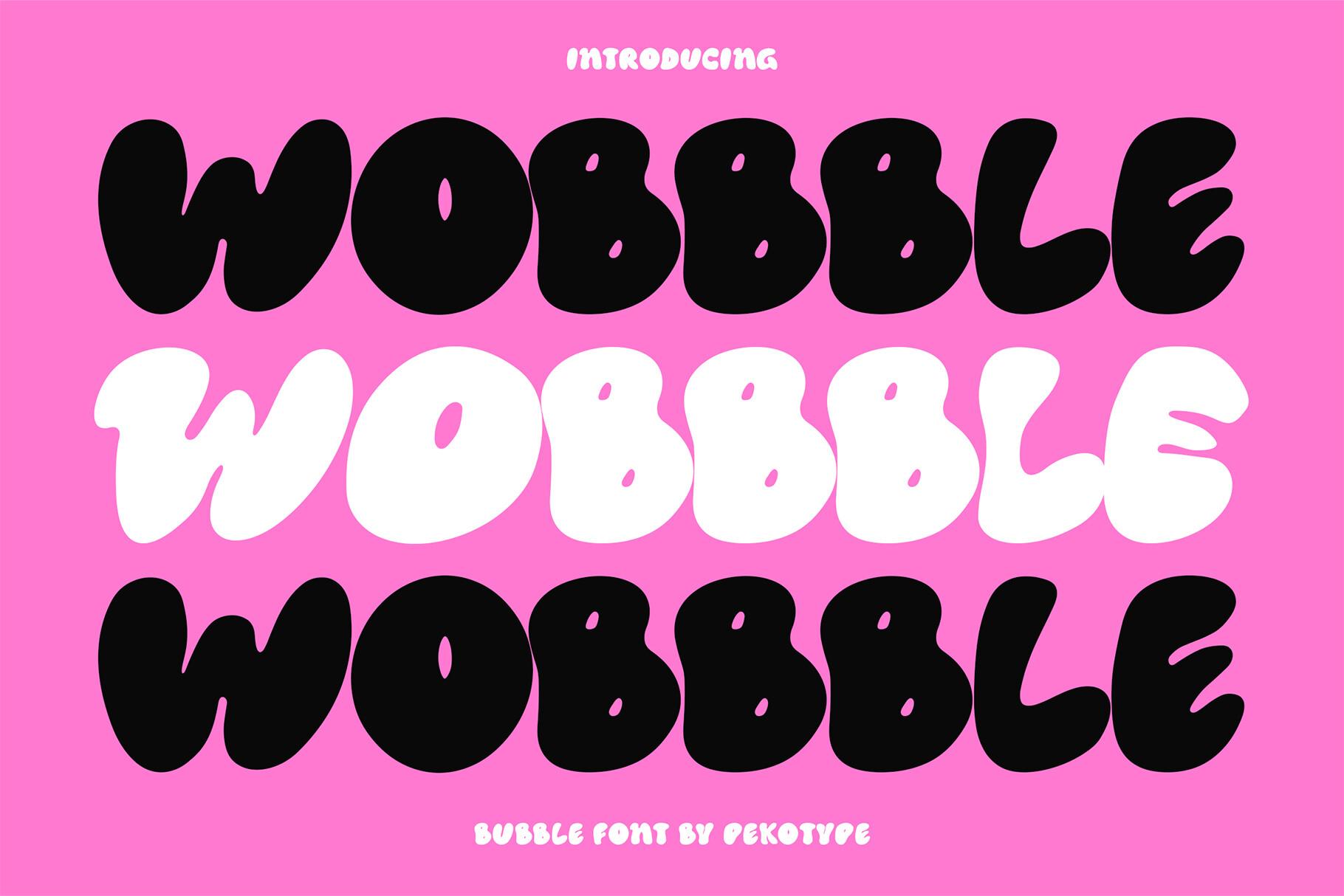
1. Wobbble Font by pekotype
Best For: Sticker sheets, bold shirt slogans, Instagram story titles
Fully inflated capitals with almost no counters left: the O is a small slot, and the B squeezes two tiny holes into a round body. The preview stacks the name three times, black, white, black, on hot pink, and the letters tuck into each other without gaps.
This is a one-to-three-word font. Set a short slogan, give it a contrasting outline in Canva, and let it sit over a flat color. Long sentences turn into a dark blob, so keep the supporting text in a plain sans.
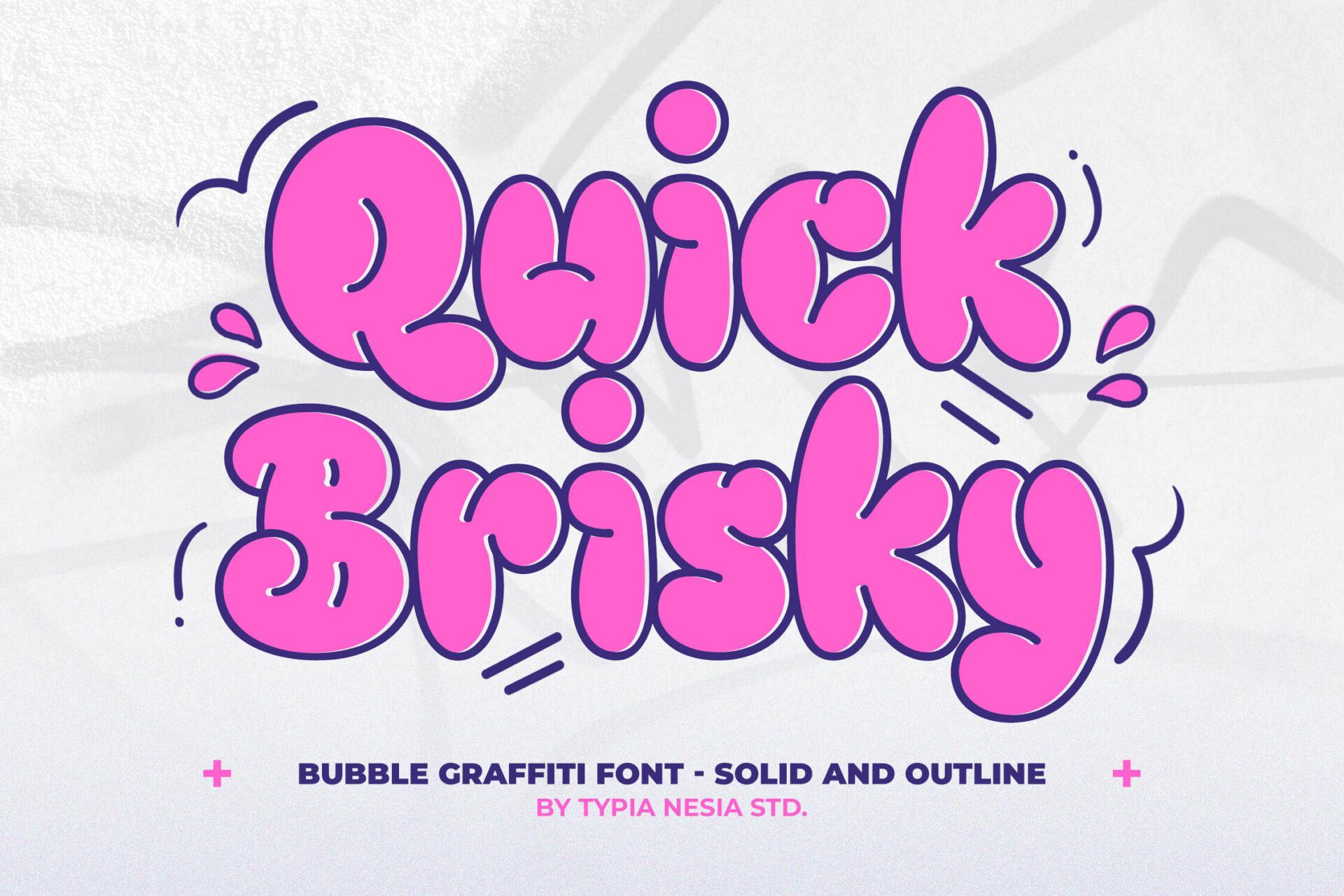
2. Quick Brisky Font by Typia Nesia
Best For: Party invites, sale banners, YouTube thumbnails
A bubble graffiti font with a looser hand: the k kicks out to the side, the y drops a curly tail, and each letter leans a little differently. The preview shows pink fills with a deep navy outline, surrounded by small splash marks. The page lists solid and outline styles.
Layer the two styles in Canva: solid on the bottom in one color, outline on top in a darker one, nudged a few pixels. That gives the sticker look from the preview without extra effects. Works best for headings with lowercase energy, like a party name or a sale word.
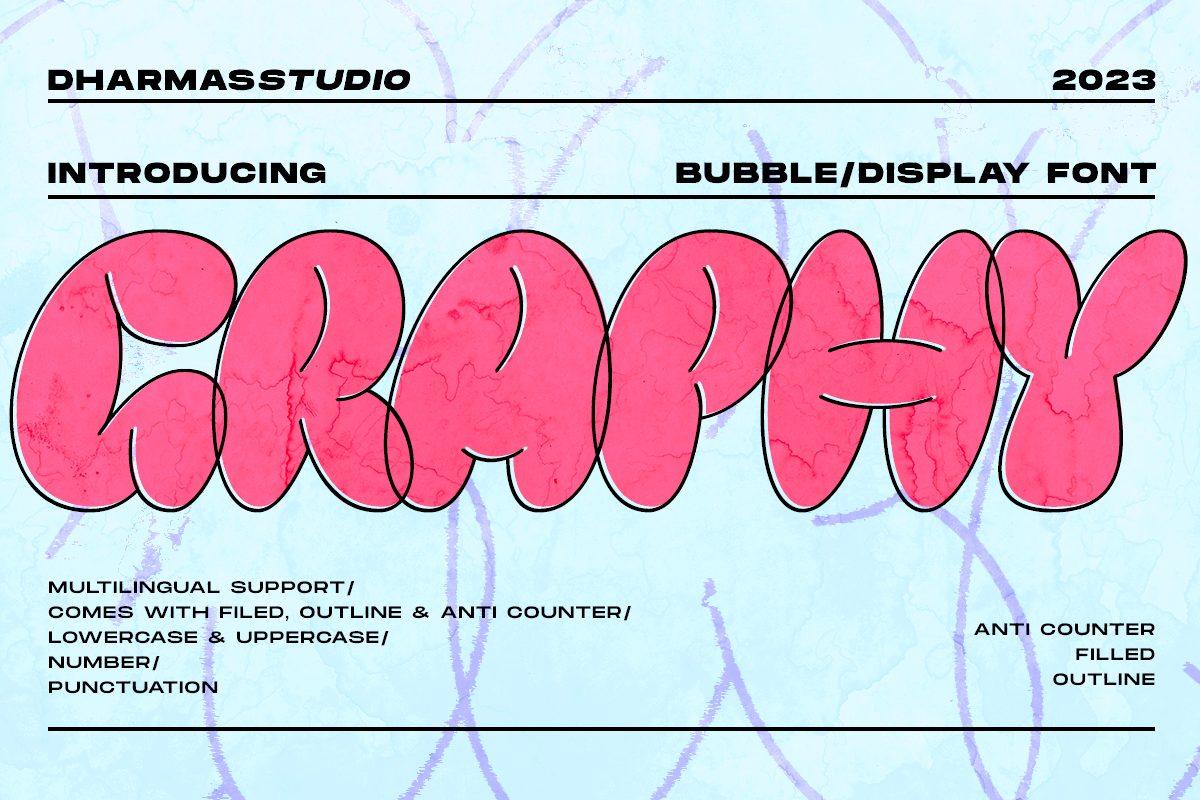
3. Graphy Font by Dharmas Studio
Best For: Merch prints, zine covers, music event posters
Tall bubble capitals that overlap their neighbors: in the preview the outlines of GRAPHY cross into each other, so the word reads as one inflated shape. The card notes filled, outline and anti counter versions, uppercase and lowercase, numbers, punctuation and multilingual support.
The anti counter version, where the holes are filled in, is useful for small sticker cuts that would otherwise lose their inner shapes. For a poster, combine filled and outline layers in two colors. Numbers make it practical for event dates.
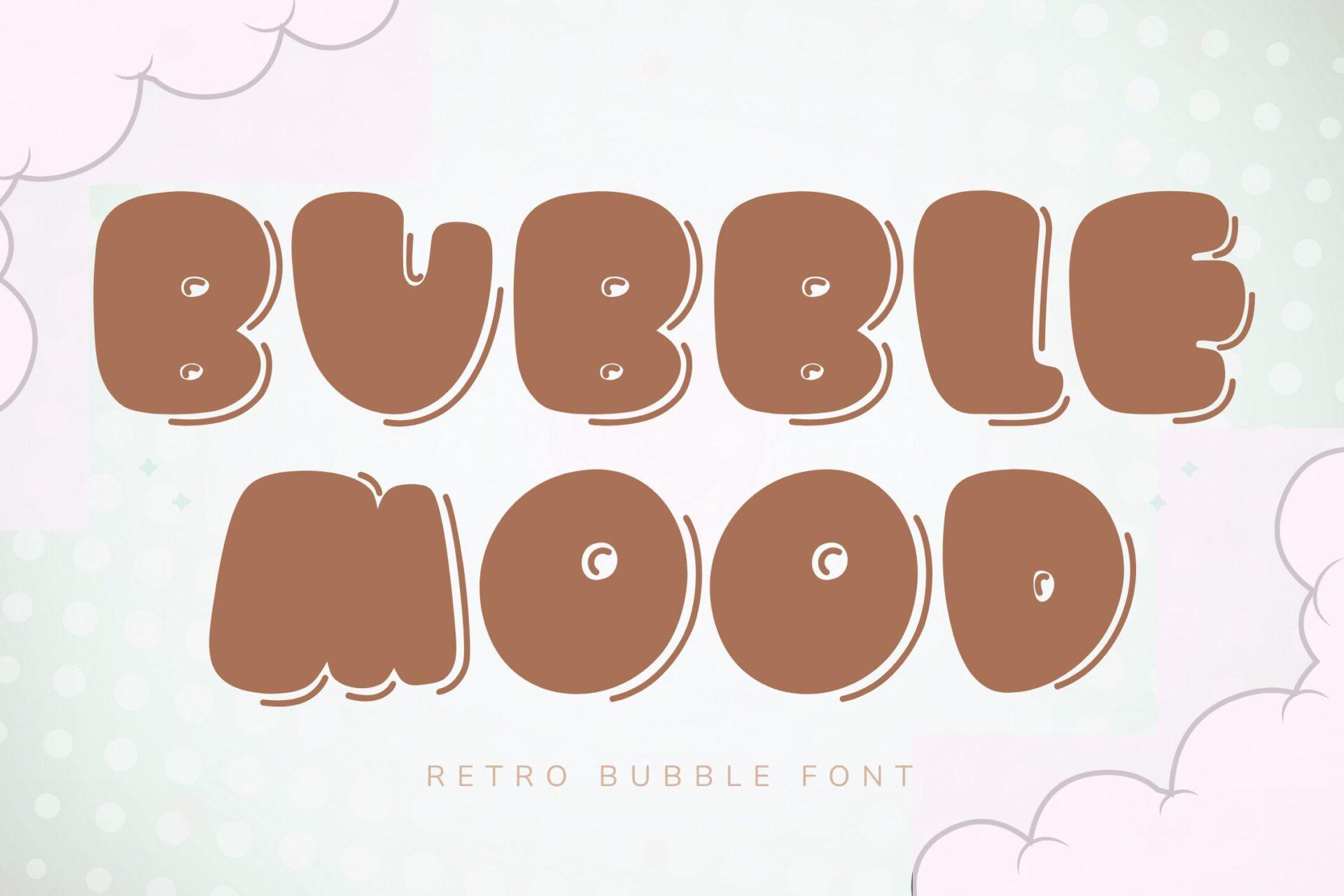
4. Bubble Mood Font by FVBFontArt
Best For: Cafe menus, cozy planner covers, soft retro posters
A rounder, calmer bubble font in a coffee-brown preview. Each letter has a lighter drop shadow behind it and small shine marks inside the counters, which gives the letters a glossy, candy-like feel. The author calls it a retro bubble font.
Because the shine is already part of the letters, you can skip Canva effects and just pick two colors. It reads well in muted palettes, which makes it a softer option when hot pink feels too loud for the project.
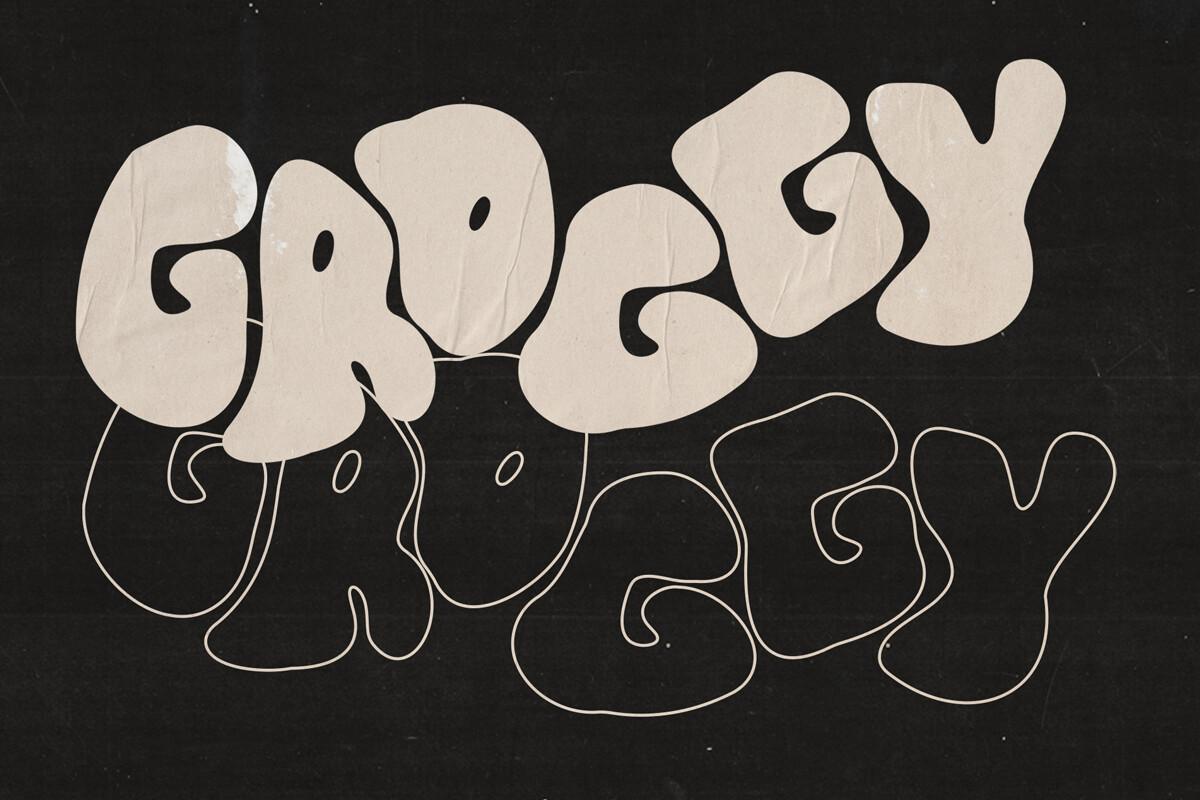
5. Groggy Font by Emma Rodriguez
Best For: Band merch, streetwear graphics, zine titles
The least polished bubble on the list: lumpy, uneven letters that look like they were blown up too fast. The preview pairs a cream filled version with a thin outline version underneath on a dark, papery background.
Groggy works when you want Y2K with a grungy edge rather than a candy one. Use the outline version as a ghost layer behind the fill, or alone in white on black for a shirt print.
Pink and Cute Y2K Fonts for Canva
The pink side of Y2K: glossy hearts, flip-phone colors and computer-window frames. These suit creators, party hosts and anyone designing for a girly 2000s mood.
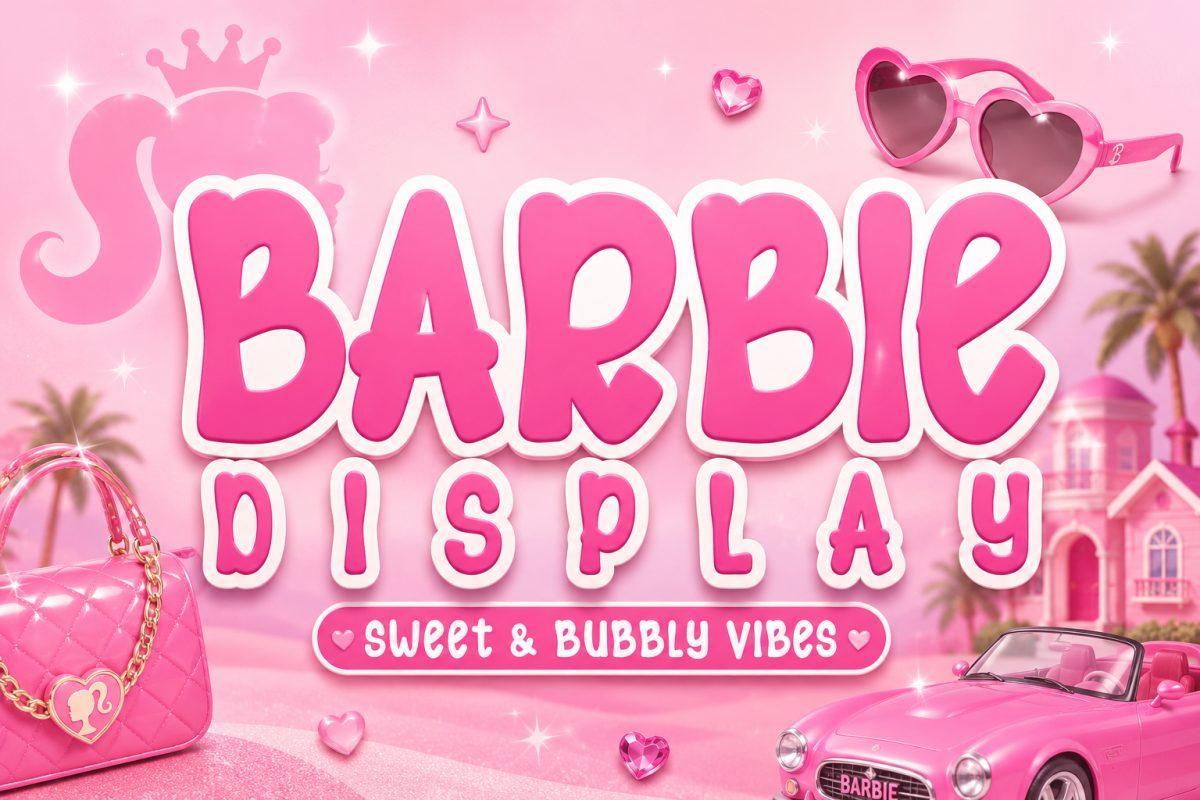
6. Barbie Font by KiddoCraft
Best For: Birthday invitations, pink party signs, girly social posts
A rounded, bouncy display font with uneven baselines: letters in BARBIE hop up and down a little. The preview sets it in hot pink with a thick white outline over an all-pink scene, and the tagline describes it as sweet and bubbly.
Keep it to titles and names, set with a white stroke as in the preview. For the rest of an invitation, a clean rounded sans keeps the page readable while this font carries the theme.
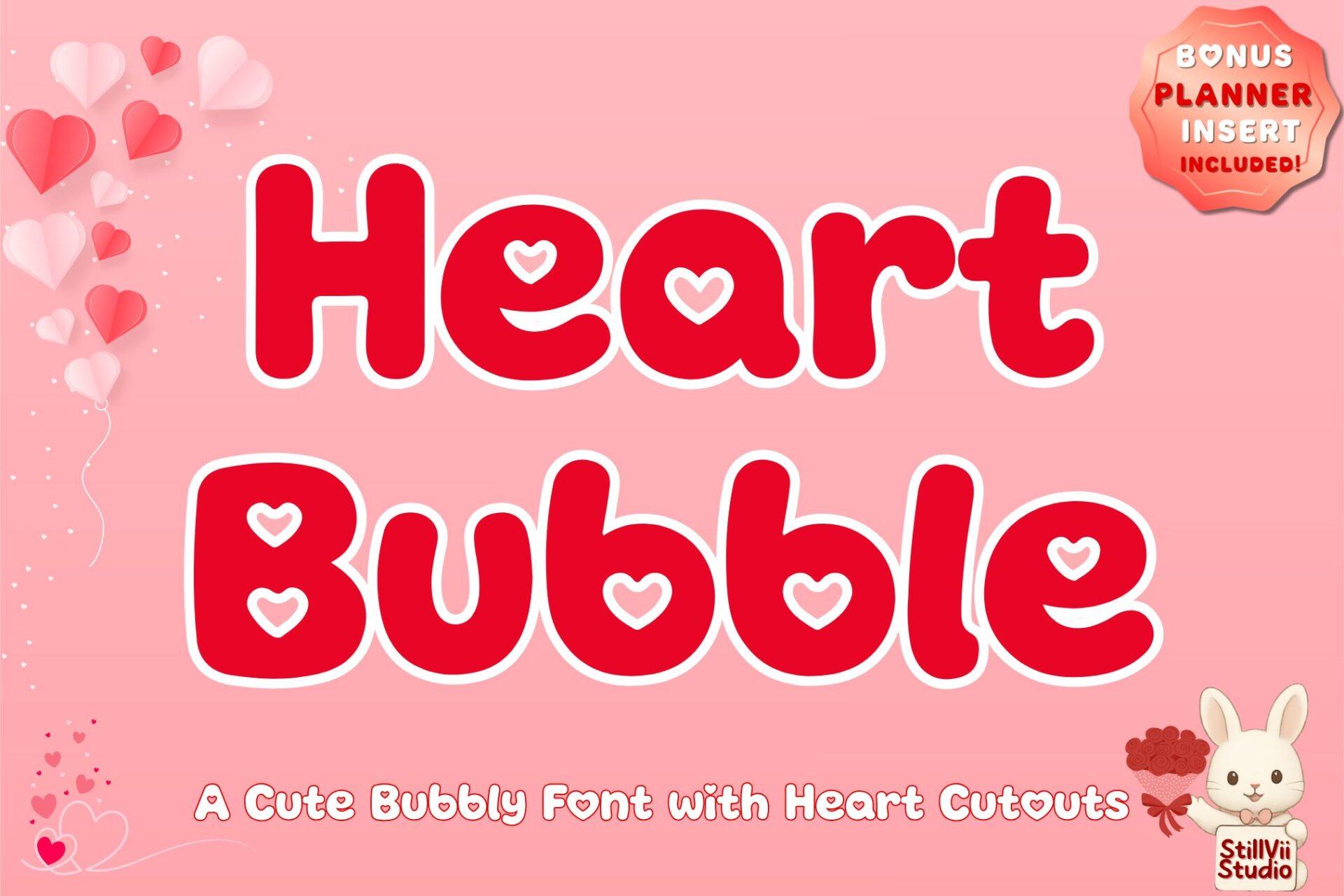
7. Heart Bubble Font by StillViiStudio
Best For: Valentine posts, planner stickers, girls’ party banners
Chunky rounded letters where the counters are little hearts: in the preview the e and the b carry heart cutouts instead of round holes. The preview shows it in red with a pale pink outline. The page mentions a bonus planner insert.
The heart cutouts are the feature, so set it large enough for them to read, at least a heading size. Works with plain white or blush backgrounds; busy textures hide the hearts.
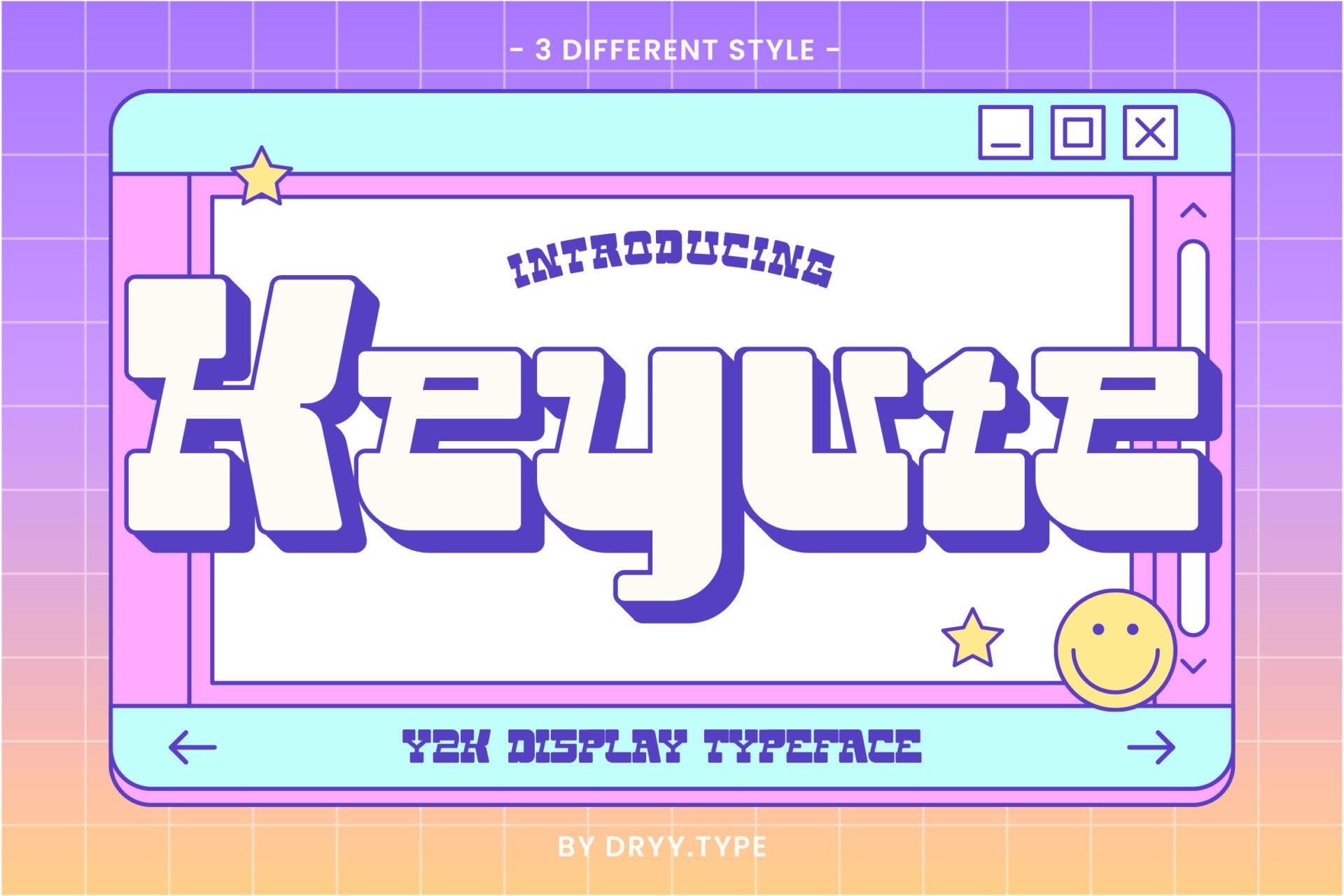
8. Keyute Font by Dryy.type
Best For: Retro tech posts, stickers, playlist covers
Wide, soft display letters with flared ends and a thick purple extrusion behind them. The preview places the word inside an old desktop window with minimize and close buttons, plus a smiley and stars. The card says it comes in three styles.
Recreate the window frame in Canva with a rectangle and three small squares, and you already have a ready Y2K template. The letters are wide, so give a two-word title its own line each.
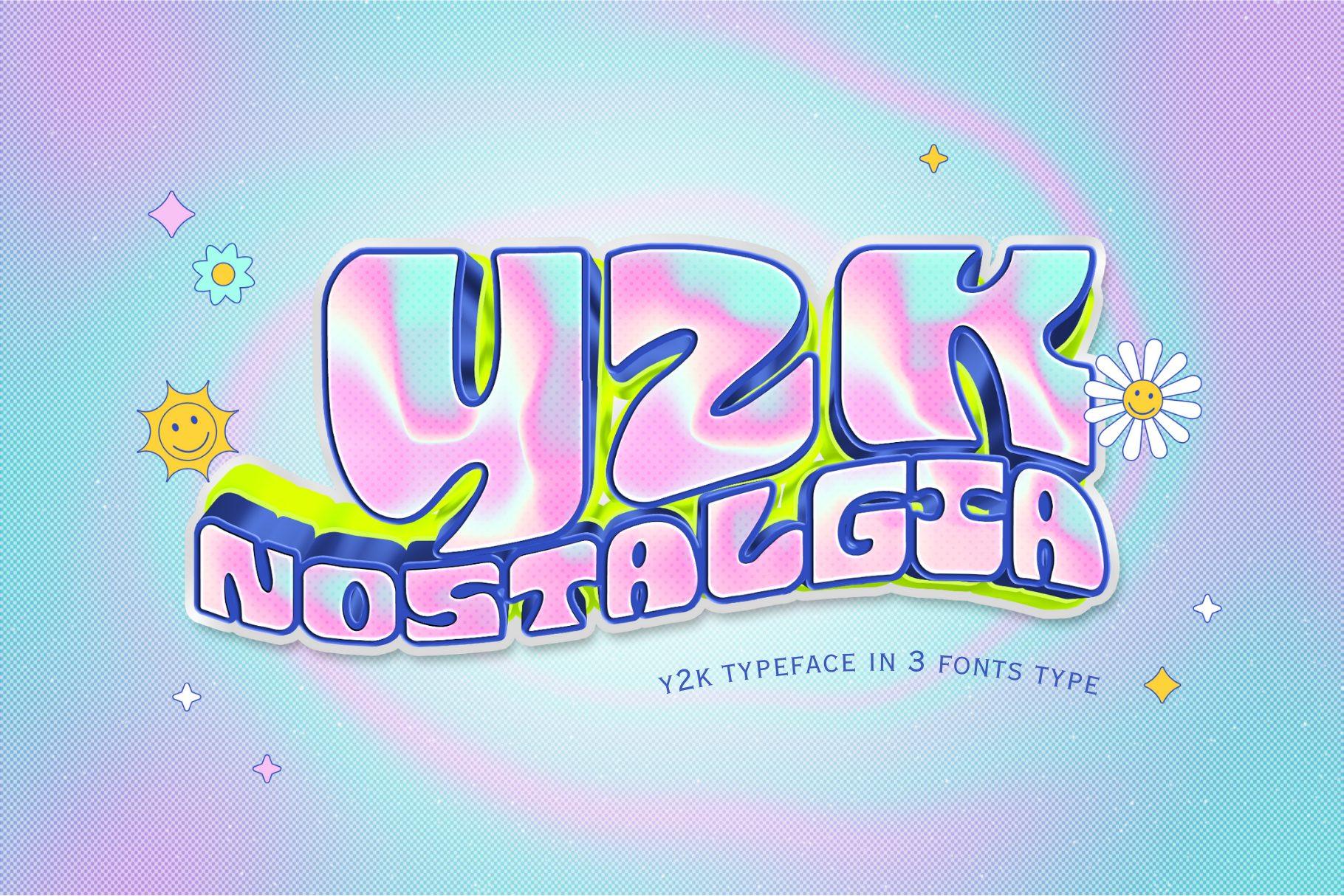
9. Y2k Nostalgia Font by Bambin
Best For: Holographic stickers, aesthetic story covers, merch drops
Warped, wavy letters that look like melted plastic: the Y2K in the preview is filled with a pink-blue holographic gradient and outlined in navy. The card mentions three font types.
Fill the letters with a gradient or a holographic texture image in Canva to match the preview. Plain flat colors work too, but the wavy shapes look best when the fill changes across the word.
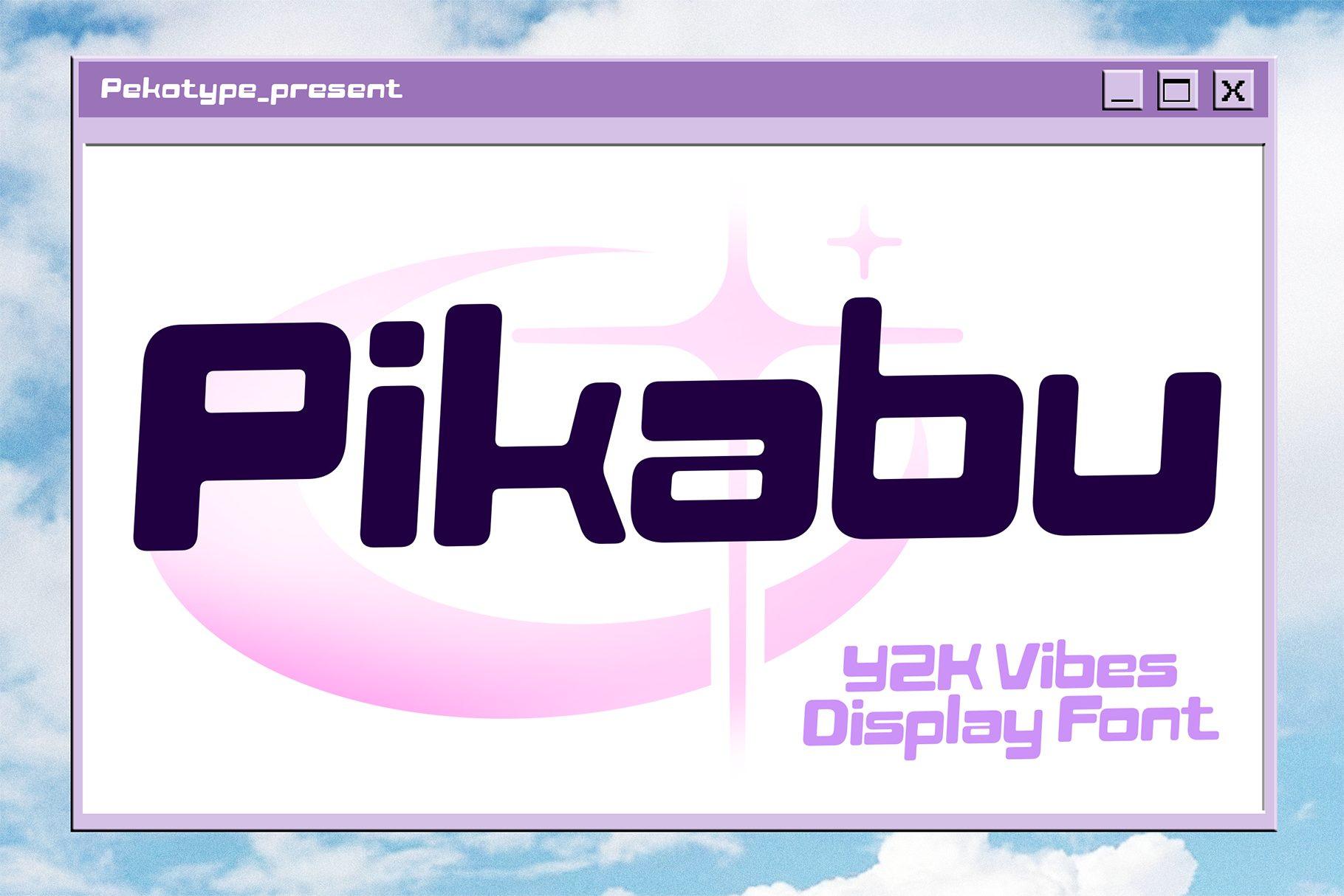
10. Pikabu Font by pekotype
Best For: Creator branding, tech-cute logos, channel banners
A rounded, slightly squared display font with soft corners, set in deep purple inside a lilac window frame with a pink crescent behind. It reads cleaner than the bubble fonts above, more like a 2000s gadget logo.
Because it stays legible at smaller sizes, Pikabu can carry a channel name or a shop logo, not just a headline. Pair it with a thin pixel font for labels to keep the Y2K feel.
Cyber Chrome Y2K Fonts
The futuristic side of Y2K: wide, slanted letters, chrome stars and orbit rings. These suit tech-inspired merch, club flyers and covers that need speed.
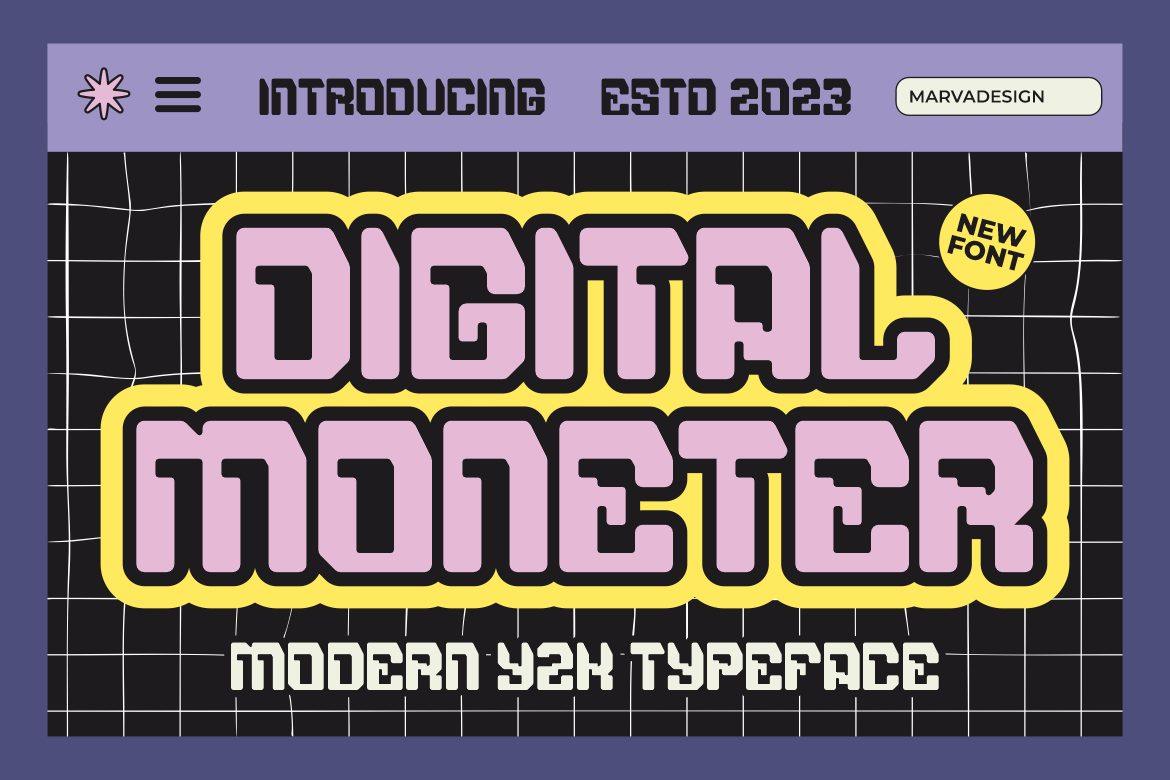
11. Digital Moneter Font by Marvadesign
Best For: Gaming posts, streetwear prints, event flyers
Blocky letters with rounded corners and narrow slots for counters, like keys on an old keyboard. The preview fills them with lilac, wraps them in a thick yellow outline, and sets them on a black grid.
Copy the preview approach: one fill color, one heavy outline, a grid background. It holds up in short words; the narrow slots close up in long lines, so keep body copy elsewhere.
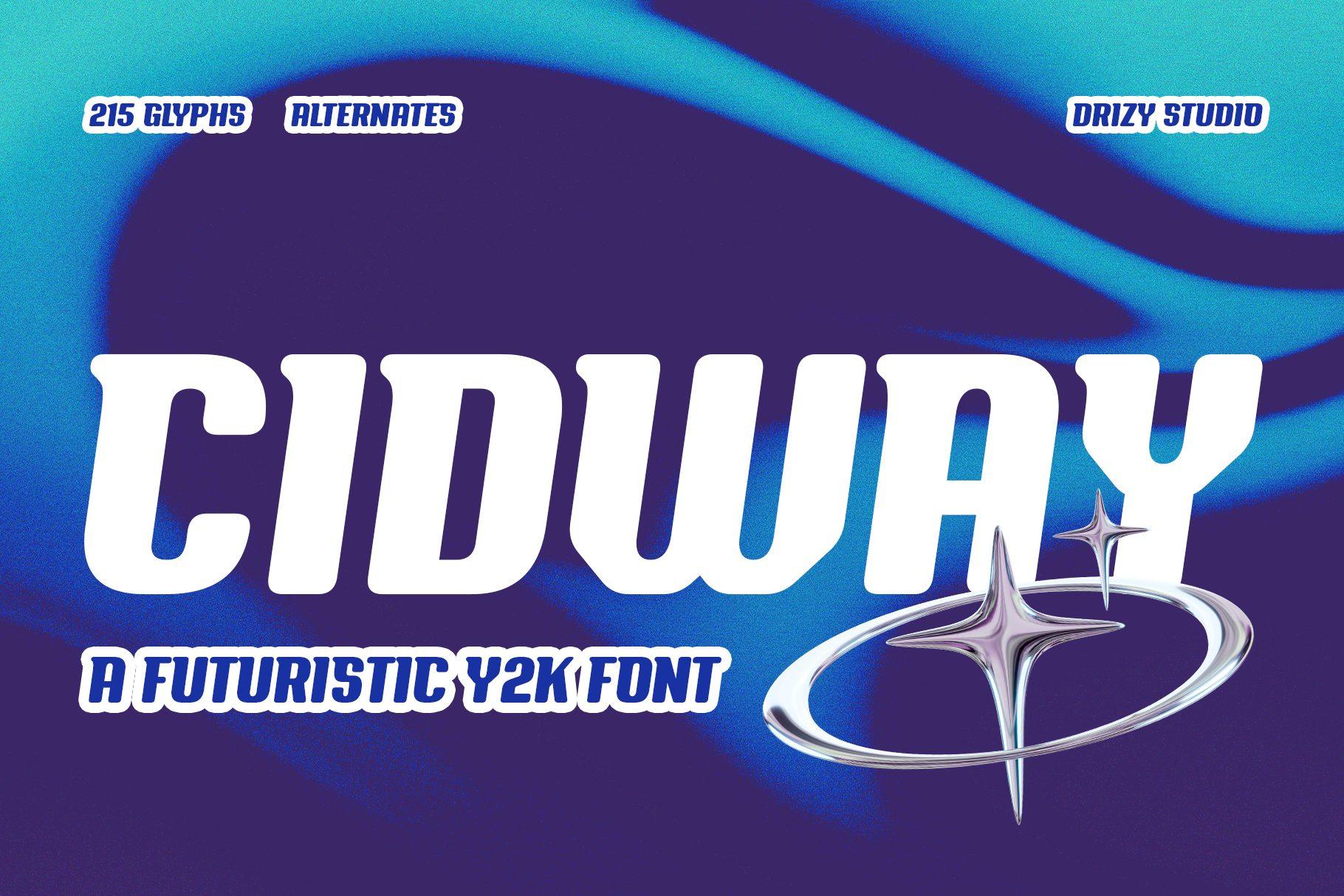
12. Cidway Font by Drizy Studio
Best For: Music covers, tech brand headers, racing-style merch
A wide, italic display font with sharp cuts in the letters and a sense of speed. The preview shows white letters on a blue-violet wave with a chrome four-point star and orbit ring. The card lists 215 glyphs and alternates.
Add a chrome star graphic in Canva next to the word and you have the full preview look. Long slanted words need room on the right, so give the line extra width.
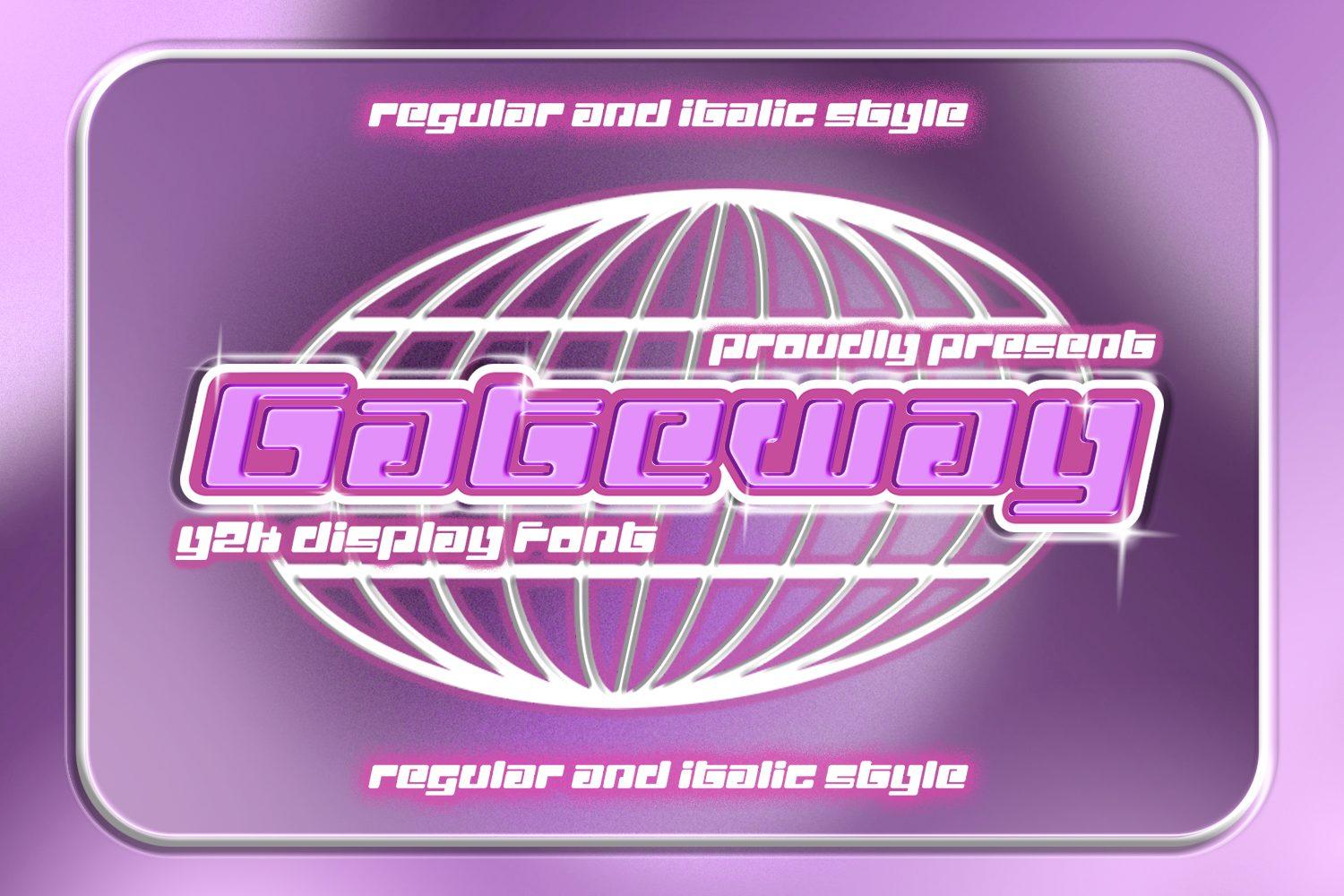
13. Gateway Font by shineink.designlab
Best For: Club flyers, Y2K party invitations, channel art
Squared techno letters with cut corners, shown in glossy pink over a white wireframe globe. The card mentions regular and italic styles.
The italic style adds movement for flyers; the regular style keeps things steady for a channel name. A glow effect in Canva brings it close to the preview.
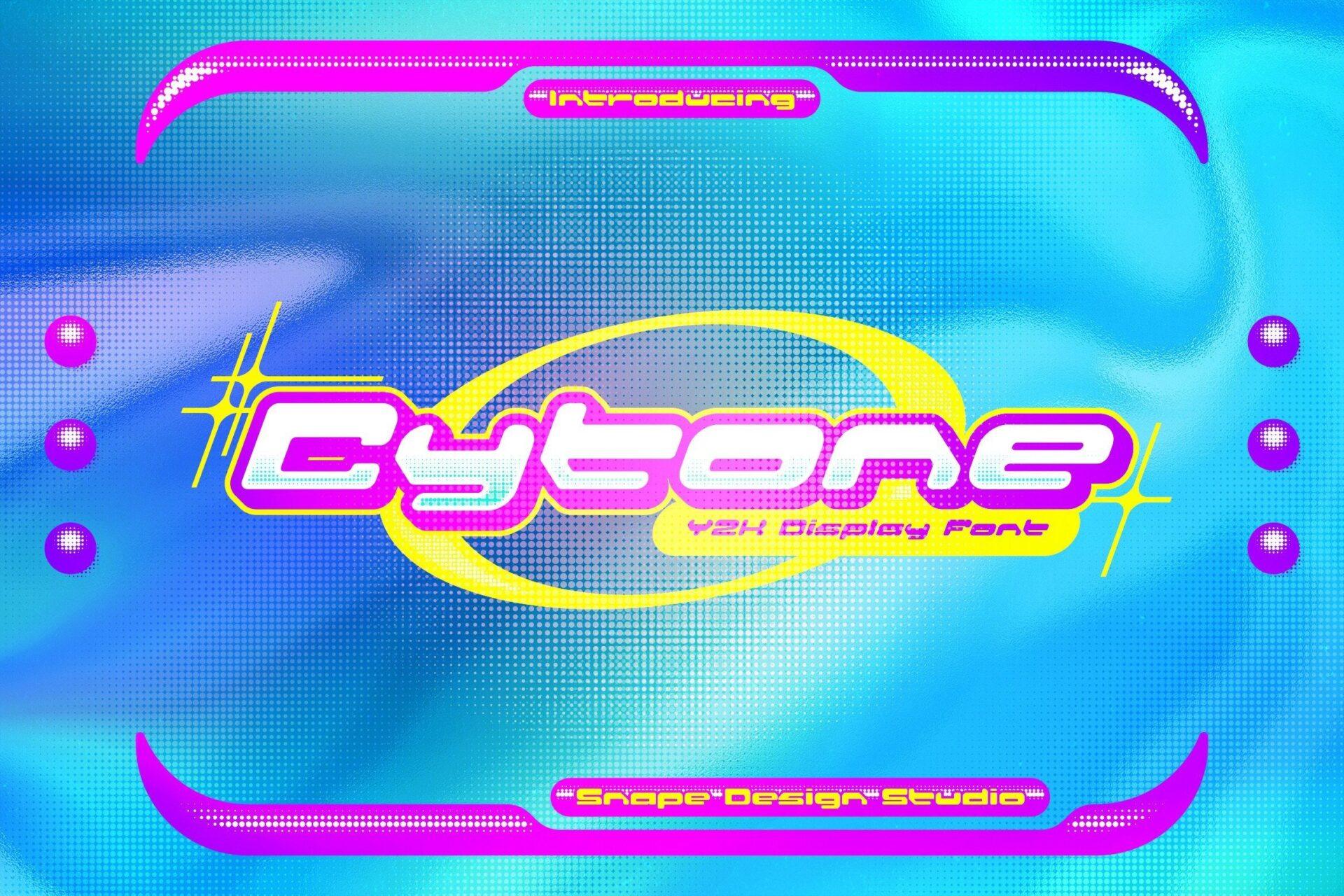
14. Cytone Font by snapedsgn
Best For: Rave flyers, Y2K party graphics, tech-pop stickers
Low, wide letters slanted forward, with softly squared shapes. The preview puts them in purple inside a yellow orbit ring on an electric blue background with magenta frame corners.
This font likes saturated color pairs: purple and yellow, pink and cyan. Draw an oval ring behind the word in Canva to echo the preview.
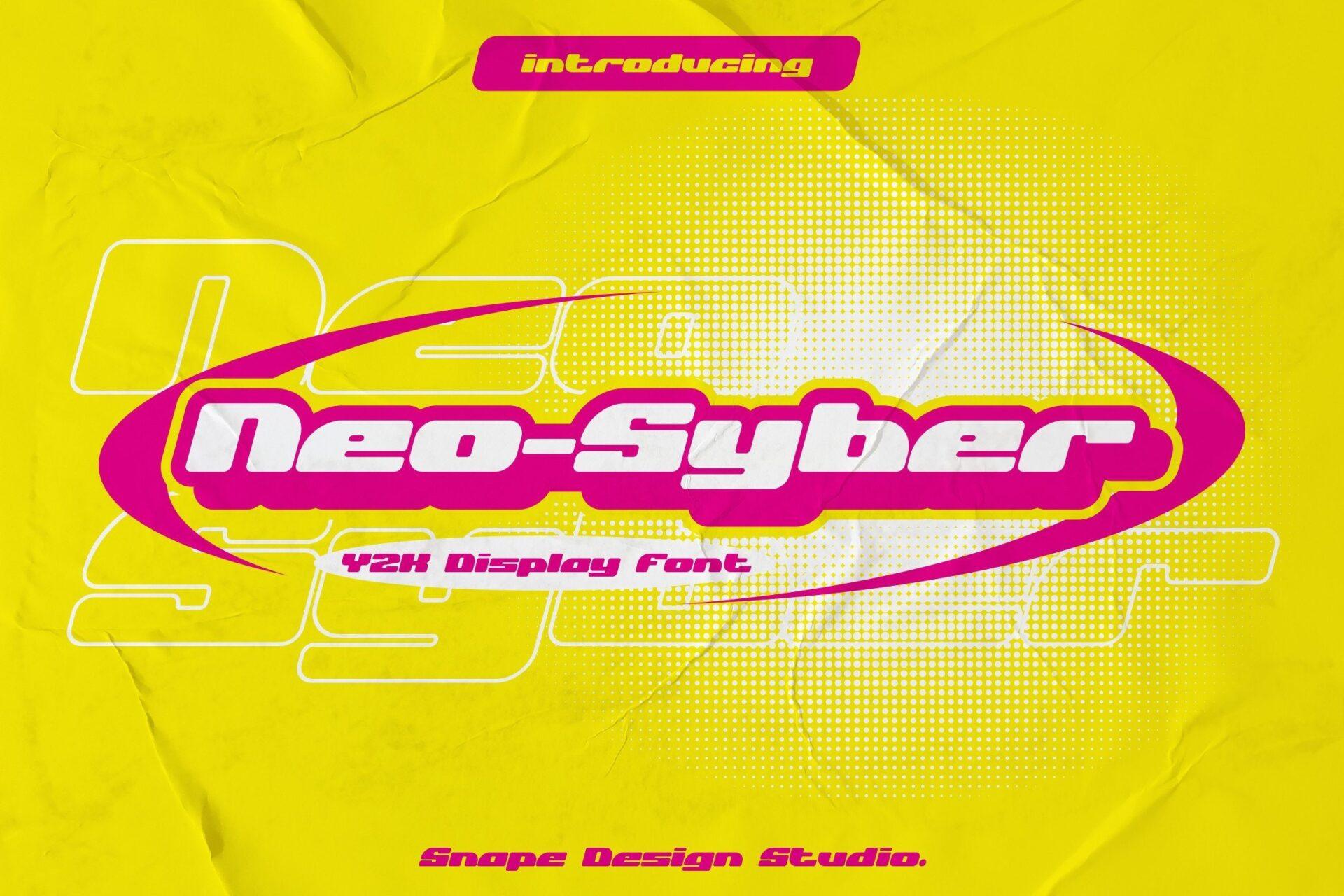
15. Neo Syber Font by snapedsgn
Best For: Bold event flyers, sports-inspired merch, sticker logos
A heavier relative of Cytone from the same studio: chunkier slanted letters, here in white with a magenta outline inside a pink oval badge on yellow paper texture.
The oval badge is the trick: put the word inside a pill shape in Canva for a ready logo or sticker. Works well with a hyphenated two-part name, as in the preview.
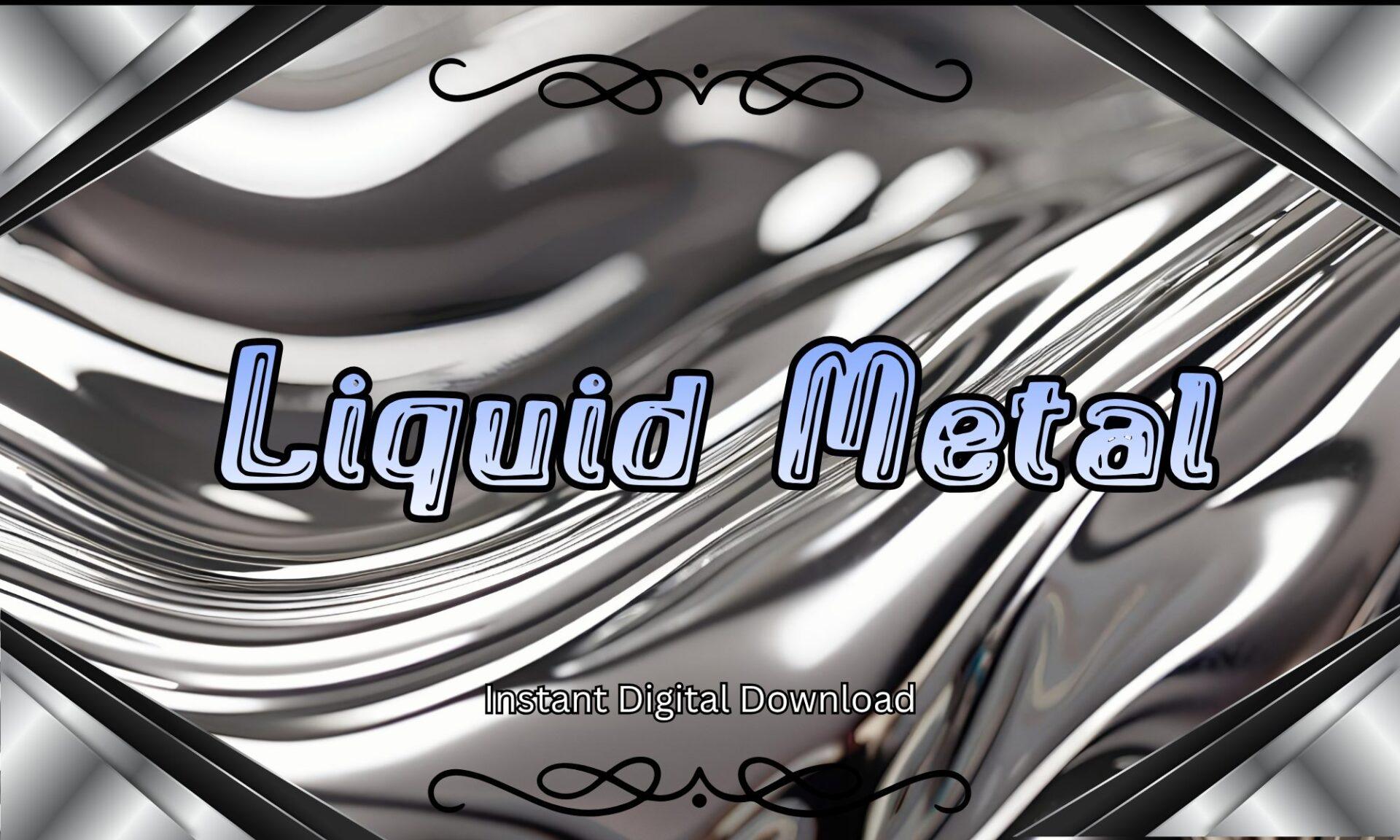
16. Liquid Metal Font by Pamlico Creations
Best For: Chrome-themed social posts, retro tech covers, party signs
Rounded italic letters with a pale blue fill, a double outline and a highlight line inside each stroke. The preview places them on a swirling liquid chrome background.
Set it over a chrome texture image in Canva, or on black with a light glow. It is calmer than the other cyber fonts, so it suits longer titles.
Pixel and Retro Tech Y2K Fonts
Pixel fonts bring back early game screens, digital pets and LCD displays. These four range from sharp 8-bit to soft and rounded.
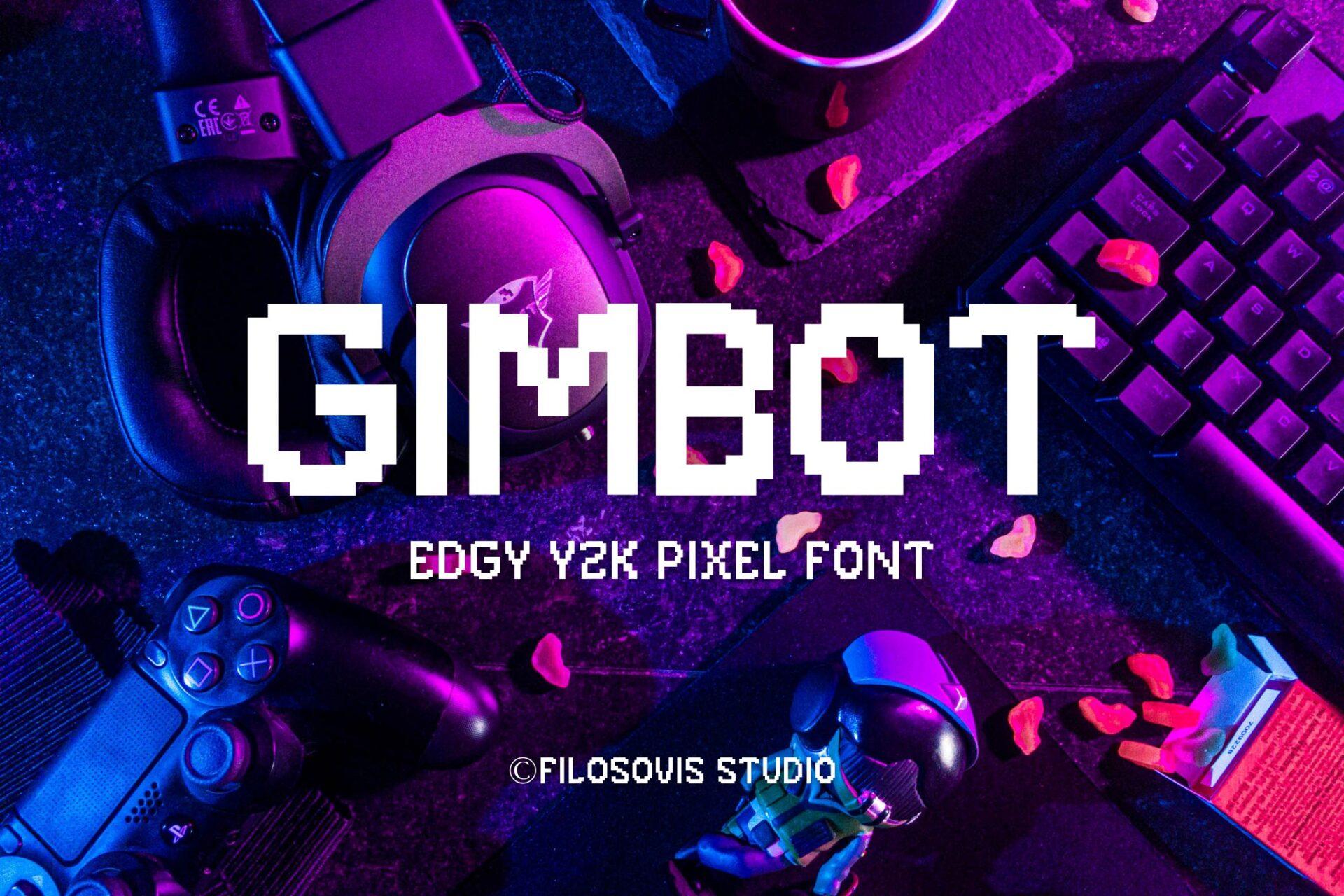
17. Gimbot Font by filosovis.co
Best For: Gaming channel graphics, tech merch, stream overlays
Clean, blocky pixel capitals built from square steps, shown in white over a purple-lit photo of a gaming desk. The author calls it an edgy Y2K pixel font.
Pixel edges stay crisp when the font is large, so use it for headlines and channel names. Set it in white over a dark photo, as in the preview, to keep the steps readable.
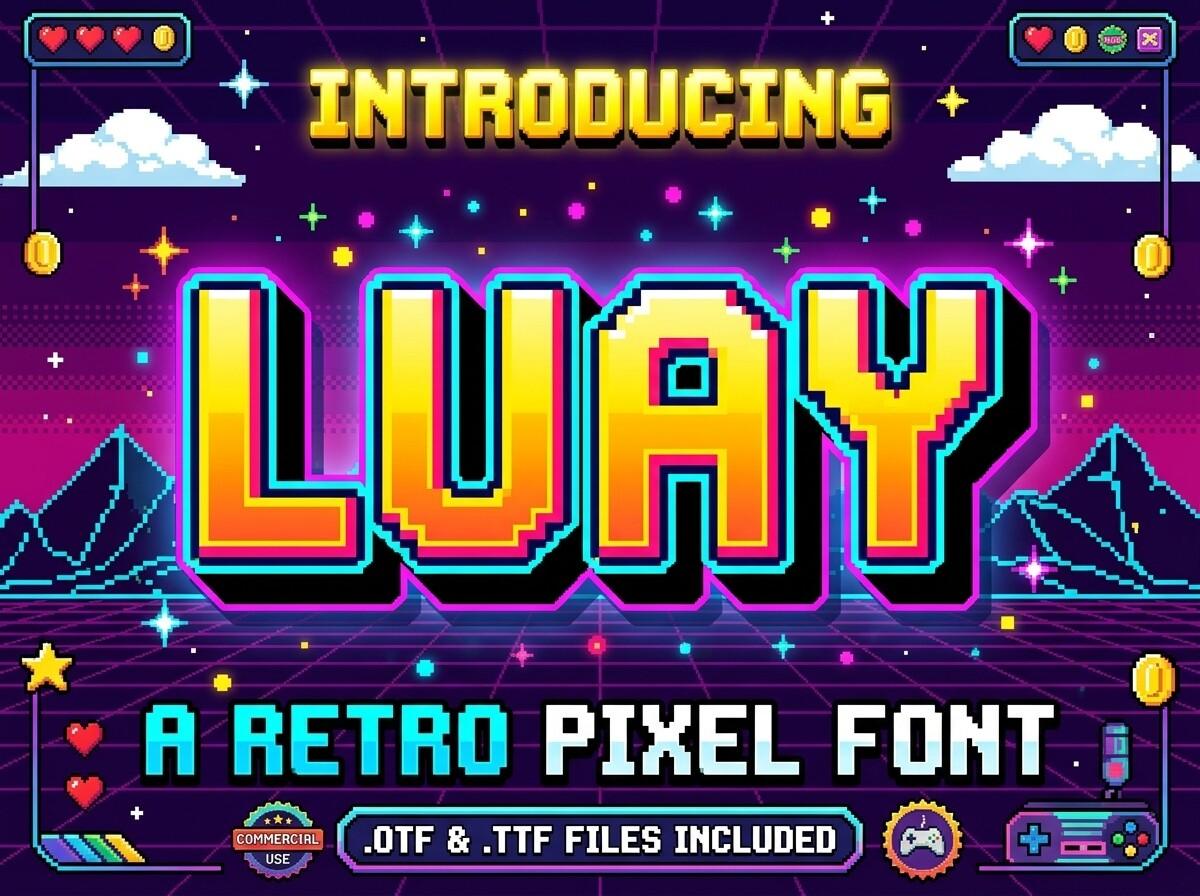
18. Luay Font by dimukhi
Best For: Arcade party invites, gaming birthday banners, kids’ game posters
Thick pixel letters with a yellow-to-orange gradient and a layered 3D shadow, set in a full arcade scene with hearts, coins and a pixel mountain. The page notes OTF and TTF files included.
Add a gradient fill and a second offset copy in a darker color to get the arcade depth. Great for a game-themed birthday headline.
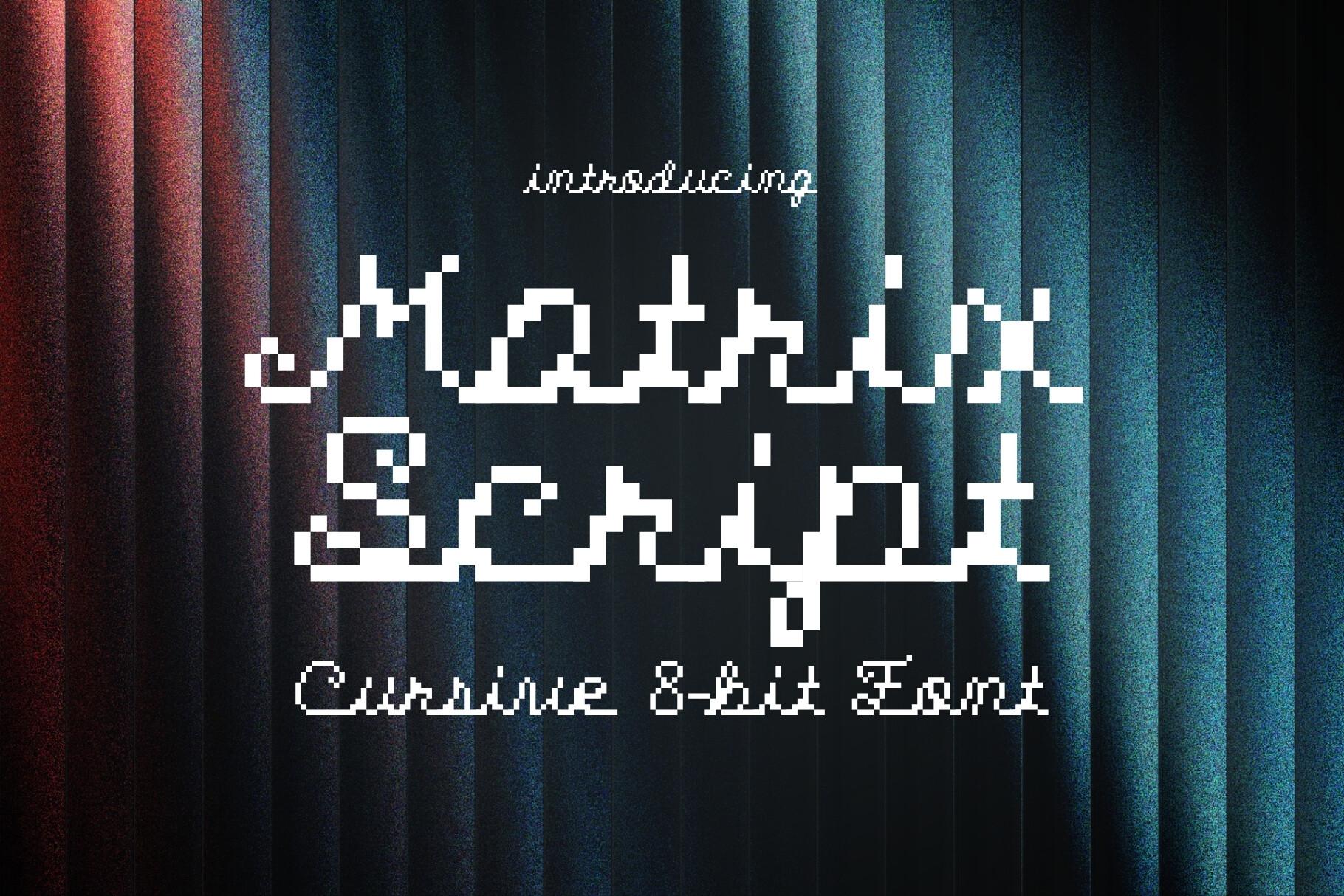
19. Matrix Font by HipFonts
Best For: Retro tech invites, captions, aesthetic quotes
A rare combination: a connected cursive script drawn in pixels. The preview reads Matrix Script and Cursive 8-bit Font, in white on a dark stage curtain.
This is the pick when you want Y2K without shouting. Use it for a name, a short quote or a caption over a photo; pair it with a blocky pixel font for the main title.
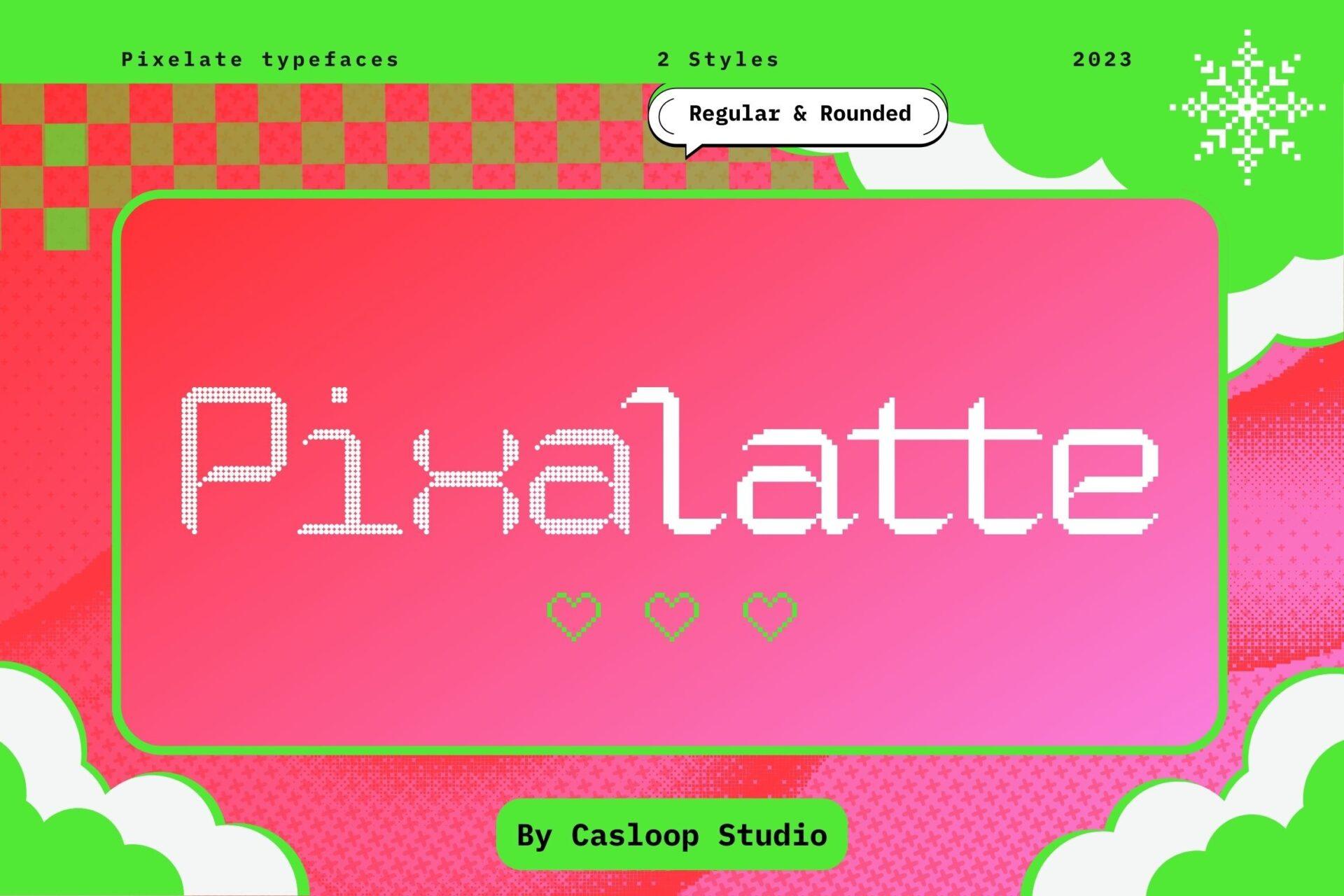
20. Pixalatte Font by Casloop
Best For: Labels, planner headers, minimal Y2K layouts
A thin, light pixel font made of small dots, much finer than the typical 8-bit look. The preview sets it in white on a pink gradient with green frames. The card lists two styles, regular and rounded.
Its light weight makes it a supporting font: subtitles, labels, small UI-style text in a Y2K layout. Keep it big enough that the dots read as letters, not texture.
Bold Street and Poster Y2K Fonts
Loud, graphic and made for print: these suit shirt designers, flyer makers and anyone building a Y2K merch drop.
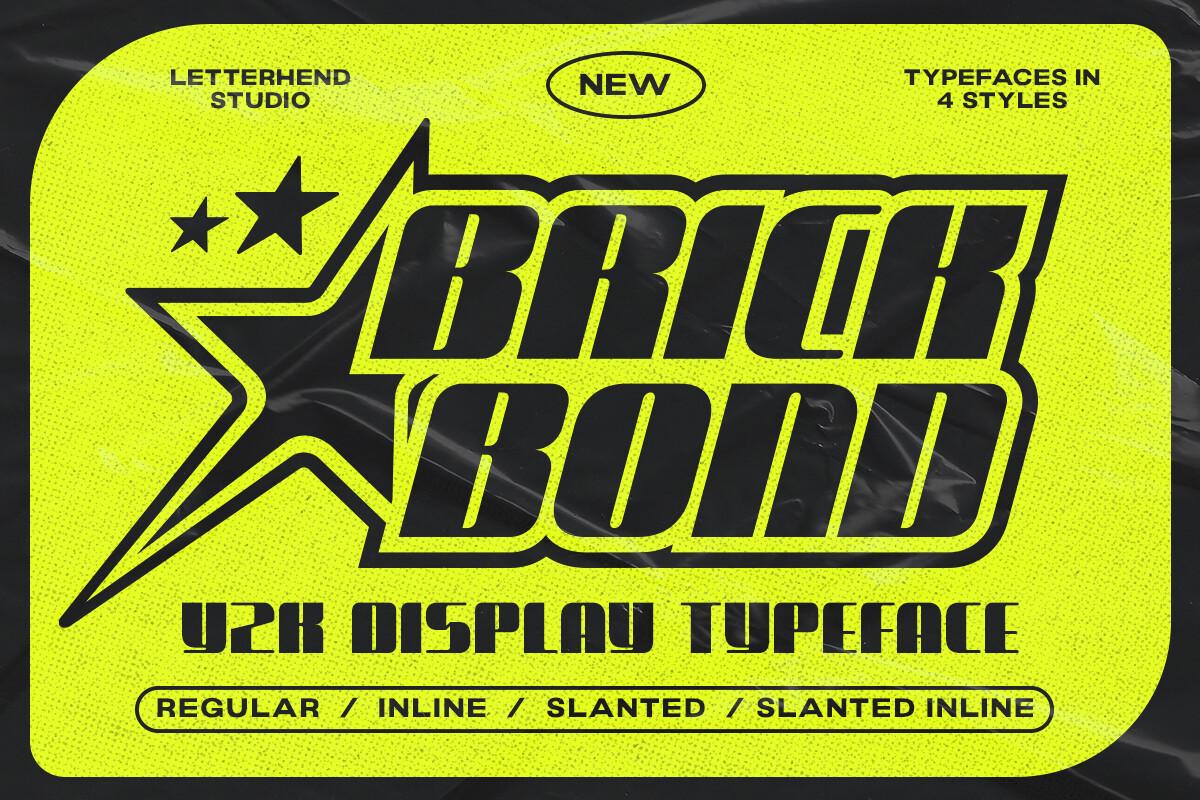
21. Brick Bond Font by letterhend
Best For: Shirt prints, streetwear logos, sports-style merch
Heavy slanted letters with angular cuts, shown in black on neon yellow with a large star shape behind the word. The card lists four styles: regular, inline, slanted and slanted inline.
The inline styles make it look screen printed without extra work. Pick one strong color plus black, as in the preview, and you have a shirt design that prints cleanly.
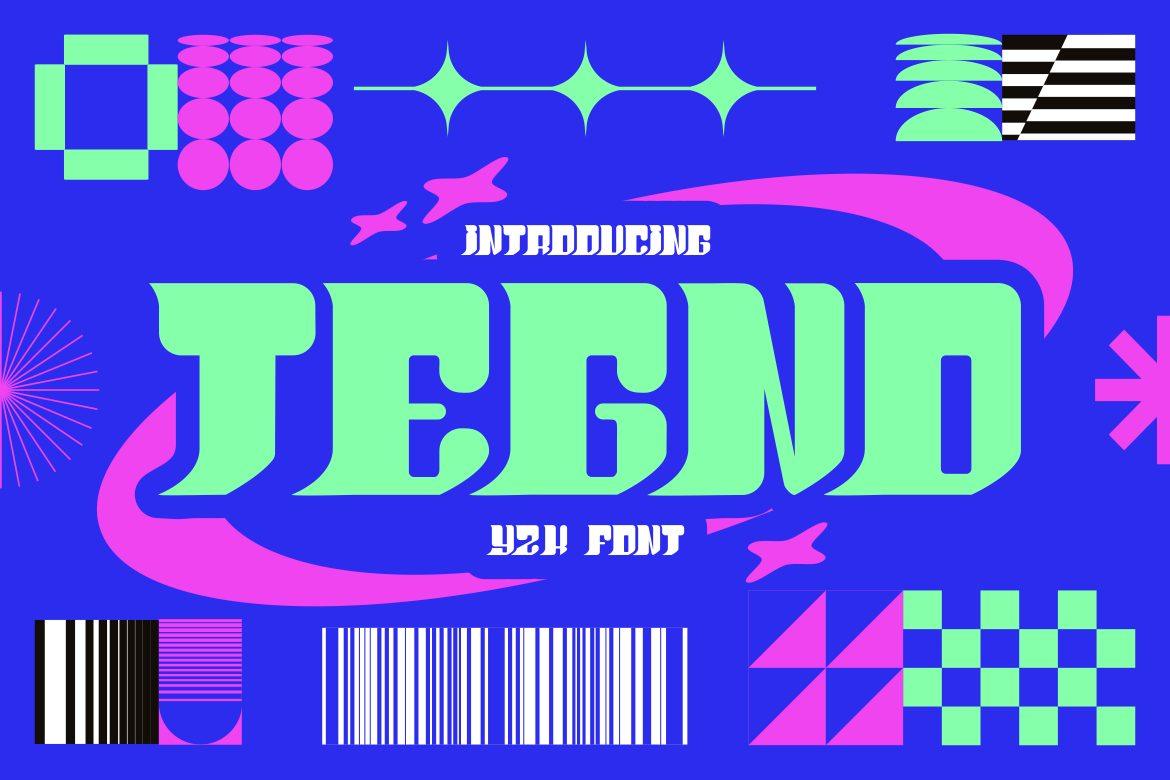
22. Tegno Font by putracetol
Best For: Music posters, zine covers, playful tech branding
Wide, tall letters with flared ends, in mint green over electric blue, surrounded by pink swooshes, barcodes and checkerboard shapes.
Tegno looks best with graphic extras around it: add a barcode, stars or a checker strip in Canva. Mint on blue and pink on blue both work in the same layout.
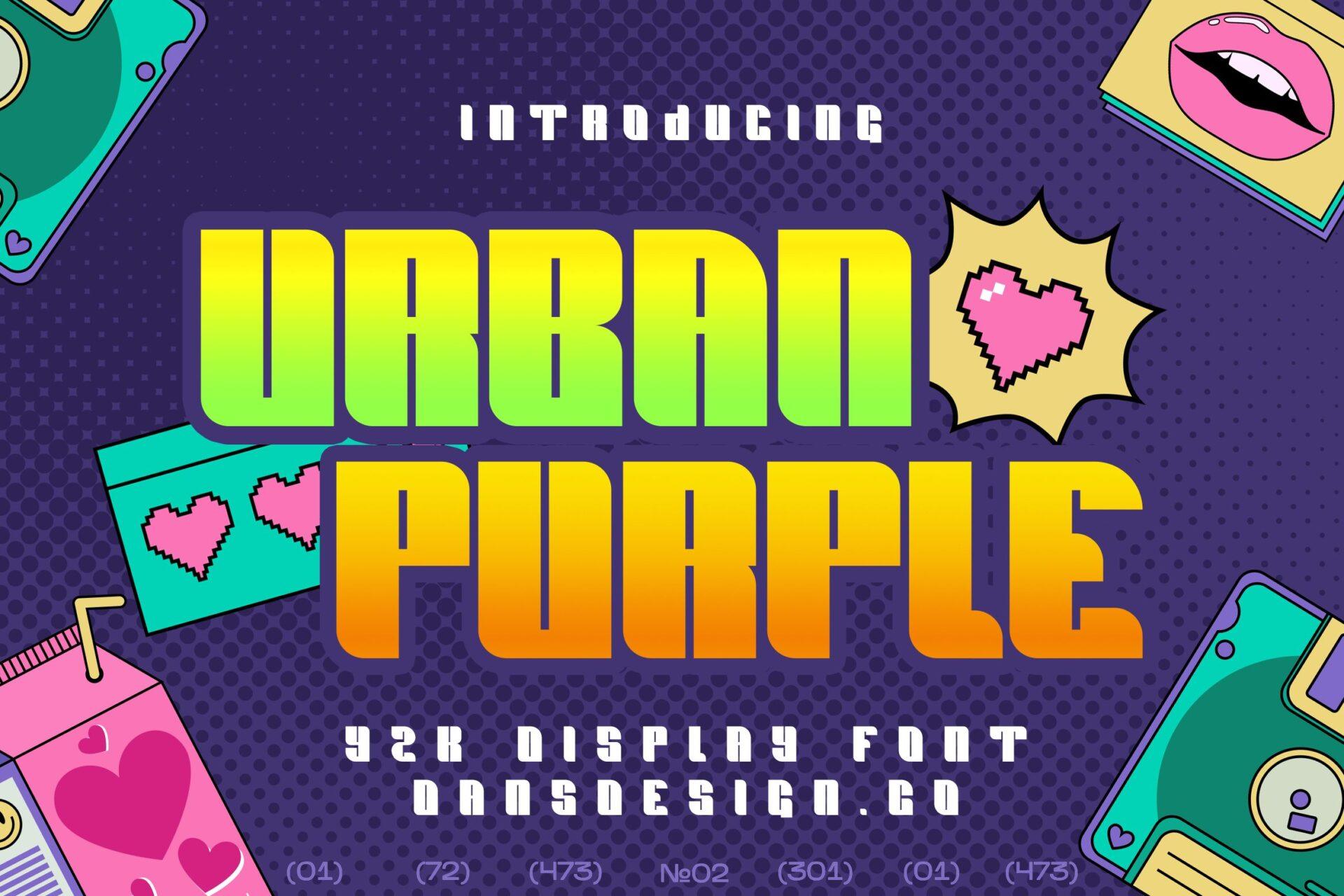
23. Urban Purple Font by Dansdesign
Best For: Retro gaming merch, playlist covers, party flyers
Condensed, squared letters with a green-to-orange gradient, set among floppy disks, pixel hearts and a juice box on a purple background.
A condensed font fits long words in narrow spaces, useful on shirt sleeves or phone wallpapers. Gradient fills, available in Canva, match the preview.
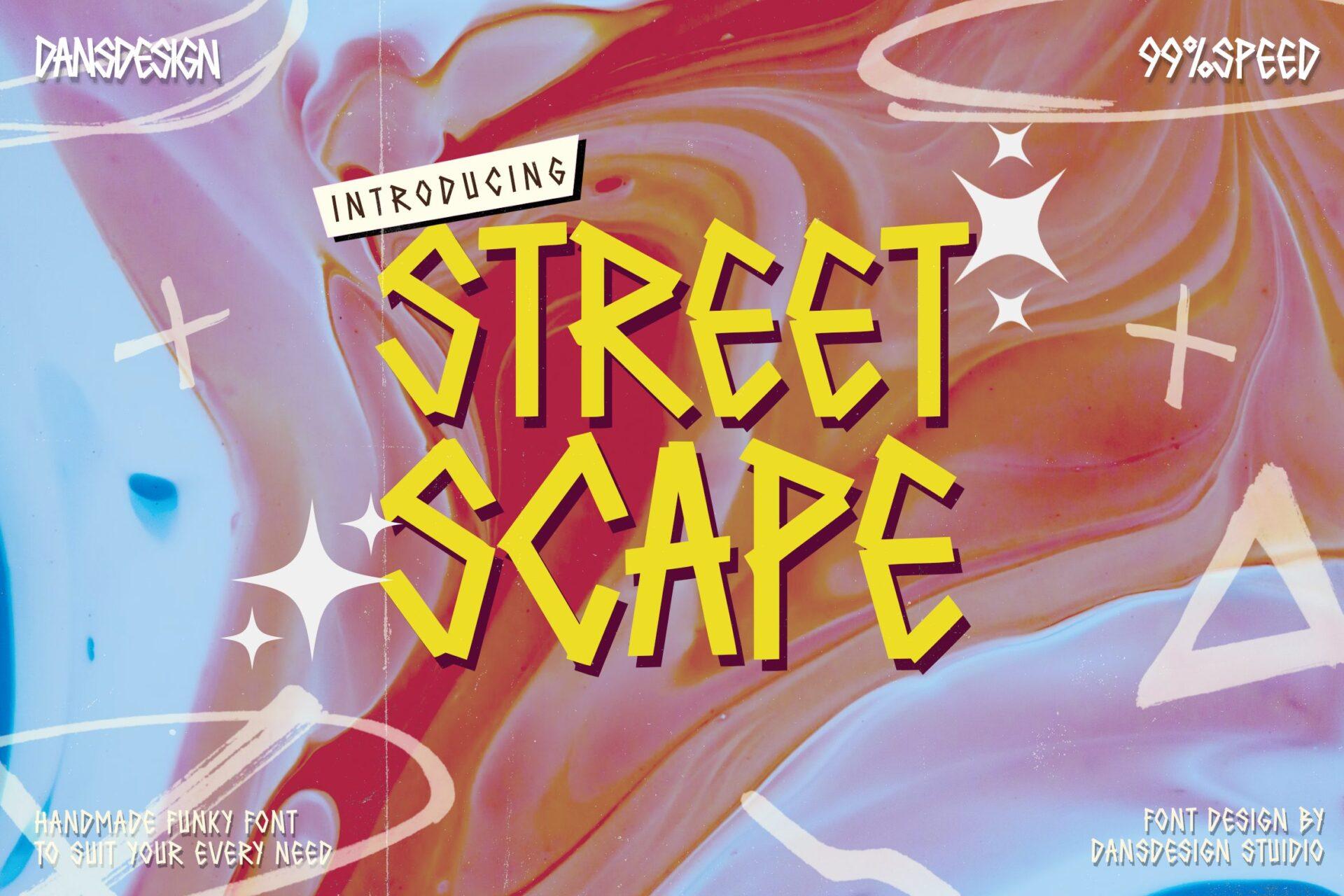
24. Street Scape Font by Dansdesign
Best For: Hand-drawn merch, skate graphics, flyer headlines
A hand-made, funky font with sharp spikes and uneven strokes, set in yellow with a dark shadow over a marbled pink and blue background with sparkles. The author describes it as a handmade funky font.
This brings the street side of Y2K. Pair with a cyber font for contrast, or keep it alone on a busy texture background. Works well stacked one word per line.
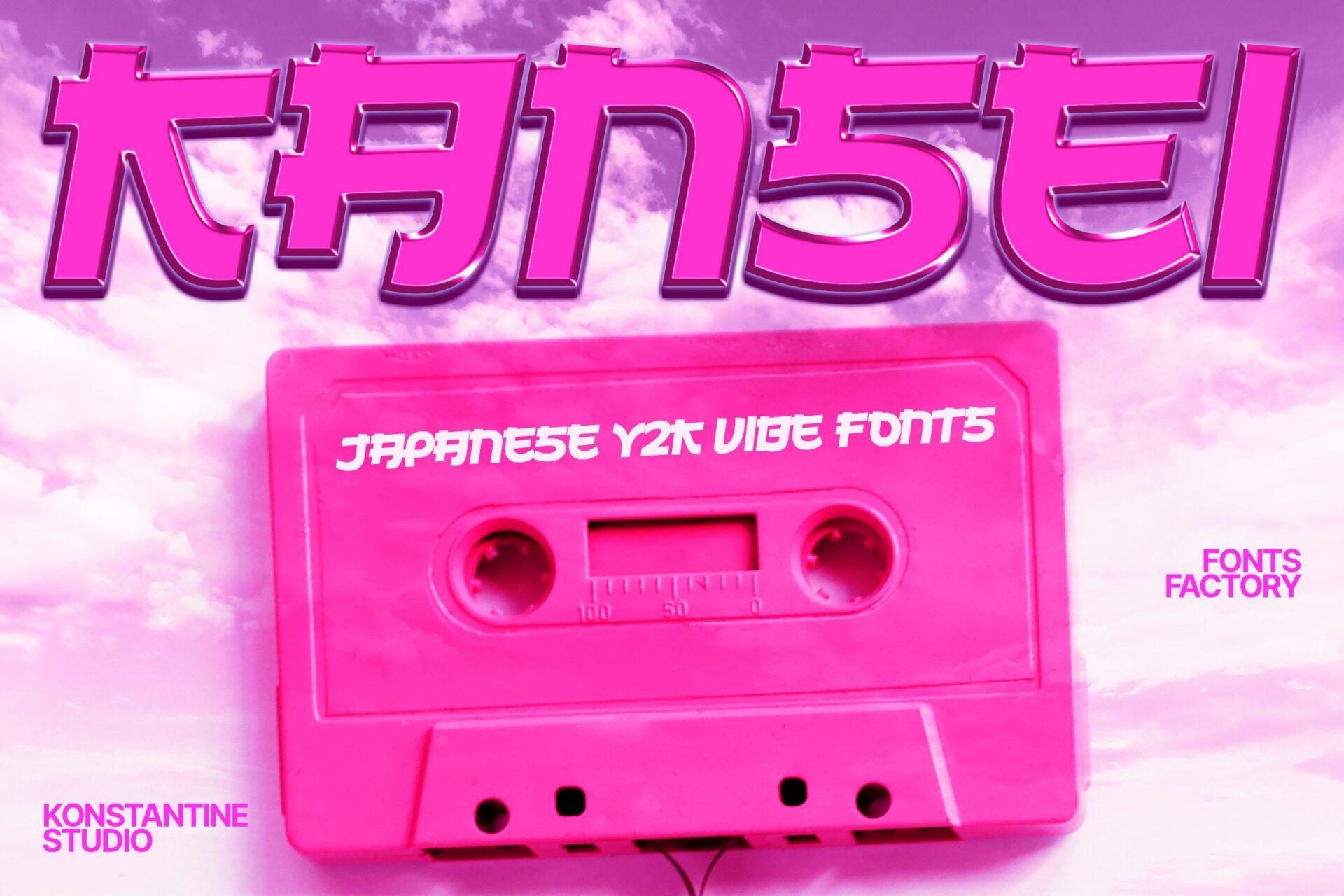
25. Kansei Font by konstantinestudio
Best For: Anime-inspired posts, cassette-themed covers, merch drops
Angular letters built from straight strokes, inspired by Japanese characters, shown in pink with a thin outline above a pink cassette tape. The author calls it Japanese Y2K vibe fonts.
Pair it with a cassette or tape graphic in Canva to echo the preview. Short words read best; the angular strokes need space between letters.
Y2K Canva Fonts for Posts and Shirts: What Works
Y2K designs live or die on contrast. Almost every preview in this list uses the same three moves: a saturated background, a fill color that fights it a little, and a heavy outline or shadow. In Canva that means a solid or gradient fill, an outline or shadow effect, and one decorative shape such as a star, an orbit ring or a computer window frame.
Keep display fonts to a few words. Bubble, chrome and street fonts are built for titles, names and slogans; captions, prices and dates read better in a plain rounded sans or a thin pixel font. For shirts, choose solid, heavy letters, such as Brick Bond Font or Wobbble Font, over thin dotted fonts that can disappear in print.
How to Upload These Fonts to Canva
Canva lets you upload your own fonts on Canva Pro, Teams, Business, Education and Nonprofits plans; on the free plan only Canva’s library is available. Download the font from Creative Fabrica, unzip the folder, then upload the .otf or .ttf file through your Brand Kit. Canva does not accept ZIP files, so the font file itself is what you upload.
If a font comes with several styles, like Brick Bond Font with its inline and slanted versions or Quick Brisky Font with solid and outline, upload each style file so they appear together. The full step-by-step guide, file format limits and fixes for fonts that refuse to upload are in the Canva fonts collection:
Y2K Canva Font Combinations from This List
Wobbble Font + Pixalatte Font: a fat bubble title with thin dotted pixel subtitles, for story covers and stickers.
Cidway Font + Matrix Font: a fast chrome headline with a pixel cursive caption, for music covers and event posts.
Keyute Font + Pikabu Font: both feel like old desktop windows; use Keyute for the big word and Pikabu for a name or handle.
Brick Bond Font + Gimbot Font: a heavy slanted shirt slogan with a blocky pixel line underneath, for streetwear prints.
FAQ
What makes a font look Y2K?
Inflated bubble shapes, wide slanted futuristic letters, pixel grids and glossy pink or chrome fills. Most Y2K fonts also rely on outlines, drop shadows and decorations like stars, orbit rings and computer windows.
Can I use these Y2K fonts on the free Canva plan?
Uploading your own fonts needs Canva Pro, Teams, Business, Education or Nonprofits. On the free plan you can only use Canva’s library.
Which Y2K font from this list works best on shirts?
Solid, heavy fonts: Brick Bond Font, Wobbble Font, Neo Syber Font and Digital Moneter Font. Thin or dotted fonts such as Pixalatte Font are better for screens than for print.
Which font fits a pink Y2K birthday party?
Barbie Font and Heart Bubble Font are the most party-ready, and Luay Font suits a gaming-themed birthday.
Where to Start
If you only try one font, decide on the Y2K side first. For cute and pink, start with Heart Bubble Font. For chrome and speed, start with Cidway Font. For a printed shirt, start with Brick Bond Font. Upload it to Canva, set one short word with an outline, and build the rest of the design around it.